

- 0 Saved
- 0 Views
- 0 Videos
- Introduction:
- Take AI product ideas to production with prompt tools, evaluations, and observability.
- Added on:
- Nov 2, 2026
- Website:
- www.vellum.ai
- Company:
- Vellum AI
Featured Tools
Introduction
Description shown in its original language (English).
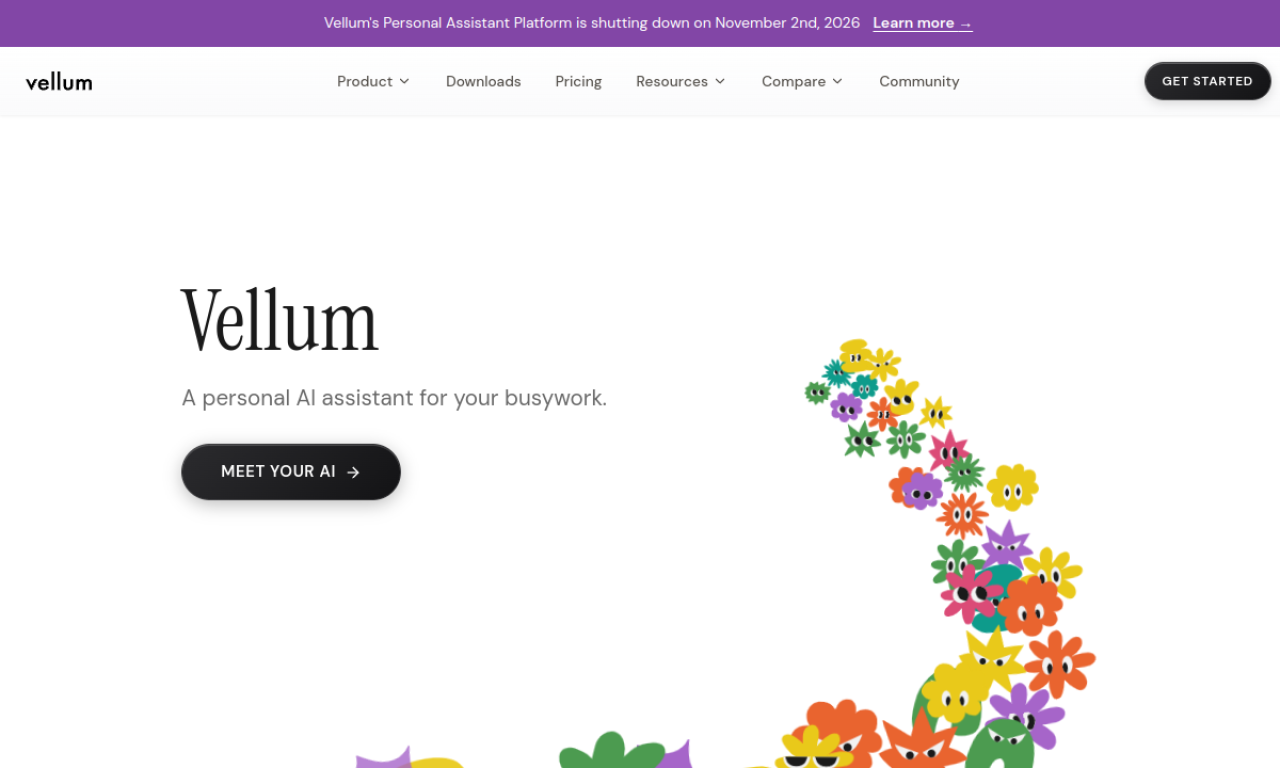
Vellum AI is a platform for teams building AI products. It covers experimentation, evaluation, deployment, monitoring, and collaboration in one place. Features include a visual workflow builder, an SDK, prompt engineering tools, retrieval, and observability for tracking AI decisions.
- Added on
- Nov 2, 2026
- Website
- www.vellum.ai
- Pricing model
- Contact for Pricing
- Company
- Vellum AI
Product information
What is Vellum AI?
Vellum AI is a development platform for building, evaluating, and deploying AI systems.
Core features of Vellum AI
- Orchestration
- SDK
- Prompt engineering tools
- Evaluations
- Retrieval
- Deployment
Use cases of Vellum AI
- 1Building agentic AI workflows
- 2Testing prompt designs and model settings
- 3Evaluating AI system quality
- 4Monitoring AI decisions in production
How to use Vellum AI?
Build a system from prompts to agentic workflows in the Workflows IDE, evaluate it with built-in or custom metrics, then deploy updates with one click.
Frequently asked questions about Vellum AI
What is Vellum AI?+
Vellum AI is a platform that helps teams develop, evaluate, deploy, and monitor AI products.
What are the core features of Vellum AI?+
Its core features include orchestration, an SDK, prompting, evaluations, retrieval, deployment, and observability.
What compliance standards does Vellum AI meet?+
The site says Vellum is SOC 2 compliant and offers HIPAA compliance with BAA support.
Which category is Vellum AI in?+
Vellum AI is listed under AI Code Editor, AI Workflow Automation.
Vellum AI tags
ai developer toolsai workflowprompt engineeringGoodAI Badge Embed
Show your support for Vellum AI
Add this badge to your website to show that Vellum AI is featured on Good AI Life. Choose a light or dark version, then copy the embed code.
More badge options →