

- 0 Saved
- 0 Views
- 0 Videos
- Introduction:
- Plan, schedule, and monitor posts across social networks from one dashboard
- Added on:
- Nov 2, 2026
- Website:
- viraldashboard.io
Featured Tools
Introduction
Description shown in its original language (English).
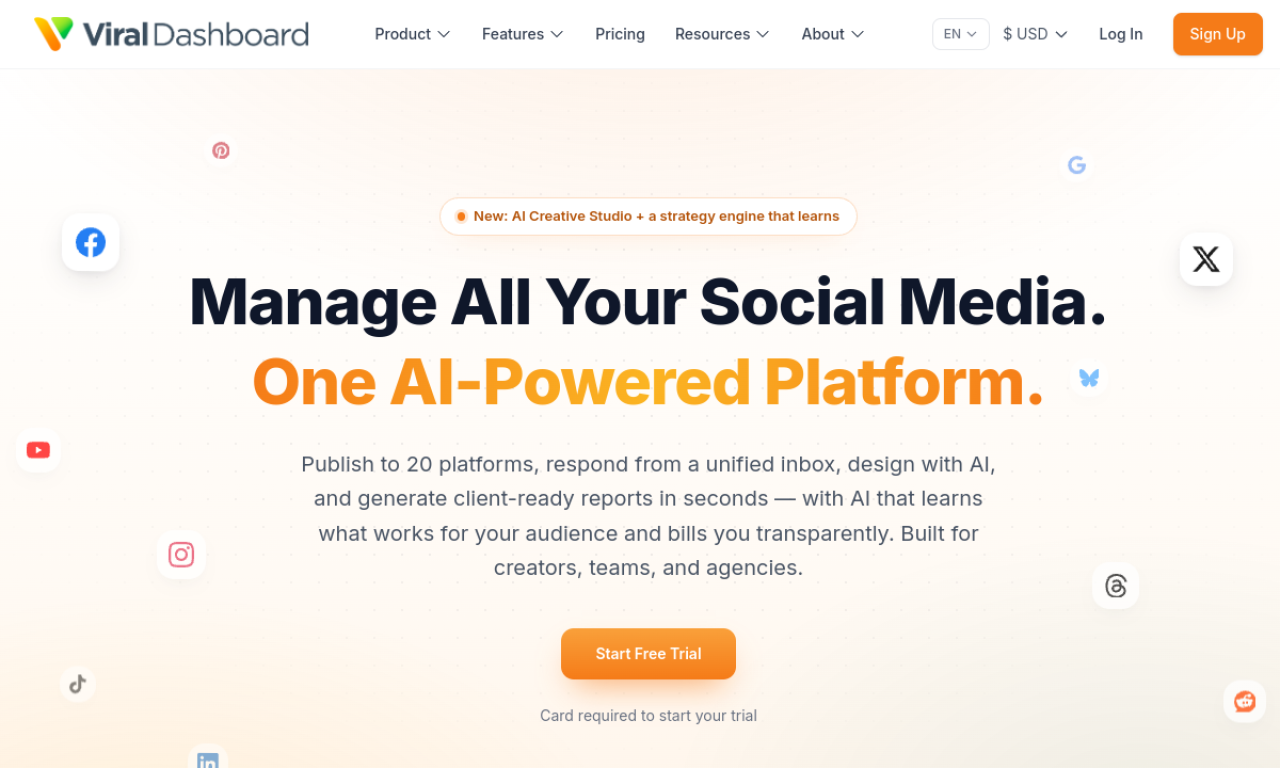
ViralDashboard is a social media management tool for planning, creating, scheduling, and publishing posts across several networks. It includes a social inbox, automation triggers, content discovery, and analytics. It suits businesses and creators who manage multiple accounts. A free trial is available without a credit card.
- Added on
- Nov 2, 2026
- Website
- viraldashboard.io
- Pricing model
- Free Trial
Product information
What is ViralDashboard?
ViralDashboard is an AI-assisted social media management tool for scheduling, publishing, and monitoring posts.
Core features of ViralDashboard
- AI-powered content discovery
- Social automation triggers
- Social inbox
- Cross-platform publishing
- Detailed analytics
Use cases of ViralDashboard
- 1Scheduling posts for consistent engagement
- 2Managing several accounts in one place
- 3Finding trending content
- 4Reviewing performance to refine strategy
How to use ViralDashboard?
Connect your social accounts, compose content, schedule posts, and set up automation activities from the dashboard.
Frequently asked questions about ViralDashboard
Which networks does ViralDashboard connect to?+
Facebook, Instagram, LinkedIn, YouTube, Google My Business, Twitter, Pinterest, Telegram, and WordPress.
Does ViralDashboard have a free trial?+
Yes, and no credit card is required to start.
What are the key features of ViralDashboard?+
Content discovery, automation triggers, a social inbox, cross-platform publishing, and analytics.
Which category is ViralDashboard in?+
ViralDashboard is listed under AI Social Content.
ViralDashboard tags
ai social mediapost schedulingai marketingsocial inboxGoodAI Badge Embed
Show your support for ViralDashboard
Add this badge to your website to show that ViralDashboard is featured on Good AI Life. Choose a light or dark version, then copy the embed code.
More badge options →