

AddSubtitle
Browser-based subtitles, translation, dubbing and voiceover for video
Introduction
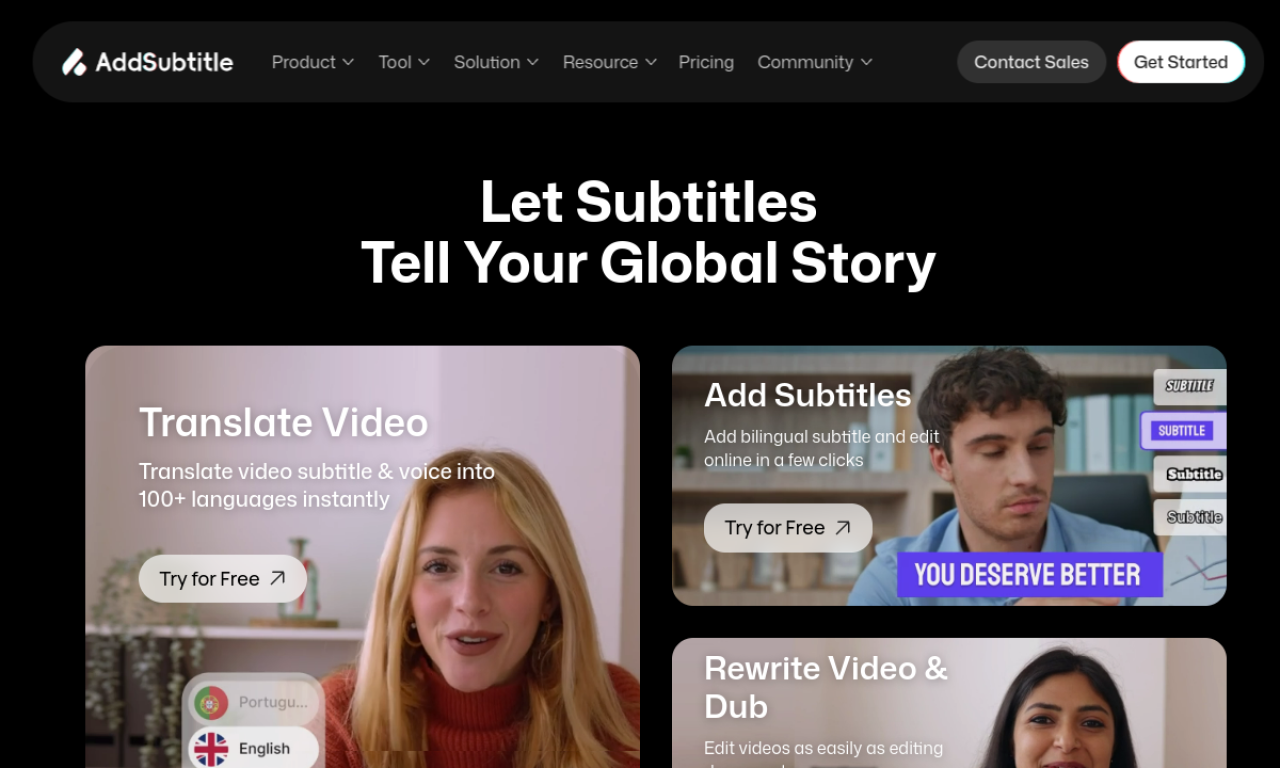
AddSubtitle is an online video tool that generates subtitles in 60+ languages, translates them, and adds AI voiceovers or dubbing. It can clone a voice from a short recording and lets you edit video by editing its text. Nothing needs to be installed.
- Added on
- Nov 2, 2026
- Website
- addsubtitle.ai
- Pricing model
- Freemium
- Company
- AddSubtitle Inc.
Product information
What is AddSubtitle?
AddSubtitle combines subtitles, voiceover and translation in a cloud-based video editor, so creators can localize content without installing software.
How to use AddSubtitle?
Choose a workflow from the dashboard: add subtitles, translate video, add voiceover or rewrite video. Upload your media, set your options and submit, then fine-tune the result in the editing panel.
Core features of AddSubtitle
- Auto subtitles in 60+ languages
- Subtitle translation
- Context-aware voice translation and dubbing
- Natural AI voiceovers
- Voice cloning from a 10-second recording
- Edit video by editing text
Use cases of AddSubtitle
- 1Subtitling videos for content creators
- 2Localizing training and education videos
- 3Dubbing marketing videos into other languages
- 4Adding multi-language subtitles to one video
Frequently asked questions about AddSubtitle
How many languages does AddSubtitle support?+
It outputs over 60 languages and accepts more than 100 input languages.
Do I need to install software to use AddSubtitle?+
No. It runs entirely in the browser; a dedicated mobile app is not available yet.
Can AddSubtitle add multi-language subtitles to one video?+
Yes. You can add and edit subtitles in several languages for the same video.
Which category is AddSubtitle in?+
AddSubtitle is listed under AI Video Editor.
Tags
ai video editorsubtitle generatorai dubbingvoice cloningvideo translationAddSubtitle alternatives
AI video platform for editing live streams and recordings, with publishing and storage in one place.