

Aftershoot
AI photo culling and editing that runs locally for professional photographers
Introduction
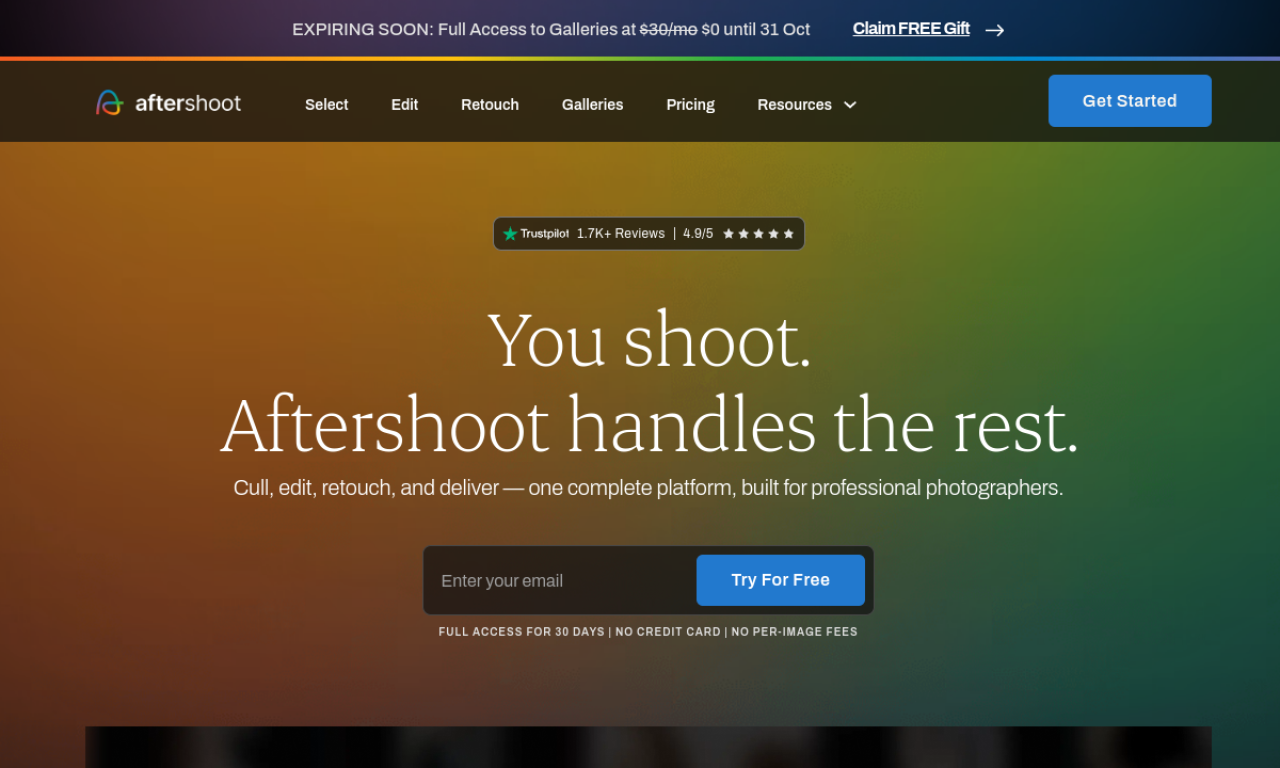
Aftershoot is desktop software for Windows and macOS that culls and edits photos using AI trained on your own choices. It handles RAW and JPEG files and connects with Lightroom and Capture One. It works locally with no internet connection needed.
- Added on
- Nov 2, 2026
- Website
- aftershoot.com
- Pricing model
- Free Trial
- Company
- Aftershoot Pvt Ltd
Product information
What is Aftershoot?
Aftershoot is AI-powered culling and editing software for professional photographers that automates image selection and consistent editing.
How to use Aftershoot?
Install the app on Windows or macOS. The AI rates your images by your style and flags the best and weakest shots. Your own culling and editing choices further train it.
Core features of Aftershoot
- AI photo culling
- AI-assisted editing
- Personalized editing profiles
- Duplicate detection
- Lightroom and Capture One integration
- AI retouching (listed as coming soon)
Use cases of Aftershoot
- 1Culling and editing wedding photos
- 2Streamlining portrait workflows
- 3Post-processing high-volume shoots
- 4Keeping a consistent look across shoots
Frequently asked questions about Aftershoot
What are the system requirements for Aftershoot?+
Any Windows or macOS computer, with a minimum of 8GB RAM and a relatively recent CPU.
Which file formats does Aftershoot support?+
Common RAW formats and JPEGs.
Can I buy only culling in Aftershoot?+
Yes. The Selects plan covers unlimited culling only, while Essentials, Pro and Max add editing.
Which category is Aftershoot in?+
Aftershoot is listed under AI Photo Editor.