

Agata
Fix, polish or translate selected text in any desktop app with a shortcut
Introduction
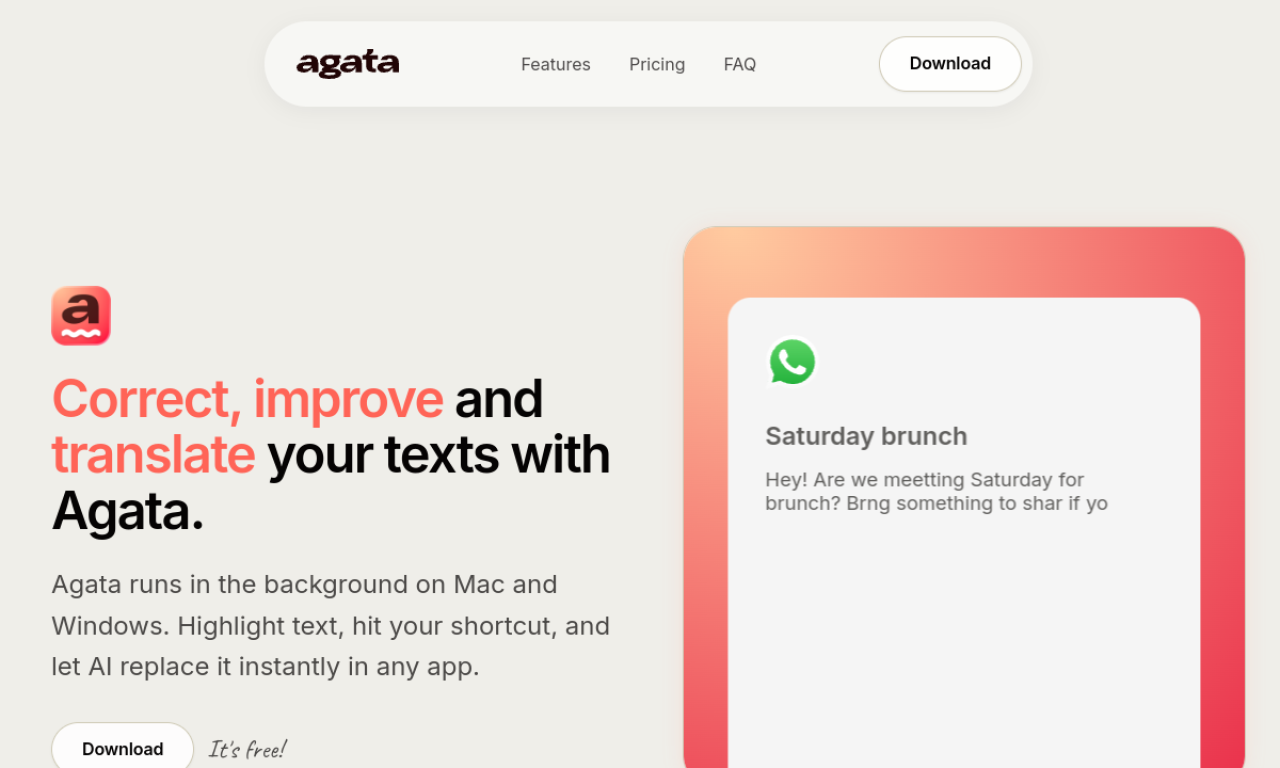
Agata is a Windows and Mac tool that corrects, refines or translates highlighted text in any application via global shortcuts. It only runs when triggered. You can connect your own API key from several providers, and Pro adds translation and custom actions.
- Added on
- Nov 2, 2026
- Website
- agatawriter.app
- Pricing model
- Freemium
Product information
What is Agata?
Agata is a desktop writing tool that works system-wide, running in the background and activating only when text is selected and a shortcut is pressed.
How to use Agata?
Install the Mac or Windows app, highlight text in any application, and press your shortcut. Agata processes the text with your configured AI model and replaces it with the corrected or translated version.
Core features of Agata
- System-wide keyboard shortcuts
- Auto-correct for grammar, spelling and punctuation
- Style refinement
- Translation in Pro
- Bring-your-own-key support for several LLM providers
- Custom actions
Use cases of Agata
- 1Fixing typos in Slack, Teams or Gmail
- 2Adjusting tone in Word, Google Docs or Notion
- 3Translating a selection while browsing
- 4Creating custom commands for repetitive writing
Frequently asked questions about Agata
Does Agata read my computer content in the background?+
No. It activates only when you trigger it with text selected, and does not monitor your content.
How many devices can use one Agata Pro key?+
Each Pro key works on two computers at once.
How is Agata different from other writing tools?+
It is shortcut-first and works in any desktop app, not just a browser or a single editor.
Which category is Agata in?+
Agata is listed under AI Grammar Checker.