

AI Image Editor
Online AI editor for retouching, enhancing and transforming photos
Introduction
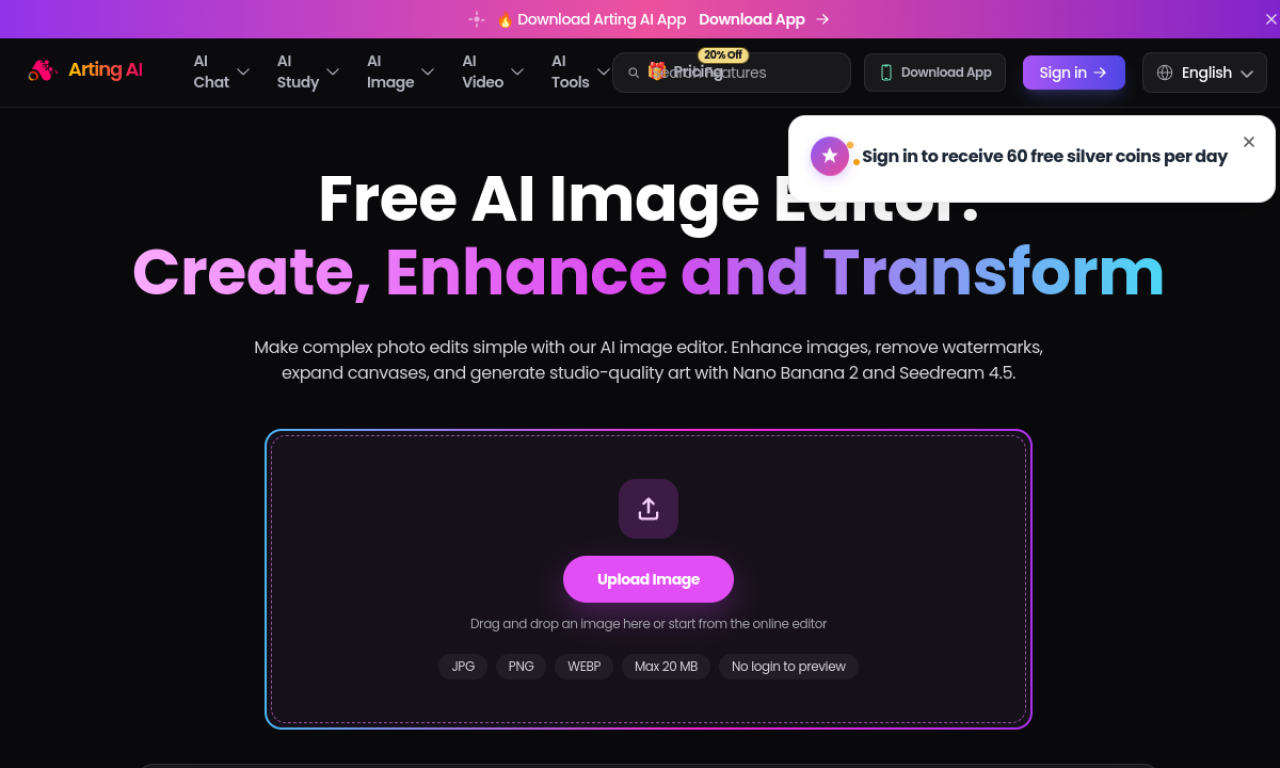
AI Image Editor by Arting AI lets you edit photos in the browser. You can remove unwanted objects, change backgrounds, sharpen low-quality shots, upscale images, or generate new visuals. Upload an image, describe the change or pick a tool, then preview and download the result.
- Added on
- Nov 2, 2026
- Website
- arting.ai
- Pricing model
- Freemium
- Company
- Arting AI
Product information
What is AI Image Editor?
An online AI-powered tool for creating, editing, enhancing and transforming images, covering photo retouching and image generation in one place.
How to use AI Image Editor?
Upload an image, describe the edit or choose an editing tool, let the AI process it, then preview and download the result.
Core features of AI Image Editor
- AI image editing
- AI photo enhancement
- AI image generation
- Object removal
- Image upscaling
- Background editing
Use cases of AI Image Editor
- 1Retouching everyday photos
- 2Removing unwanted objects
- 3Improving blurry or low-quality photos
- 4Creating social media visuals
- 5Polishing product and promotional images
Frequently asked questions about AI Image Editor
What can I do with AI Image Editor?+
You can edit photos, enhance quality, remove unwanted elements, generate visuals and transform images with AI.
How do I edit a photo in AI Image Editor?+
Upload the image, describe your edit or pick a tool, wait for the AI to process it, then preview and download.
Which category is AI Image Editor in?+
AI Image Editor is listed under AI Photo Editor.