

AI3DGen
Cloud tool that turns a single image into a textured 3D model
Introduction
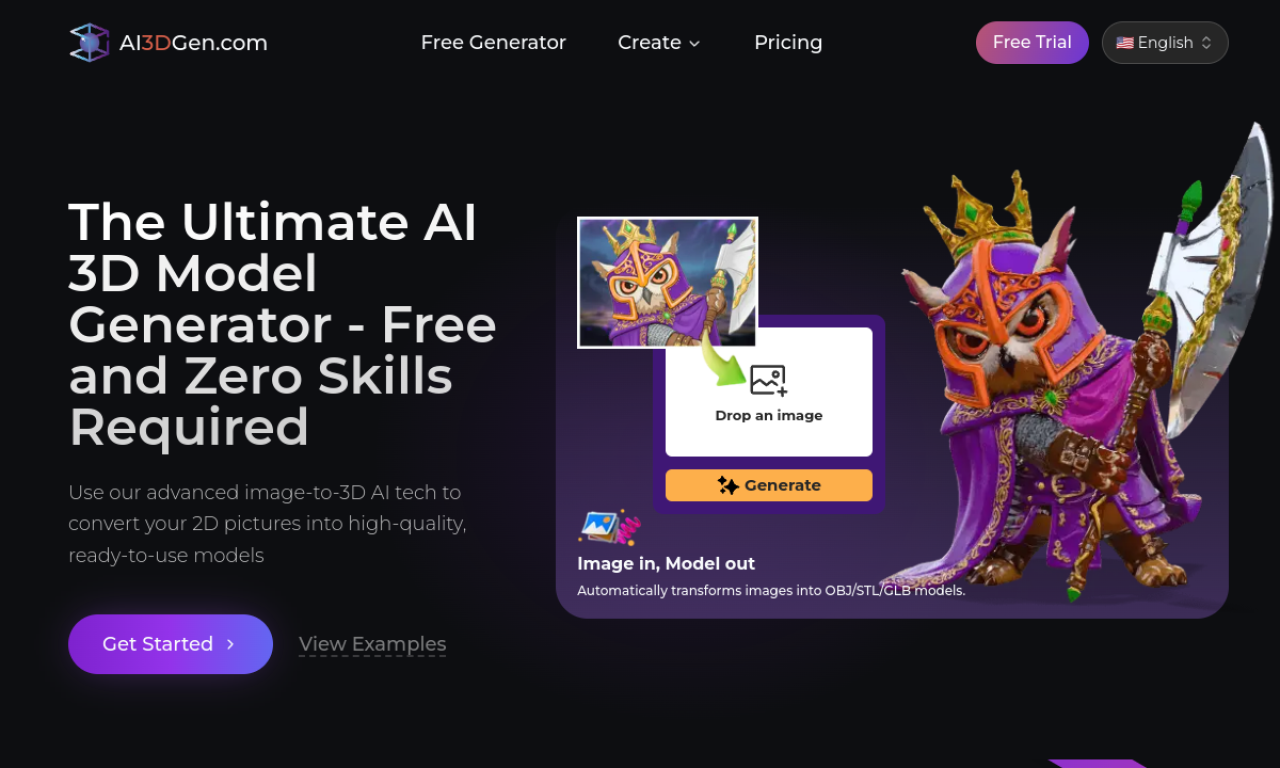
AI3DGen converts JPG, PNG or WebP images into textured 3D models you can export as OBJ, GLB or STL. Base, Pro and Ultra modes trade speed for geometry and texture quality. Models suit 3D printing, games, design and VR/AR. The free plan has daily limits and personal-use terms.
- Added on
- Nov 2, 2026
- Website
- www.ai3dgen.com
- Pricing model
- Freemium
Product information
What is AI3DGen?
AI3DGen is a cloud-based AI 3D model generator. It reconstructs geometry, depth and textures from a 2D image, with Base, Pro and Ultra modes offering different quality levels and face counts.
How to use AI3DGen?
Upload a clear image of a single object, pick a generator and face-count setting, and start. When processing finishes, download the model as OBJ, GLB or STL and open it in tools such as Blender, Unity, Unreal or 3D printing software.
Core features of AI3DGen
- Image-to-3D generation
- Base, Pro and Ultra modes
- PBR texture generation
- OBJ, GLB and STL export
- Adjustable face counts
- AI image editing and background removal
Use cases of AI3DGen
- 1Game-ready characters, props and environments from images
- 2Product photos turned into e-commerce 3D assets
- 3Models for 3D printing
- 4Educational 3D assets from drawings
- 5Prototyping VR scenes
Frequently asked questions about AI3DGen
Is AI3DGen free to use?+
Yes. The free plan has queueing, daily generation limits, standard quality, OBJ-only export and personal-use restrictions.
Which export formats does AI3DGen offer?+
Paid plans export OBJ, GLB and STL, and the free plan exports OBJ only.
Can I use AI3DGen models commercially?+
Paid plans include a commercial license, while the free plan is limited to personal use.
Which category is AI3DGen in?+
AI3DGen is listed under AI 3D Generator.
Tags
3d model generatorimage to 3dtext to 3d3d printinggame assetsAI3DGen alternatives
3D and AR product visualization for furniture retailers, with interactive showrooms on their websites.