

AutoCut
Premiere Pro and DaVinci Resolve plugin that automates silence removal, captions and other edits
Introduction
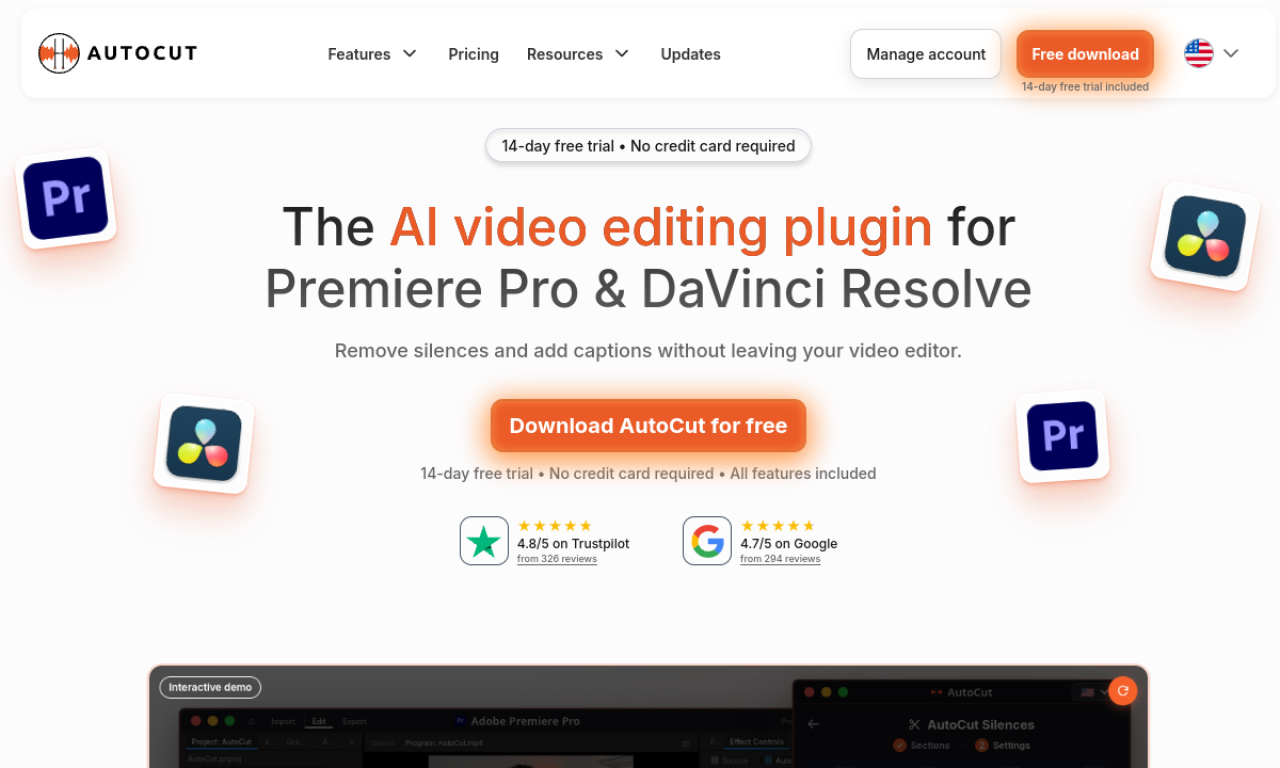
AutoCut is a plugin for Premiere Pro and DaVinci Resolve that takes over repetitive editing steps. It can cut silences, add animated subtitles, place zooms and B-roll, and prepare podcast edits with a few clicks.
- Added on
- Nov 2, 2026
- Website
- autocut.com
- Pricing model
- Free Trial
- Company
- AutoCut
Product information
What is AutoCut?
AutoCut is an AI plugin for Premiere Pro and DaVinci Resolve. It handles routine edits such as subtitles, silence removal, zooms and repetition removal so editors spend less time on manual work.
How to use AutoCut?
Install the plugin inside Premiere Pro or DaVinci Resolve, then run its automatic features, such as silence removal or animated subtitles, on your timeline.
Core features of AutoCut
- Automatic silence remover
- Animated captions
- Podcast editing
- Automatic zoom
- Repetition removal
- Auto B-roll and viral clip creation
Use cases of AutoCut
- 1Cutting silences from videos in one click
- 2Adding animated subtitles automatically
- 3Editing podcasts quickly
- 4Turning long videos into short clips
Frequently asked questions about AutoCut
What is AutoCut?+
A Premiere Pro and DaVinci Resolve plugin that automates tasks like subtitles, silence removal, zooms and B-roll.
Does AutoCut work with the free version of DaVinci Resolve?+
Yes, all AutoCut features work with both the free and the Studio versions of DaVinci Resolve.
Can one AutoCut license be used on two computers?+
Only on one computer at a time. Unlink the current machine in your customer area before switching.
Which category is AutoCut in?+
AutoCut is listed under AI Video Editor.
Tags
ai video editorpremiere prodavinci resolveauto captionspodcast editingAutoCut alternatives
AI video platform for editing live streams and recordings, with publishing and storage in one place.