

Beautiful.ai
Presentation software that applies design rules automatically as you add content.
Introduction
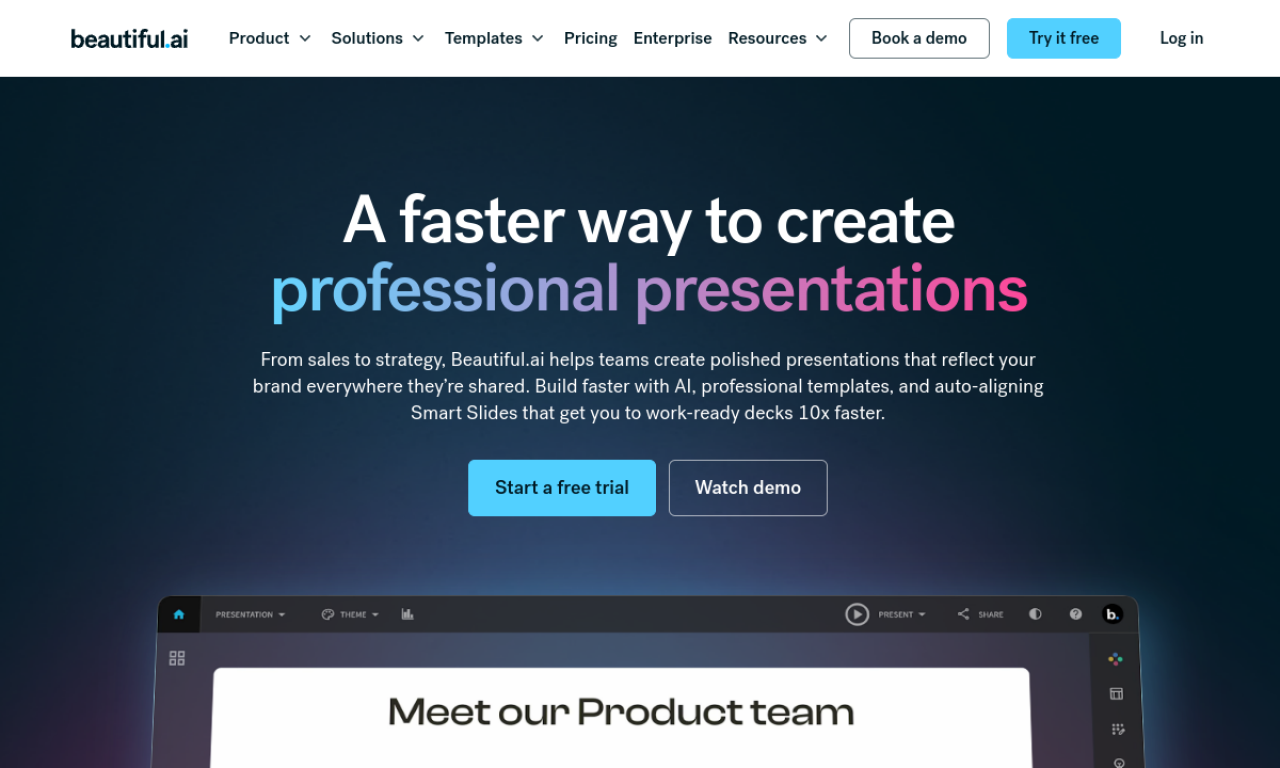
Beautiful.ai helps individuals and teams build polished slide decks from smart templates. Its design rules adapt each slide as content is added, and shared slides keep branding consistent across a team. It connects with Slack, Dropbox, PowerPoint, monday.com and Salesforce.
- Added on
- Nov 2, 2026
- Website
- www.beautiful.ai
- Pricing model
- Freemium
Product information
What is Beautiful.ai?
An AI-assisted presentation tool that handles slide layout and design for teams and individuals.
How to use Beautiful.ai?
Start from a smart template, add your content, and let the software adjust the design in real time. Teams can collaborate under one account with shared slides and universal updates.
Core features of Beautiful.ai
- AI-powered design automation
- Smart slide templates
- Team collaboration
- Brand control
- Integrations with Slack, Dropbox, PowerPoint and more
Use cases of Beautiful.ai
- 1Marketing reports
- 2Startup pitch decks
- 3Branded sales proposals
- 4Educational presentations
Frequently asked questions about Beautiful.ai
Which integrations does Beautiful.ai offer?+
Slack, Dropbox, PowerPoint, monday.com and Salesforce.
Does Beautiful.ai have a free plan for students?+
Yes, free plans are offered for students.
What templates does Beautiful.ai include?+
Customizable Smart Slides and pre-designed presentation templates.
Which category is Beautiful.ai in?+
Beautiful.ai is listed under AI Presentation Maker.