

Brik
Describe a design idea and get an interactive motion tool you can export from
Introduction
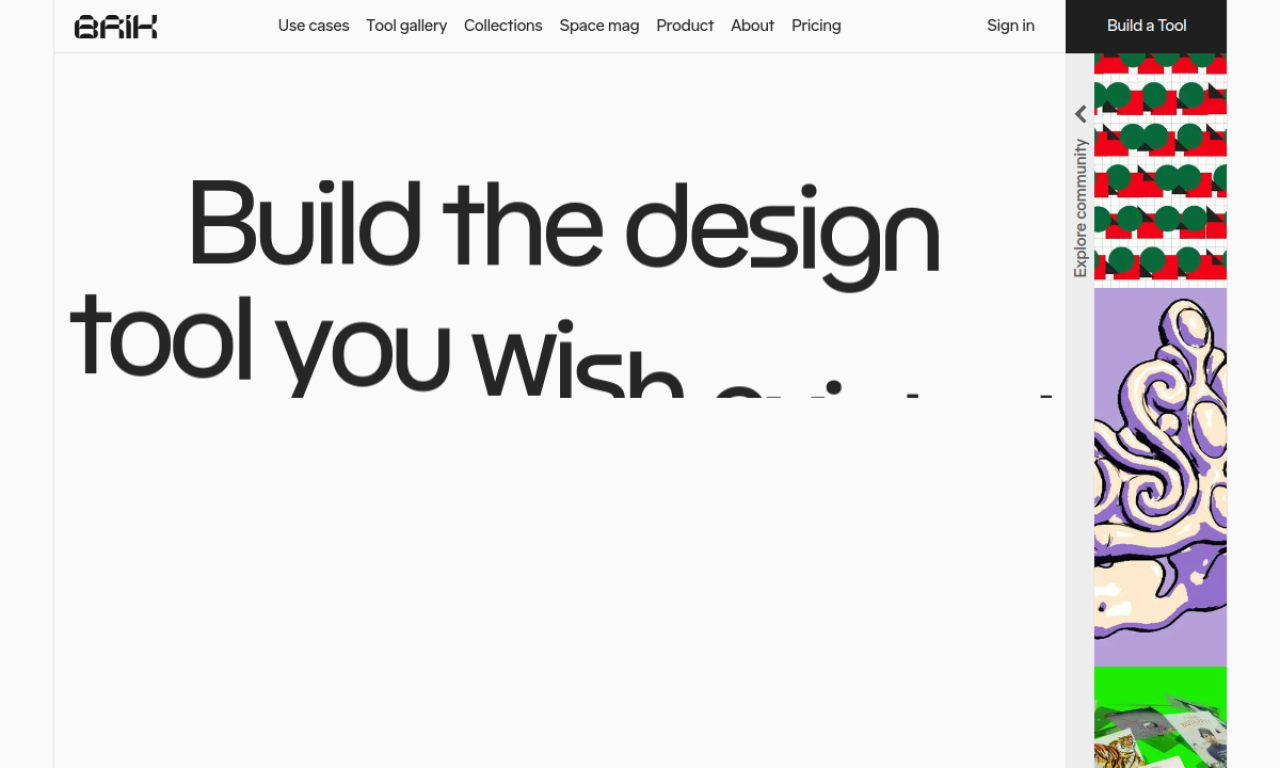
Brik is an agent-based platform where you describe a visual idea in plain language and it builds an interactive design tool with live controls. You tweak parameters and export the result as image, video or embed code.
- Added on
- Nov 2, 2026
- Website
- brik.space
- Company
- Brik by Wix.com
Product information
What is Brik?
Brik is a platform for creating, sharing and using interactive design tools. Rather than making assets one at a time, you define how something looks and moves and reuse it as a system across formats and brands.
How to use Brik?
Write a prompt describing your creative idea and Brik builds a custom interactive motion tool with real-time controls. Adjust parameters, preview, then export. You can also browse the gallery to remix tools from other designers.
Core features of Brik
- Natural-language generation of interactive motion tools
- Export as image, video, transparent video, HTML embed or code
- Workspace for tools and exported assets
Use cases of Brik
- 1Animated loops and kinetic typography
- 2Producing on-brand visuals at scale
- 3WebGL and interactive 3D scenes
- 4Generative art and particle experiments
Frequently asked questions about Brik
What is Brik?+
Brik is a platform for creating, sharing and using interactive design tools. Rather than making assets one at a time, you define how something looks and moves and reuse it as a system across formats and brands.
Which category is Brik in?+
Brik is listed under AI Design Tools, AI 3D Texture & Scene.
How can I try Brik?+
Visit brik.space to get started.
Is there a demo video for Brik?+
Not yet. If you have made one, you can submit it from this page and it will appear after review.
Tags
motion designgenerative artdesign toolcreative coding3dBrik alternatives
AI tools for online sellers: a graphic designer for product images and a listing assistant for product copy.