

Camtasia online
Free browser-based screen recorder with templates and no watermark
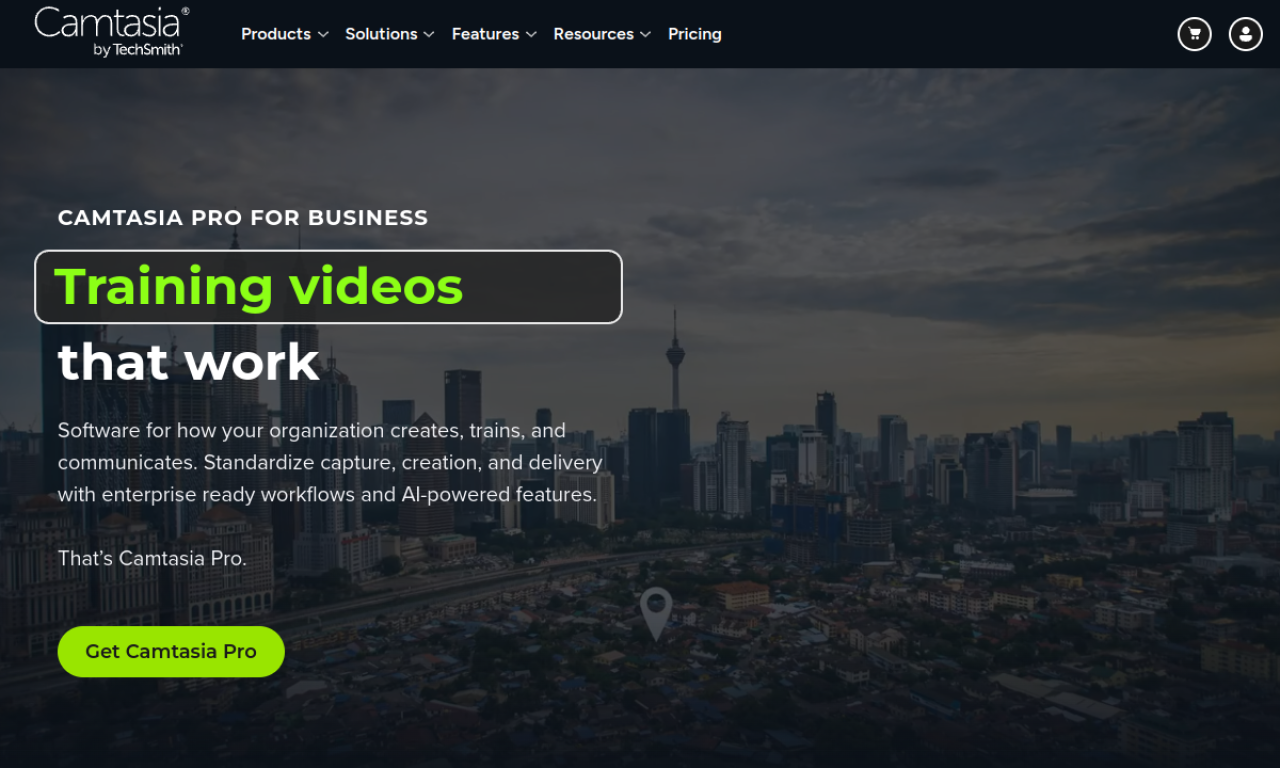
Introduction
Camtasia Online from TechSmith records your screen and webcam in the browser with no download. It offers styled layouts, AI background removal, simple trimming and link sharing without a watermark.
- Added on
- Nov 2, 2026
- Website
- www.techsmith.com
- Pricing model
- Free
- Company
- TechSmith Corporation
Product information
What is Camtasia online?
Camtasia Online is TechSmith's web-based screen recorder that combines templates, backgrounds and collaboration features, with no software to install.
How to use Camtasia online?
Record your screen and webcam in the browser, apply a layout and remove your background, trim the clip and share it by link through Screencast. Viewers can comment and react, or be invited to collaborate.
Core features of Camtasia online
- Browser-based recording
- Screen and webcam capture
- Ready-made looks
- AI background removal
- Simple trimming
- Link sharing and collaboration
Use cases of Camtasia online
- 1Education and e-learning
- 2Corporate training and onboarding
- 3Software demos and product marketing
- 4IT support and troubleshooting
- 5Asynchronous team communication
Frequently asked questions about Camtasia online
Will recordings have a watermark?+
No, videos can be captured and saved without watermarks.
Is there a recording time limit?+
The FAQ states a limit of 5 minutes per scene, with unlimited scenes per video.
Which category is Camtasia online in?+
Camtasia online is listed under AI Video Editor.
Tags
screen recordervideo editorbackground removeronline toolcollaborationCamtasia online alternatives
AI video platform for editing live streams and recordings, with publishing and storage in one place.