

Chatbox AI
Browser workspace for chatting with several AI models, generating images and querying PDFs.
Introduction
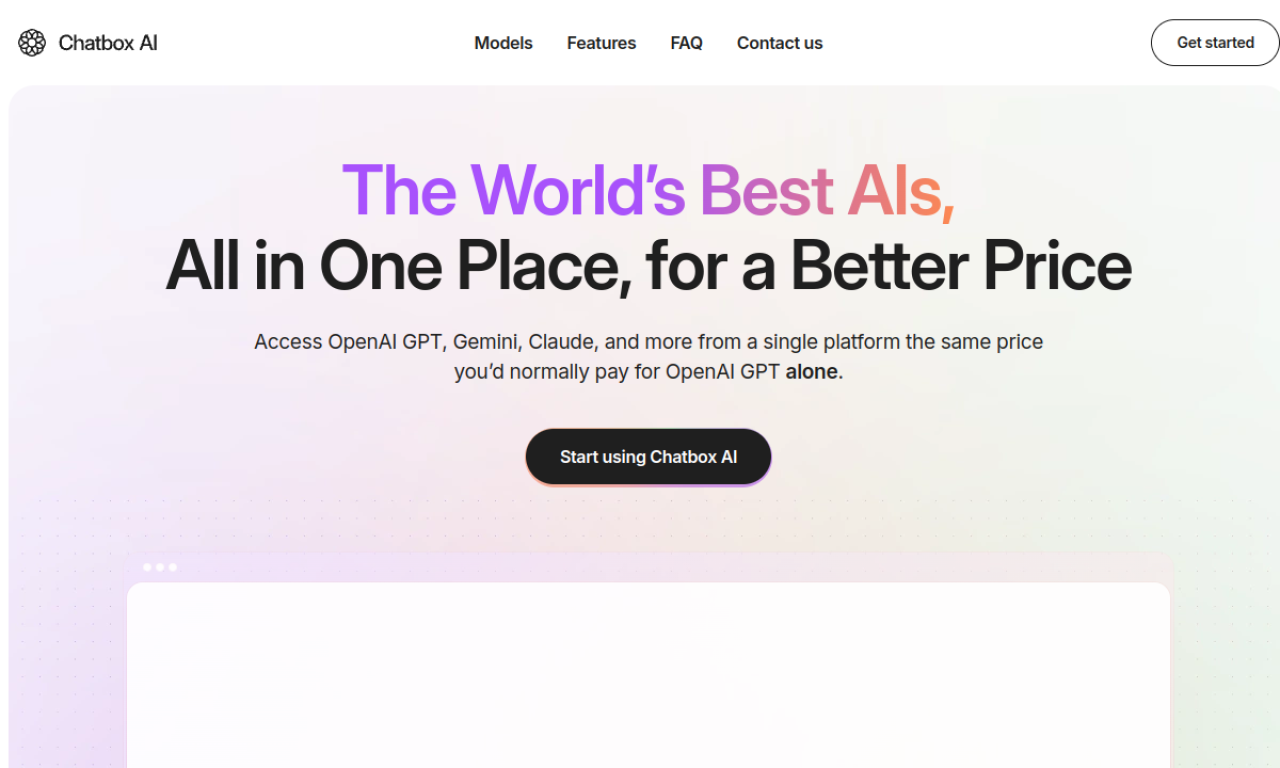
Chatbox AI brings GPT, Claude, Gemini, Grok and Sonar into one web interface. It adds image generation, live web search, document chat, voice input and searchable history. It is subscription-based and works on desktop, tablet and mobile browsers.
- Added on
- Nov 2, 2026
- Website
- chat-box.ai
- Pricing model
- Paid
Product information
What is Chatbox AI?
Chatbox AI is an online platform for chatting with multiple AI models and using extra tools such as image generation, web search and document chat from one place.
How to use Chatbox AI?
Open the website, pick a model or tool, then enter a prompt to chat, create an image, search the web or ask about an uploaded document. Chats and images are saved to your account and sync across devices.
Core features of Chatbox AI
- Multiple models including GPT, Claude, Gemini, Grok and Sonar
- Text-to-image with filters
- Live web search
- Questions on uploaded PDFs and text files
- Saved chat history and image library
- Voice input
Use cases of Chatbox AI
- 1Drafting emails and summarizing reports
- 2Researching recent topics with web search
- 3Extracting key points from documents
- 4Generating images for creative work
- 5Switching models for different tasks
Frequently asked questions about Chatbox AI
Is Chatbox AI free?+
No, it is described as a paid subscription, though plan prices are not given here.
Can I use Chatbox AI on several devices?+
Yes, it runs in browsers on desktop, tablet and mobile with synced data.
How do I cancel Chatbox AI?+
Cancel from the billing section; access lasts until the end of the billing cycle.
Which category is Chatbox AI in?+
Chatbox AI is listed under AI Assistants.