

ChatCut
Browser video editor where you describe the edit in plain English.
Introduction
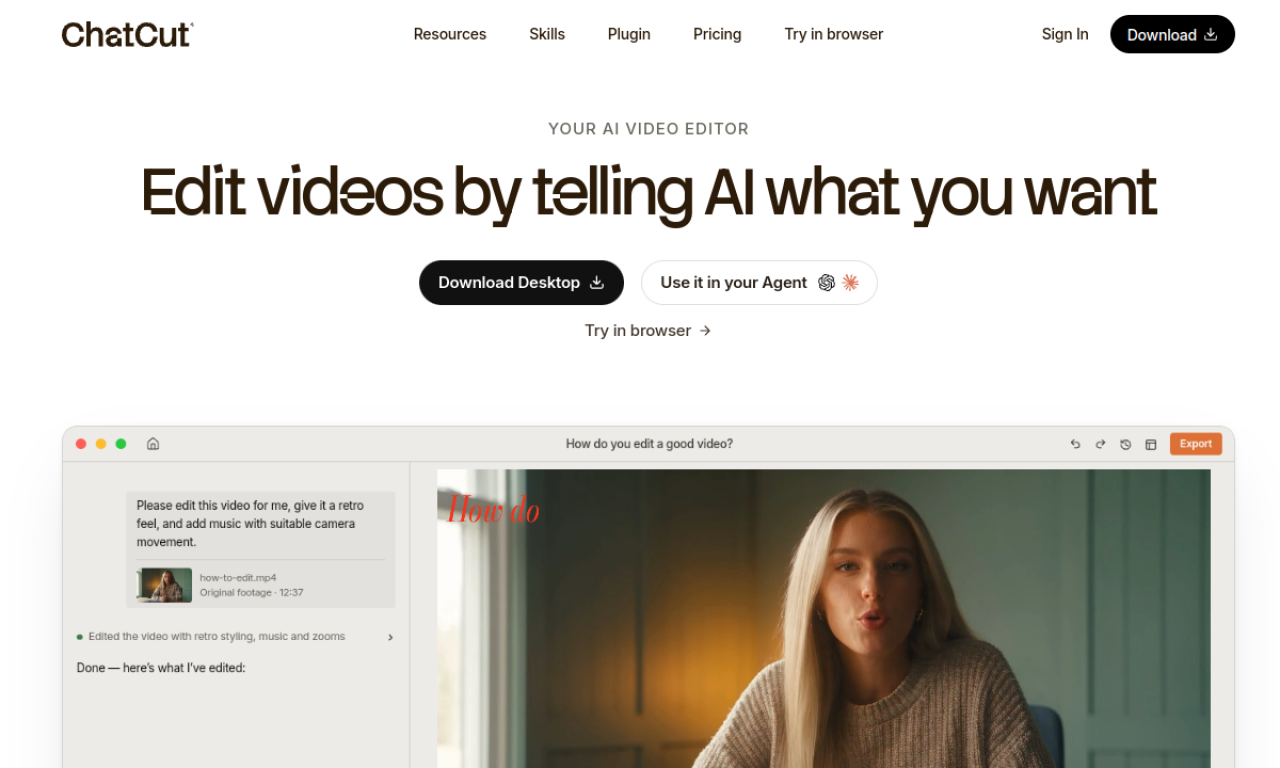
ChatCut edits video from written instructions and transcripts. Ask it to cut filler words, find highlights, add captions, music or motion graphics, then fine-tune in the editor. It also works as a ChatGPT or Claude plugin.
- Added on
- Nov 2, 2026
- Website
- chatcut.io
- Pricing model
- Freemium
Product information
What is ChatCut?
ChatCut is a web-based AI video editor that uses prompts and transcript editing to assemble and refine videos.
How to use ChatCut?
Open ChatCut in the browser or install the ChatGPT or Claude plugin, then describe the edit you want. Review the cut and adjust it manually in the editor.
Core features of ChatCut
- Prompt-based editing
- Transcript editing and filler word removal
- AI motion graphics
- AI captions in 100+ languages
- AI image and video generation
- AI music generation
Use cases of ChatCut
- 1Cleaning up talking-head videos
- 2Editing interviews and podcasts from transcripts
- 3Adding captions, chapter cards and music
- 4Generating missing B-roll or thumbnails
Frequently asked questions about ChatCut
Who is ChatCut for?+
Creators, editors, podcasters, interview teams, documentary makers and marketing teams.
Can I still edit manually in ChatCut?+
Yes, you can open the AI-made cut in the editor and adjust it.
What does the ChatCut free plan include?+
Starter credits, basic editing and exports, plus trying AI images, captions, music and motion graphics.
Which category is ChatCut in?+
ChatCut is listed under AI Video Editor.
Tags
ai video editortranscript editingai captionsmotion graphicsprompt editingChatCut alternatives
AI video platform for editing live streams and recordings, with publishing and storage in one place.