

Clideo
Browser-based tools for editing, compressing and converting video, images and GIFs
Introduction
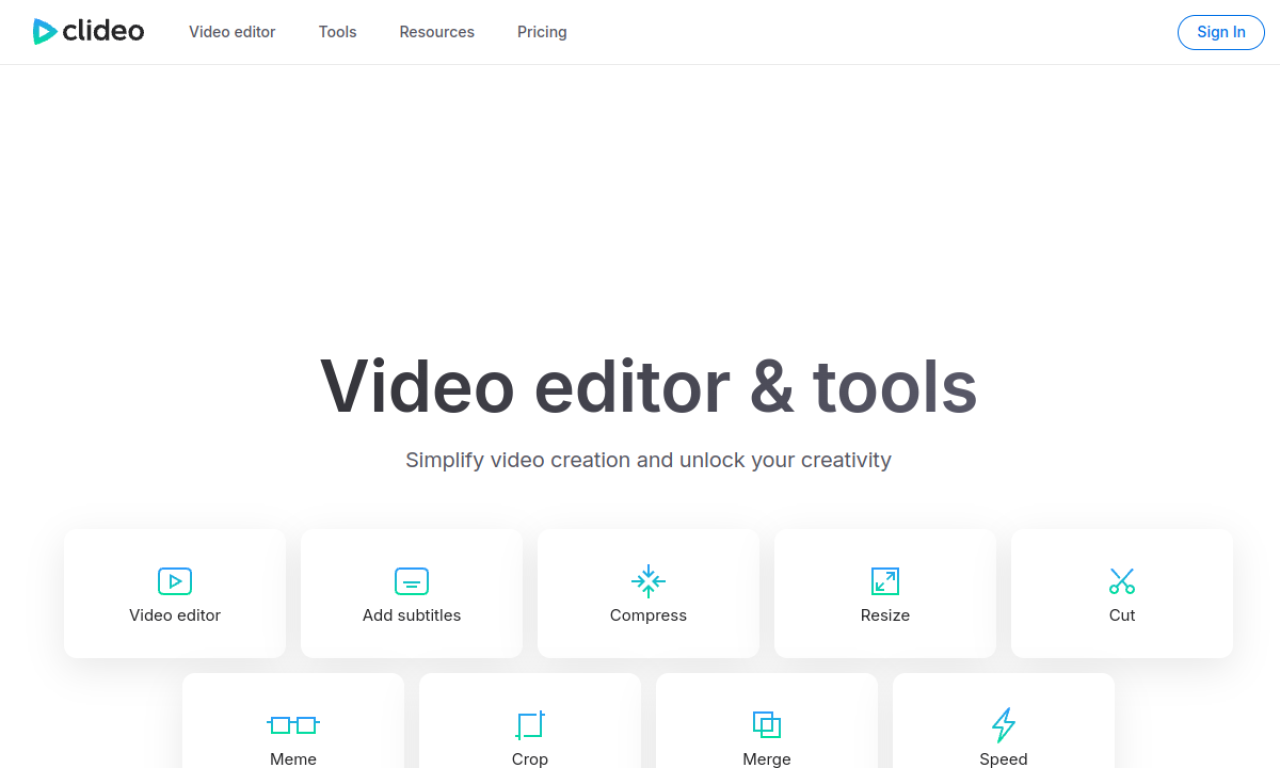
Clideo is a set of online tools for video, image and GIF work, including a video editor, compressor, resizer, subtitle adder, GIF maker, screen recorder and text to speech. You upload a file in the browser and edit it there. Free use adds watermarks and limits storage time; a paid upgrade removes both.
- Added on
- Nov 2, 2026
- Website
- clideo.com
- Pricing model
- Freemium
- Company
- Clideo ltd.
Product information
What is Clideo?
Clideo is an online platform with a range of tools for editing video files, images and GIFs, from simple edits to conversions and effects.
How to use Clideo?
Open the website, pick a tool such as video editor, compress video, add subtitles or GIF maker, upload your file and edit it in the browser.
Core features of Clideo
- Video editor
- Video compression
- Subtitle adding and auto subtitles
- Resizing
- GIF maker
- Video converter
Use cases of Clideo
- 1Editing clips for Instagram or TikTok
- 2Shrinking large video files for sharing
- 3Adding subtitles for accessibility or other languages
- 4Making GIFs from video clips
- 5Recording the screen for tutorials or gameplay
Frequently asked questions about Clideo
Is Clideo free to use?+
Yes, but free projects carry watermarks and storage time is limited.
What does upgrading Clideo give me?+
Unlimited storage time and projects without watermarks.
Which category is Clideo in?+
Clideo is listed under AI Video Editor.
Tags
ai video editorai subtitle generatorai video translatorai text-to-speechai gif generatorClideo alternatives
AI video platform for editing live streams and recordings, with publishing and storage in one place.