

Clipdrop
AI image tools for generating, cleaning up, upscaling and relighting pictures
Introduction
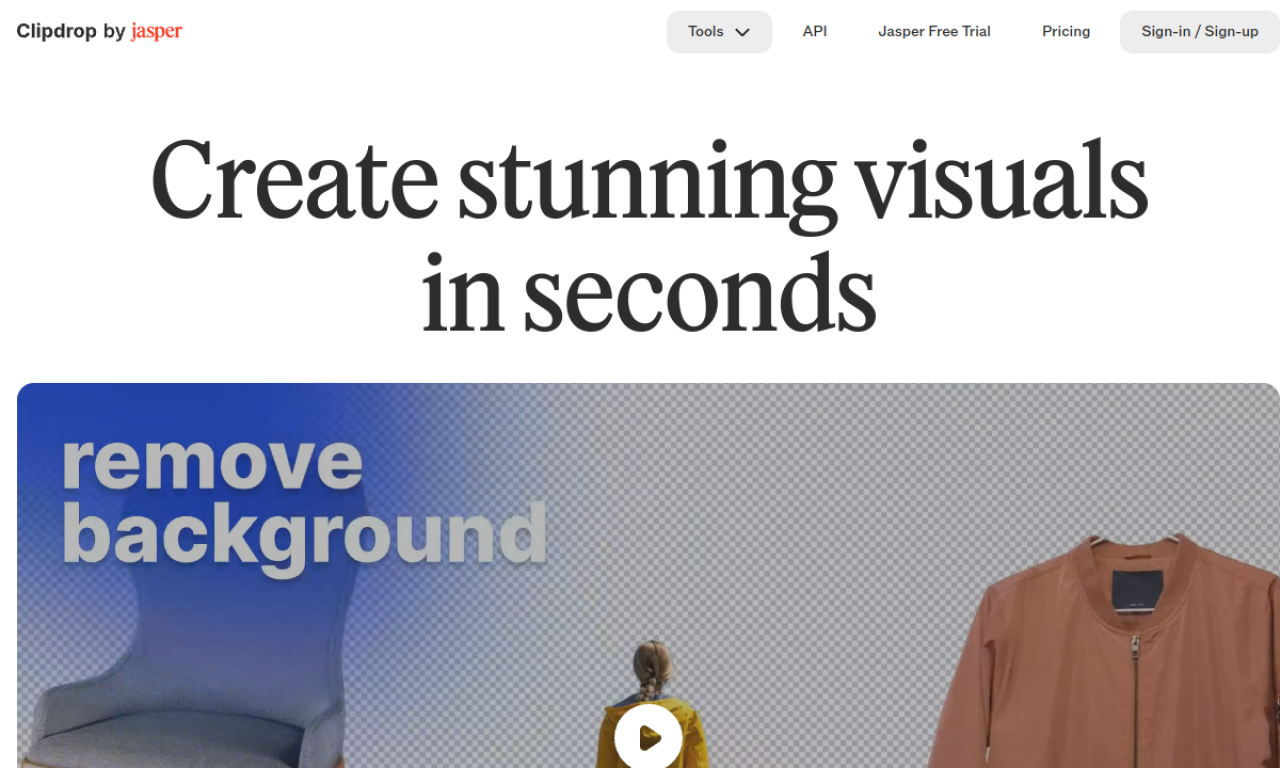
Clipdrop is a collection of AI apps, plugins and an API for creators working with images. Tools include background removal, object and person removal (Cleanup), upscaling, relighting and text-to-image generation. They are available on the website and in plugins such as Photoshop, and images can be used commercially under its terms.
- Added on
- Nov 2, 2026
- Website
- clipdrop.co
- Pricing model
- Freemium
- Company
- InitML
Product information
What is Clipdrop?
Clipdrop is an AI ecosystem of apps, plugins and an API for image generation, background removal, upscaling, relighting and more.
How to use Clipdrop?
Use the tools on the website or through plugins such as Photoshop: upload an image, or pick an AI tool to edit or generate visuals, then download the result.
Core features of Clipdrop
- AI image editing and generation tools
- API for integration into other apps
Use cases of Clipdrop
- 1Removing backgrounds from product photos
- 2Upscaling images for print or high-resolution screens
- 3Generating original images
- 4Removing unwanted objects or text from photos
- 5Relighting images
Frequently asked questions about Clipdrop
How do I remove a background with Clipdrop?+
Upload your image to the remove-background tool and download the HD result.
How do I remove an object from a picture in Clipdrop?+
Upload the image to Cleanup, select the object and download the result.
Can I use Clipdrop images commercially?+
Clipdrop says its terms do not limit commercial use of generated images.
Which category is Clipdrop in?+
Clipdrop is listed under AI Background Remover, AI Photo Editor.