

Clipto.AI
AI transcription, YouTube downloading and light video cutting in one media assistant
Introduction
Clipto.AI transcribes audio and video in 99+ languages, with up to 99% accuracy claimed for major languages. You can upload files or paste a link, edit and translate the transcript and export it as SRT, VTT, TXT or DOCX. Files up to six hours long are supported, and AI runs on-device for privacy.
- Added on
- Nov 2, 2026
- Website
- www.clipto.com
- Pricing model
- Free Trial
- Company
- Clipto, Inc.
Product information
What is Clipto.AI?
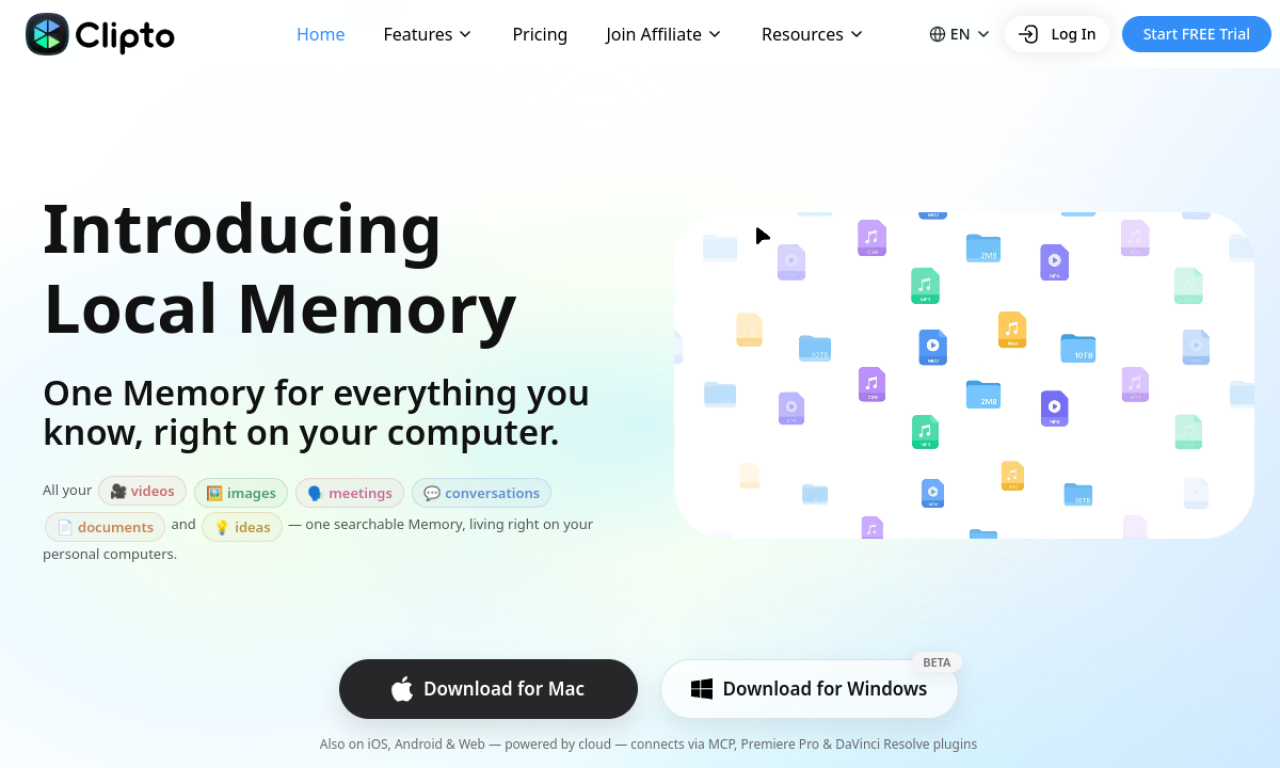
Clipto.AI is an AI media management assistant offering transcription, light video editing and digital asset management.
How to use Clipto.AI?
Upload an audio or video file, or paste a URL from sites such as YouTube or Facebook. The transcript can then be edited, translated and downloaded in several formats.
Core features of Clipto.AI
- AI transcription
- 99+ languages
- YouTube downloader
- Smart asset search
- Light video cutting
- On-device AI processing
Use cases of Clipto.AI
- 1Transcribing interviews and usability tests
- 2Creating video subtitles
- 3Transcribing Zoom meetings
- 4Making transcripts of online courses
- 5Turning podcast episodes into articles
Frequently asked questions about Clipto.AI
How many languages does Clipto.AI support?+
More than 99 languages for transcription.
What formats can Clipto.AI export?+
SRT, VTT, TXT, DOCX, plus Final Cut or Premiere project formats.
How long can Clipto.AI recordings be?+
Up to six hours.
Which category is Clipto.AI in?+
Clipto.AI is listed under AI Transcription.