

Ez Img Editor
Browser-based AI image editor for object removal, backgrounds and headshots
Introduction
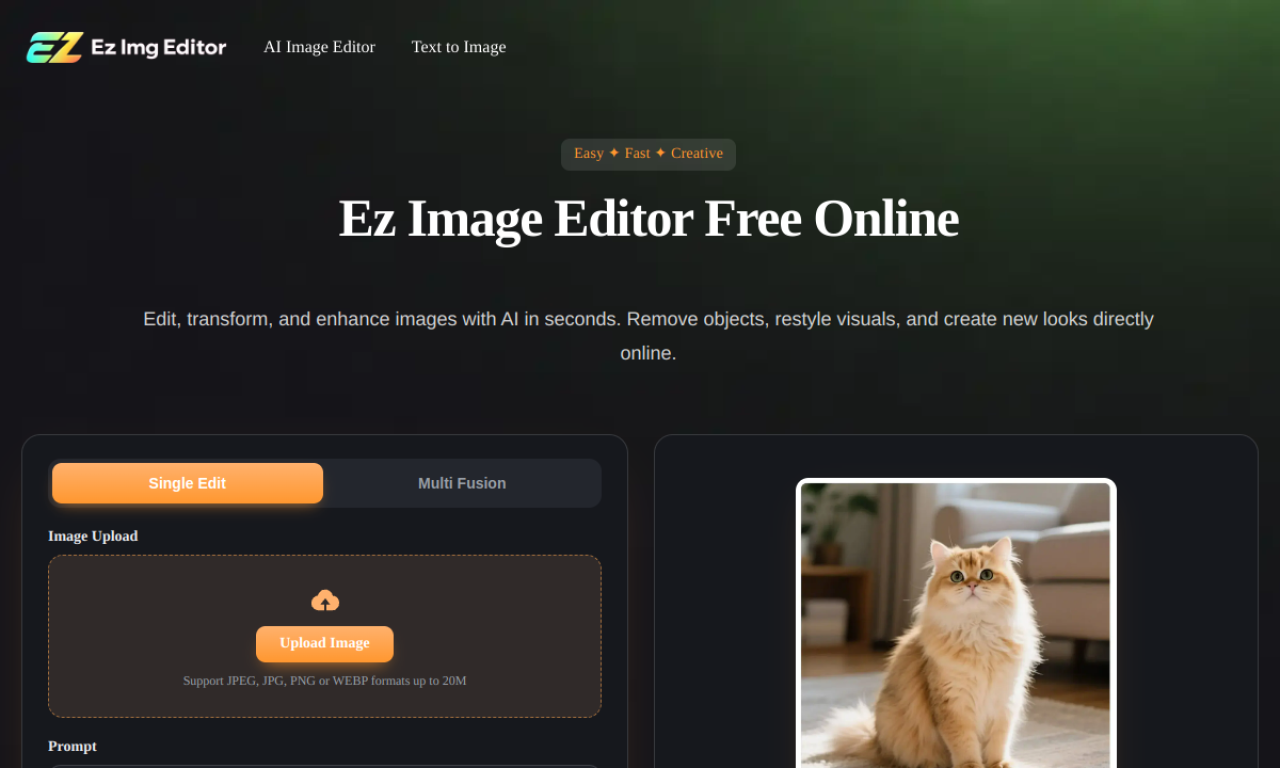
Ez Img Editor is an online AI editor where you describe the change you want in a text prompt. It supports single-image edits and blending several images, and covers background replacement, object removal, restoration and headshot or product photo creation. Free daily credits refresh each day.
- Added on
- Nov 2, 2026
- Website
- ezimgeditor.io
- Pricing model
- Freemium
- Company
- EZ Img Editor
Product information
What is Ez Img Editor?
Ez Img Editor is an all-in-one online AI image editor for editing, enhancing and transforming pictures, with tools for both single-image changes and multi-image blending.
How to use Ez Img Editor?
Pick Single Edit or Multi Fusion, upload a JPEG, JPG, PNG or WEBP image up to 20MB, type a prompt describing the change, choose an aspect ratio and click Generate.
Core features of Ez Img Editor
- Single image editing
- Multi-image blending
- AI object remover
- AI headshot generator
- Background changer
Use cases of Ez Img Editor
- 1Make studio-style product photos for online listings
- 2Generate interior design concepts
- 3Turn selfies into professional headshots
- 4Remove bins or signs from real estate photos
- 5Add cinematic lighting to photographs
Frequently asked questions about Ez Img Editor
Is Ez Img Editor free?+
It offers free daily credits that refresh every day; paid options exist for more usage or faster processing.
Are images uploaded to Ez Img Editor kept private?+
The site says images are processed securely, not used to train AI models, and removed automatically after processing.
Can I use Ez Img Editor results commercially?+
Generally yes, for business, marketing and e-commerce use, provided you hold the rights to the original content.
Which category is Ez Img Editor in?+
Ez Img Editor is listed under AI Background Remover.