

G
GetProspect
Finds business emails from LinkedIn profiles and manages the resulting leads
Default cover
Introduction
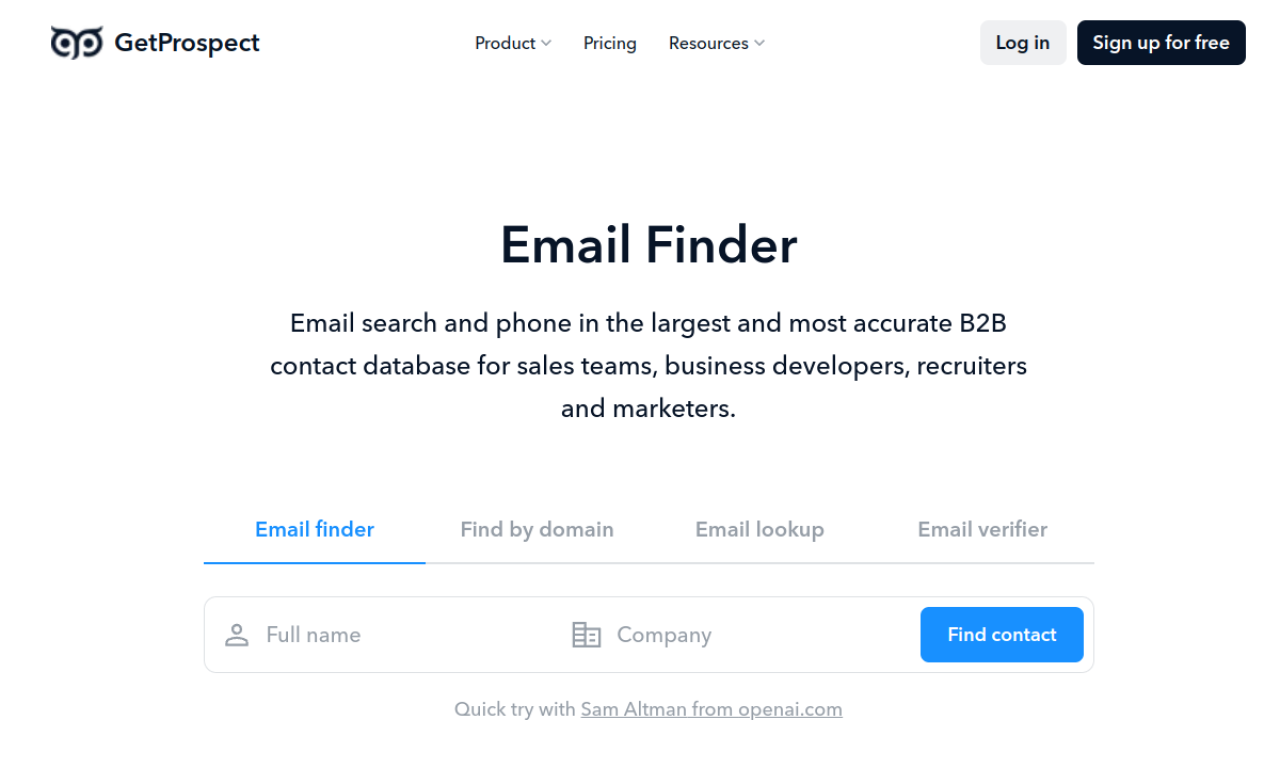
GetProspect is an email finder that works from LinkedIn profiles, Sales Navigator lists, names with domains, and websites. It includes bulk lookup and a simple CRM for contacts.
- Added on
- Nov 2, 2026
- Website
- getprospect.com
- Pricing model
- Freemium
Product information
What is GetProspect?
GetProspect helps sales teams, founders, recruiters and marketers find business email addresses and organize leads. The Chrome extension is free but works only in Chrome.
How to use GetProspect?
Install the Chrome extension, open a LinkedIn profile and click Get email. For lists, search LinkedIn or Sales Navigator, select all and save prospects.
Core features of GetProspect
- Email finder
- Bulk email finder
- Search by name and domain
- CRM contact management
Use cases of GetProspect
- 1Finding emails of LinkedIn connections
- 2Saving Sales Navigator leads in bulk
- 3Extracting emails from websites
Frequently asked questions about GetProspect
How do I use GetProspect?+
Install the Chrome extension, open a LinkedIn profile and click Get email.
Is the GetProspect extension free?+
Yes, but for now it works only in Google Chrome.
Which category is GetProspect in?+
GetProspect is listed under AI Sales Assistant.