

GoEnhance AI
Web platform for AI video and image creation, upscaling and face swaps.
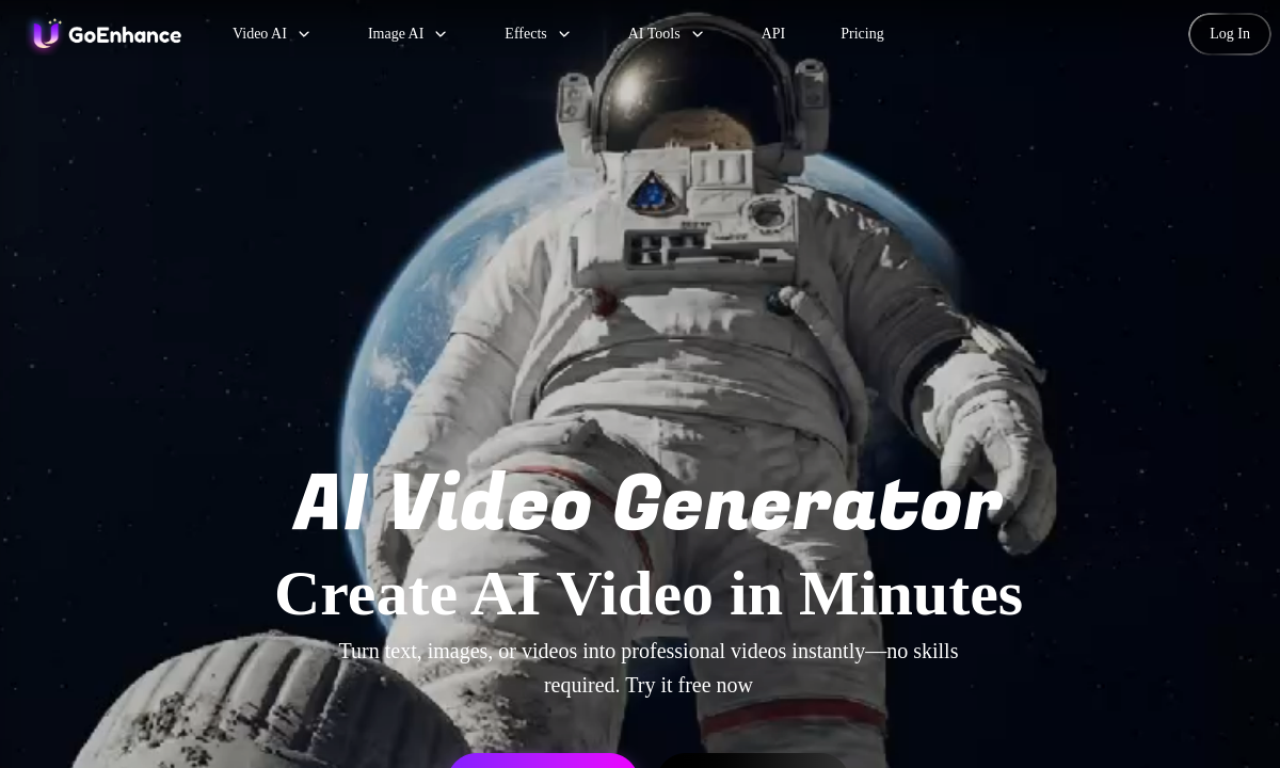
Introduction
GoEnhance AI bundles video and image tools in one place: video-to-video styling, image enhancement and upscaling, text-to-image, face swap and lip sync. It also gives access to several third-party video models.
- Added on
- Nov 2, 2026
- Website
- goenhance.ai
- Company
- MEWX LLC
Product information
What is GoEnhance AI?
GoEnhance AI is an all-in-one platform for producing AI video and images, covering video conversion, image enhancement, face swapping and character animation.
How to use GoEnhance AI?
Pick a tool such as Video to Animation, Face Swap or Image Enhancer, upload a video or image, choose a style or effect, and let the AI process it. Text prompts also work for generating images and videos.
Core features of GoEnhance AI
- Video to Animation
- AI video generator
- Video and image face swap
- Consistent character video
- Lip sync video
- Image enhancer
Use cases of GoEnhance AI
- 1Turn videos into animated looks such as pixel or flat anime
- 2Sharpen low-resolution photos
- 3Generate images from text descriptions
- 4Build consistent character videos from image sequences
- 5Sync lips to any video
Frequently asked questions about GoEnhance AI
Which languages does GoEnhance AI support?+
The interface supports English, Simplified and Traditional Chinese, Japanese, Korean and Spanish.
What video tools does GoEnhance AI offer?+
They include Video to Animation, Video to Video, AI Video Generator, Face Swap, Character Animation and Lipsync Video.
Which video models can I use through GoEnhance AI?+
GoEnhance, Hailuo, Kling, Runway, WanX 2.1 and Google's Veo 2 are listed.
Which category is GoEnhance AI in?+
GoEnhance AI is listed under AI Video Generator.
Tags
ai video generatorimage upscalerface swaplip syncai image generatorGoEnhance AI alternatives
Image and video generator with a free tier that has no credits or daily caps, plus commercial use rights.