

HitPaw
AI video, photo and audio tools offered as desktop, mobile and online apps.
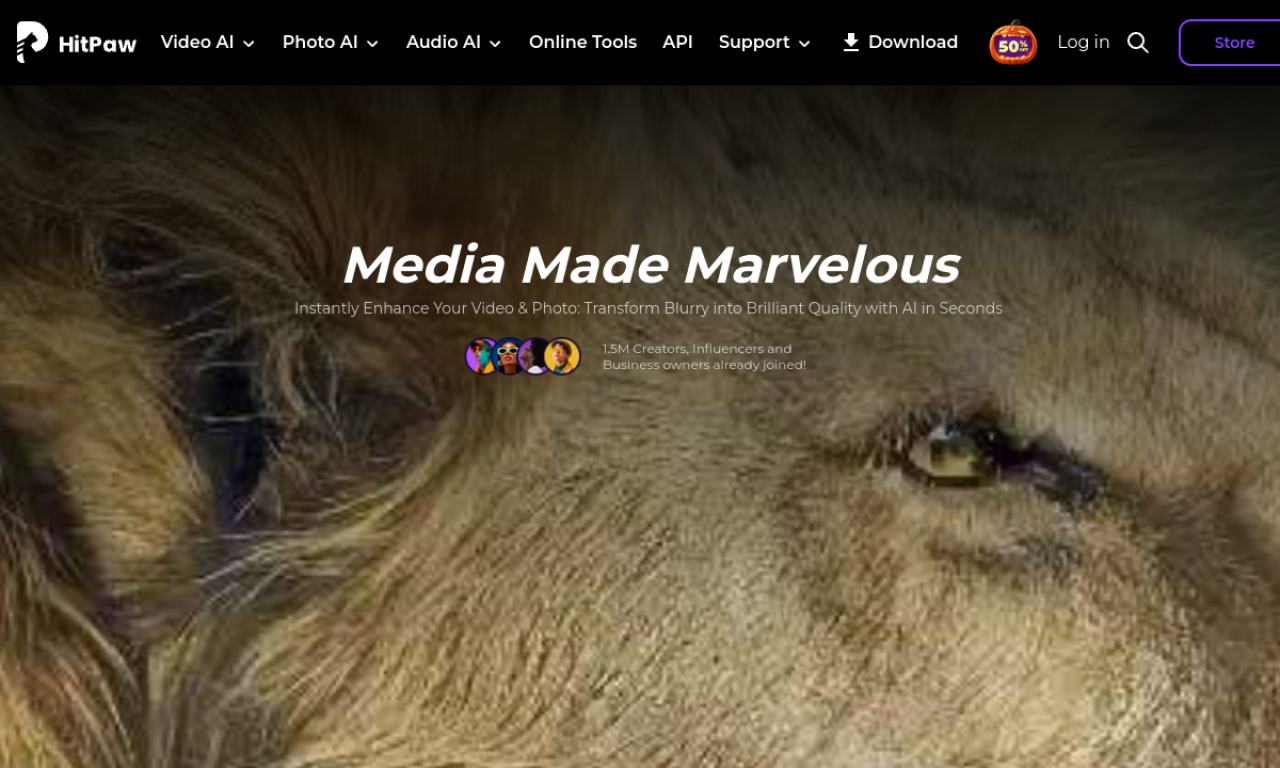
Introduction
HitPaw bundles AI tools for improving video and photos, converting media, changing voices and removing unwanted objects. They come as desktop and mobile apps, plus browser-based tools for quick jobs.
- Added on
- Nov 2, 2026
- Website
- hitpaw.com
- Pricing model
- Paid
- Company
- HitPaw
Product information
What is HitPaw?
HitPaw is a software provider covering AI-based video, audio and image editing.
How to use HitPaw?
Choose a product or online tool on the site, install the app if needed, and follow the on-screen steps. Online tools only need you to upload a file and use the editing options.
Core features of HitPaw
- AI video enhancement
- AI photo enhancement
- Video and audio conversion
- Voice changing
- Object removal
- AI art generation
Use cases of HitPaw
- 1Sharpen old or low-quality videos
- 2Remove unwanted objects from photos
- 3Convert video formats for different devices
- 4Change your voice for gaming or streaming
- 5Create AI avatars and artwork
Frequently asked questions about HitPaw
What is HitPaw VikPea?+
An AI video enhancer for Windows and Mac that also handles video repair and background removal.
What can HitPaw Univd convert?+
Video, audio and image files.
Does HitPaw have a student discount?+
Yes, a 30% discount is offered through Student Beans.
Which category is HitPaw in?+
HitPaw is listed under AI Photo Editor, AI Video Editor.
Tags
video enhancerphoto enhancervoice changerobject removervideo converterHitPaw alternatives
AI video platform for editing live streams and recordings, with publishing and storage in one place.