

ImageHub
Free browser-based toolkit for generating, editing, restoring and upscaling images.
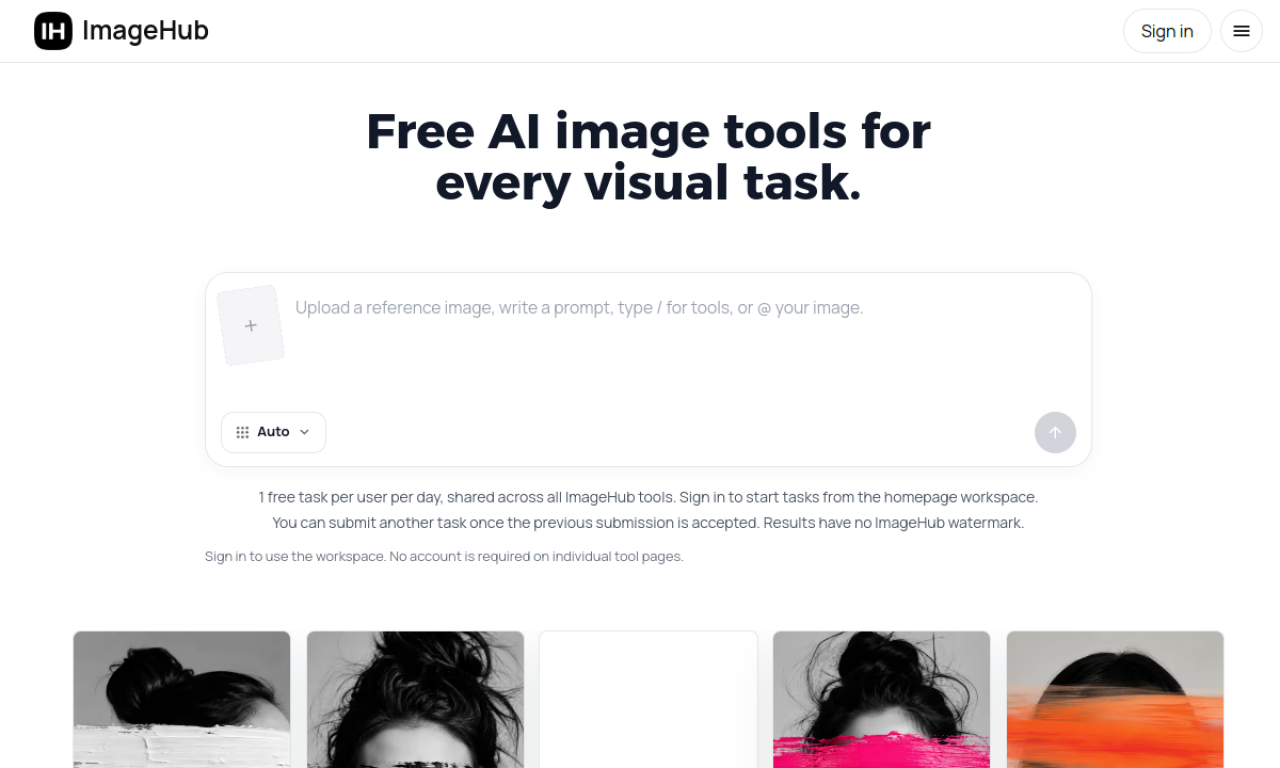
Introduction
ImageHub bundles many AI image tools in one place, from text-to-image to background removal, photo restoration, upscaling and virtual try-on. Each tool page works without an account, while the all-in-one workspace asks you to sign in.
- Added on
- Nov 2, 2026
- Website
- imagehub.ai
- Pricing model
- Free
Product information
What is ImageHub?
ImageHub is a free AI image toolkit that runs in the browser and covers generating, editing, enhancing and restoring pictures.
How to use ImageHub?
Choose a tool for your task, such as Image Generator, Background Remover or Virtual Try-On. Upload an image if needed, enter a prompt or option, and generate. Results can be passed to other tools for further changes.
Core features of ImageHub
- Text-to-image generation
- Background, object and watermark removal
- Studio-style product photography
- Enhance, denoise, unblur and upscale
- Old photo restoration
- Extend images beyond the frame
Use cases of ImageHub
- 1Marketing and social media visuals
- 2E-commerce product images
- 3Restoring faded or damaged photos
- 4Removing unwanted objects or authorized watermarks
- 5Professional headshots
Frequently asked questions about ImageHub
Is ImageHub free to use?+
The site states every tool is free, with no daily cap or per-image credits mentioned.
Do I need an account for ImageHub?+
Not on individual tool pages. The homepage workspace requires sign-in.
Can I use ImageHub images commercially?+
Check the site for its current terms; it states downloads carry no watermark.
Which category is ImageHub in?+
ImageHub is listed under AI Background Remover, AI Photo Editor.