

Kapwing
Online collaborative video editor with AI subtitles, audio cleanup and video generation.
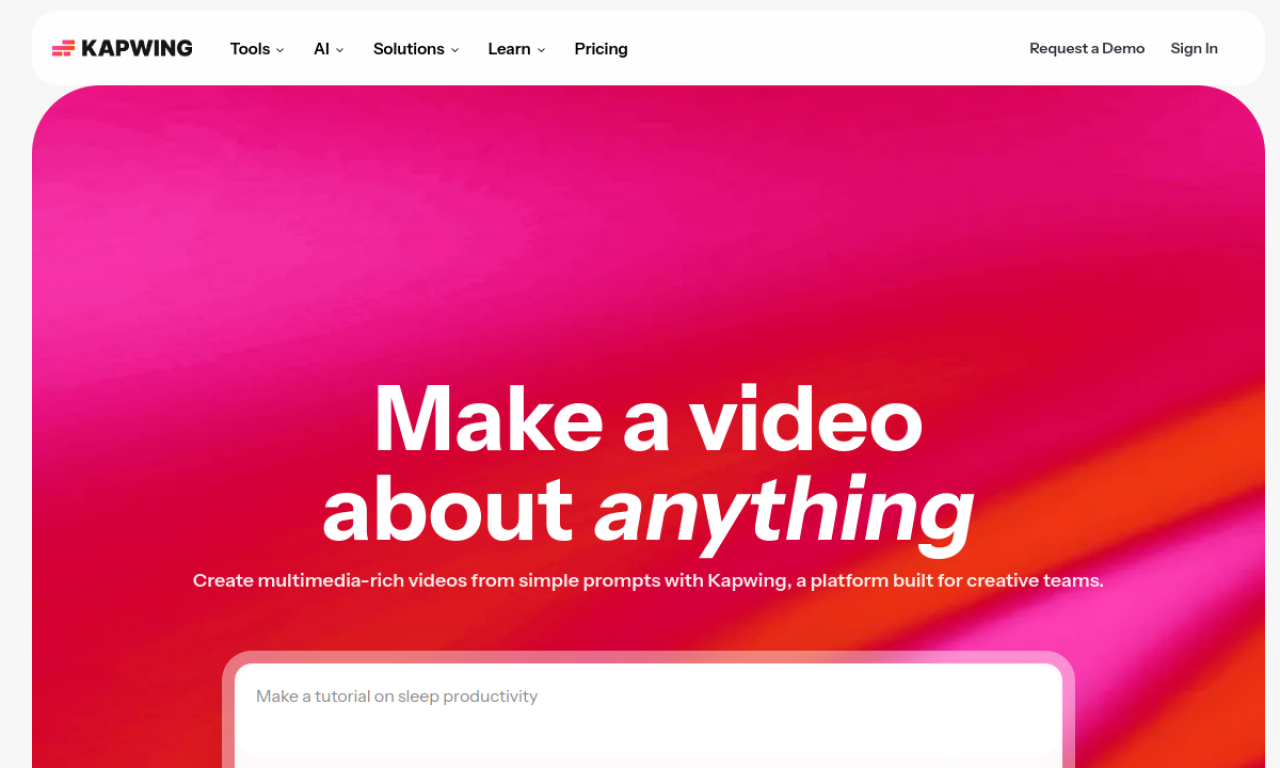
Introduction
Kapwing is a browser-based content creation platform for editing video together with a team. It includes a video editor, subtitler, resizer, GIF editor and meme maker, plus AI tools such as Smart Cut, Clean Audio and an AI video generator. Free use is available, with paid plans adding features and storage.
- Added on
- Nov 2, 2026
- Website
- kapwing.com
- Pricing model
- Freemium
- Company
- Kapwing
Product information
What is Kapwing?
Kapwing is an online platform for editing video and creating content collaboratively. It brings editing, subtitles, resizing and meme tools together in one workspace.
How to use Kapwing?
Open the site, upload your footage or start from a template, and edit in the browser. Teammates can edit in real time, leave feedback and use shared brand assets.
Core features of Kapwing
- Video editing
- Subtitle generation
- Meme creation
- Video resizing
- GIF editing
- AI tools such as Smart Cut and Clean Audio
Use cases of Kapwing
- 1Social media videos
- 2Adding subtitles to videos
- 3Resizing videos for different platforms
- 4Removing background noise from audio
- 5Training videos and team editing
Frequently asked questions about Kapwing
Is Kapwing free to use?+
Yes, it is free for teams of any size, with paid plans offering extra features, storage and support.
What can I create with Kapwing?+
You can edit clips, add effects, generate subtitles, resize videos, remove backgrounds, clean audio and make memes.
Can a team edit a Kapwing project together?+
Yes. Team members can edit in real time and share feedback.
Which category is Kapwing in?+
Kapwing is listed under AI Video Generator, AI Video Editor.
Tags
ai video editorai video generatorai subtitle generatormeme makervideo resizerKapwing alternatives
Image and video generator with a free tier that has no credits or daily caps, plus commercial use rights.