

Kommodo
Screen recorder that transcribes videos and turns them into guides and SOPs.
Introduction
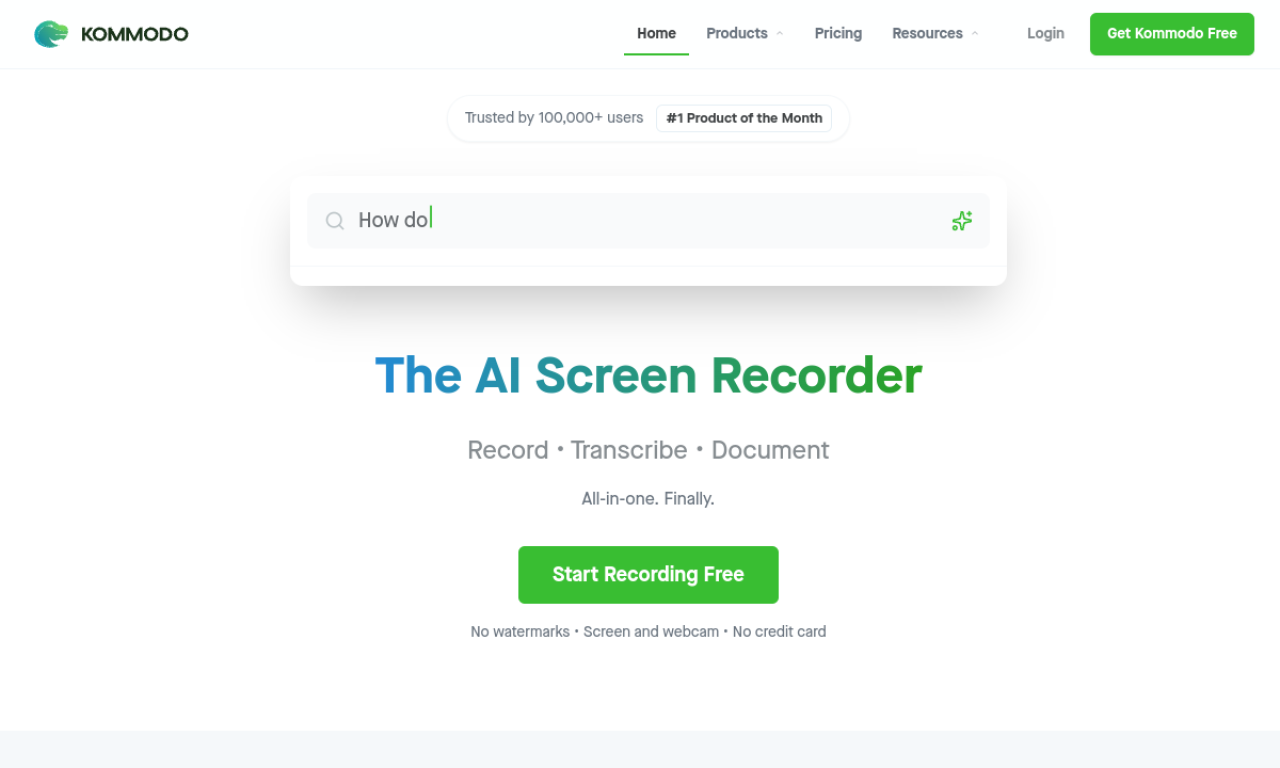
Kommodo records your screen, webcam and meetings, then produces AI transcripts, summaries and step-by-step guides or SOPs from the recording. It also includes video editing, AI search across your library, page building, sharing and team workspaces on Windows, Mac, Chrome, iOS and Android.
- Added on
- Nov 2, 2026
- Website
- kommodo.ai
- Pricing model
- Freemium
Product information
What is Kommodo?
Kommodo is an AI screen recorder and knowledge base for individuals and teams that converts recordings into documentation.
How to use Kommodo?
Sign up and pick the desktop app, browser extension or mobile app, then record. Afterwards Kommodo creates a transcript and can build a guide or SOP, which you can edit, organize in folders and share.
Core features of Kommodo
- Screen, webcam and meeting recording
- AI transcripts, summaries and meeting notes
- Automatic guide and SOP generation
- Browser-based transcript video editing
- AI assistant to search recordings
- Password-protected, expiring share links
Use cases of Kommodo
- 1Employee training videos and SOPs
- 2Documenting refund, onboarding and support processes
- 3Product demos and sales enablement
- 4Capturing meetings with notes and action items
- 5Building video resource pages
Frequently asked questions about Kommodo
What does the Kommodo Free plan include?+
Unlimited recordings, 60-day access, screen, webcam and meeting recording, link sharing, Google Calendar connection, AI transcription and the first 10 steps of manual guides.
How long do Free plan recordings stay available?+
Each recording stays available to you and viewers for 60 days.
How do I use Kommodo?+
Choose the desktop app, extension or mobile app, record, and let Kommodo generate the transcript and any guide.
Which category is Kommodo in?+
Kommodo is listed under AI Transcription.