

Lightning AI
Browser-based platform with cloud GPUs and tools for building and deploying AI.
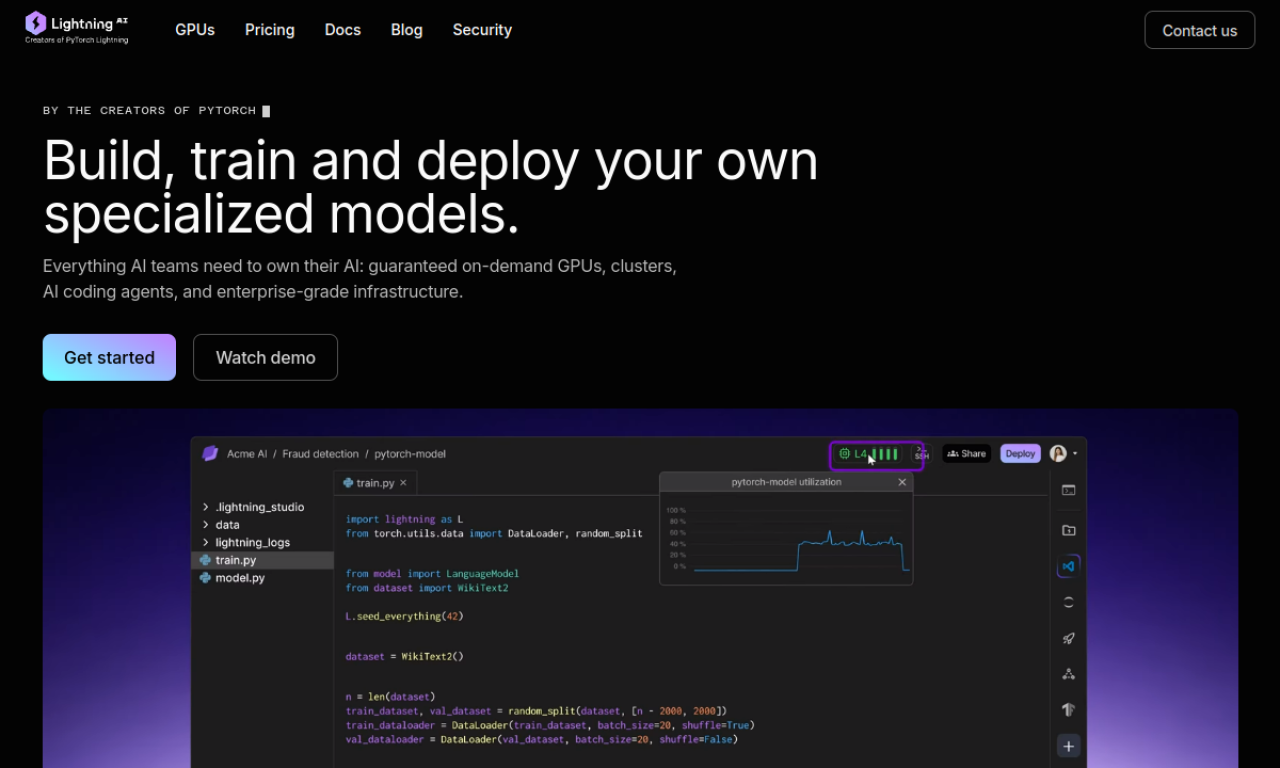
Introduction
Lightning AI is an all-in-one platform for building models and full-stack AI apps. It bundles cloud GPUs, DevBoxes, training, deployment and GPU clusters, all usable from the browser or a local IDE.
- Added on
- Nov 2, 2026
- Website
- lightning.ai
- Pricing model
- Freemium
- Company
- Lightning AI
Product information
What is Lightning AI?
Lightning AI is an AI development platform that covers the path from prototype to production. It provides cloud GPUs, DevBoxes, training and deployment with no setup, accessible from the browser.
How to use Lightning AI?
Code on cloud GPUs in the browser or from a local IDE. Set up on CPUs, then switch to GPUs, and rely on DevBoxes that keep your environment between sessions. You can start from a template, deploy a no-code API, or edit full-code Studio templates.
Core features of Lightning AI
- Cloud GPUs
- DevBoxes
- Training
- Deployment
- No-code APIs
- GPU clusters
Use cases of Lightning AI
- 1Building and deploying AI models
- 2Training large language models
- 3Prototyping AI solutions
- 4Scaling models for production
- 5Running batch jobs and notebooks
Frequently asked questions about Lightning AI
What are Lightning AI credits?+
Credits pay for GPU hours or extra running Studios, with 1 credit equal to 1 USD.
How do the free monthly credits on Lightning AI work?+
Each month you get 15 free credits that expire if unused. Purchased credits expire after 12 months.
Which cloud providers does Lightning AI support?+
It currently supports AWS and GCP, with Azure support listed as coming soon.
Which category is Lightning AI in?+
Lightning AI is listed under AI Code Editor.