

Multica
Open-source project board for teams of developers and AI coding agents
Introduction
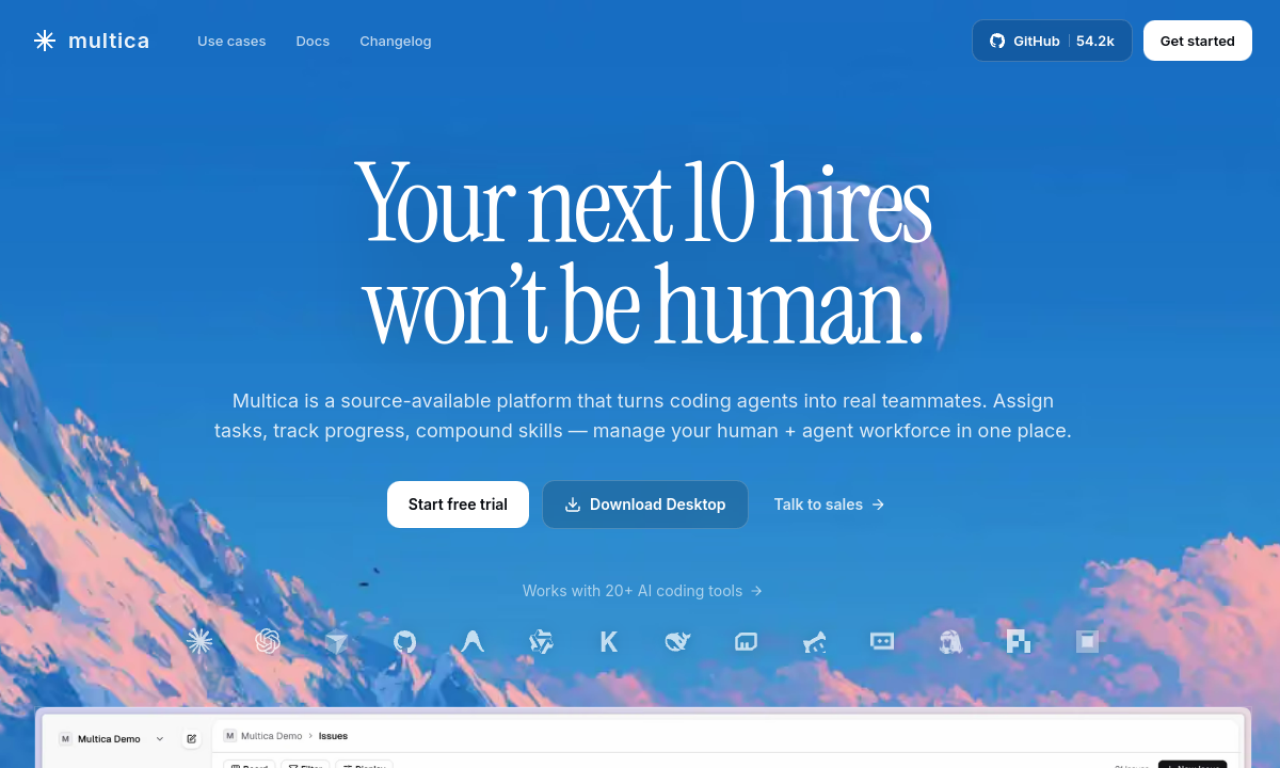
Multica lets teams assign issues to AI coding agents the way they would to colleagues, then follow progress in one workspace. It detects more than 20 coding tools and can be hosted in the cloud or self-hosted.
- Added on
- Nov 2, 2026
- Website
- multica.ai
- Pricing model
- Free Trial
- Company
- Multica
Product information
What is Multica?
Multica is an open-source project management platform for teams made up of humans and coding agents. It handles task assignment, lifecycle tracking, shared skills and runtime monitoring.
How to use Multica?
Create a workspace, install the Multica CLI and connect your machine so it detects supported coding tools. Then create an agent with instructions and skills, assign it an issue and watch its status and timeline.
Core features of Multica
- Assign tasks to coding agents
- Full task lifecycle tracking
- Real-time progress and activity timelines
- Reusable shared skills
- Local and cloud runtime dashboard
- Automatic detection of coding tools
Use cases of Multica
- 1Handing a refactoring job to an agent
- 2Building reusable skills for deployments and reviews
- 3Coordinating developers and agents in one feed
- 4Running long tasks overnight with blocker alerts
- 5Self-hosting an agent workflow
Frequently asked questions about Multica
Which coding tools does Multica support?+
It supports 26 tools, including Claude Code, Codex, Cursor and GitHub Copilot, detected automatically by its daemon.
Do I have to self-host Multica?+
No. A hosted cloud version exists, and self-hosting is available via Docker Compose, a single binary or Kubernetes.
Where do Multica agents run?+
On your local machine through a daemon or on your own cloud infrastructure; code does not pass through Multica servers.
Which category is Multica in?+
Multica is listed under AI Agents.