

Napkin AI
Turns written text into editable diagrams, infographics, and other visuals.
Introduction
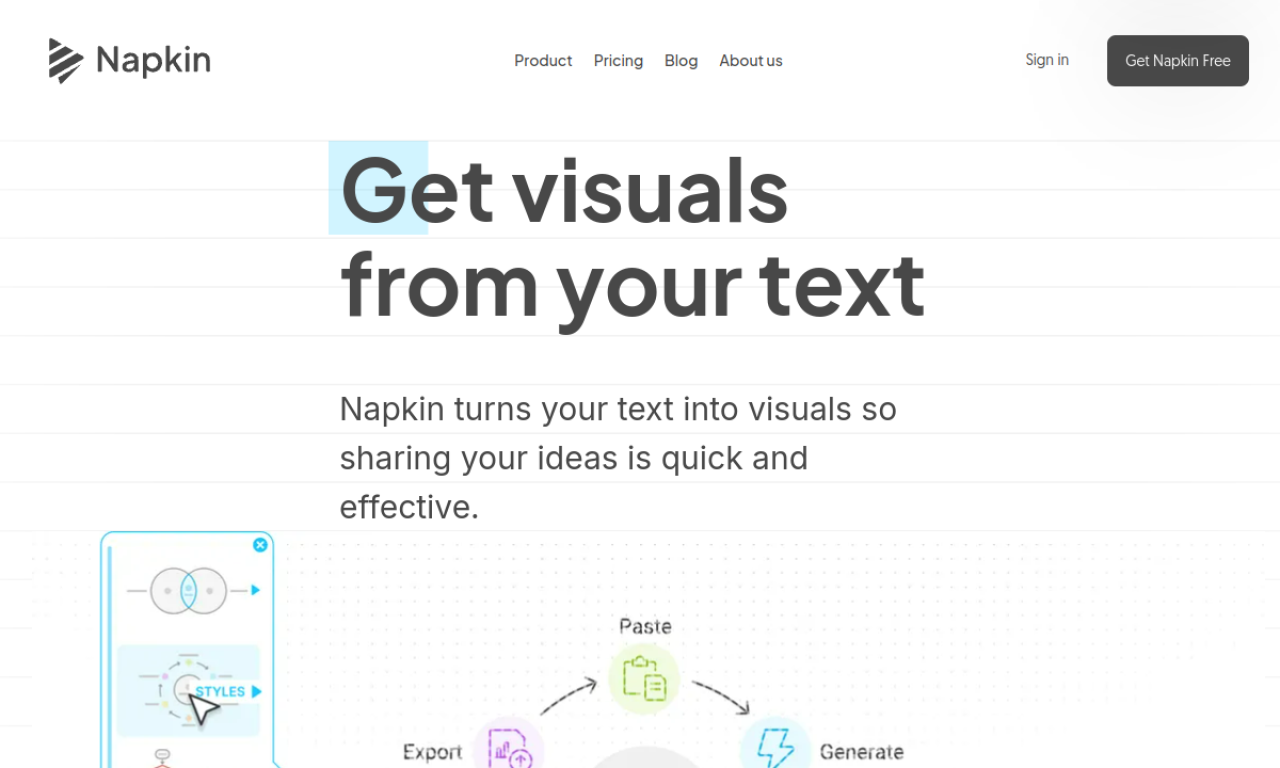
Napkin AI converts text you paste or type into visuals such as infographics, flowcharts, and diagrams. The results can be edited, restyled, and exported as PNG, PDF, or SVG.
- Added on
- Nov 2, 2026
- Website
- www.napkin.ai
- Pricing model
- Freemium
- Company
- Napkin AI
Product information
What is Napkin AI?
A visual AI tool for business storytelling that transforms existing text into diagrams, charts, and images.
How to use Napkin AI?
Paste your text, pick from the visuals the AI generates, customize them, and export to PNG, PDF, or SVG.
Core features of Napkin AI
- Text-to-visual conversion
- Auto-generated infographics and flowcharts
- Fully editable visuals
- Large icon library
- Dynamic connectors
- Custom colors and fonts
Use cases of Napkin AI
- 1Presentations
- 2Blog post illustrations
- 3Social media content
- 4Documentation
Frequently asked questions about Napkin AI
Is Napkin AI free to use?+
There is a free plan with limited quotas and customization; during beta the Pro plan was also available at no cost.
What makes Napkin AI different?+
It starts from your existing text and produces diagrams, charts, and scenes from it.
What export formats does Napkin AI offer?+
PNG, PDF, and SVG.
Which category is Napkin AI in?+
Napkin AI is listed under AI Design Tools.
Tags
ai infographicsai diagramsai design generatorai chartingtext to visualNapkin AI alternatives
AI tools for online sellers: a graphic designer for product images and a listing assistant for product copy.