

Object Remover
Free browser tool that erases unwanted objects from photos with a brush and AI inpainting
Introduction
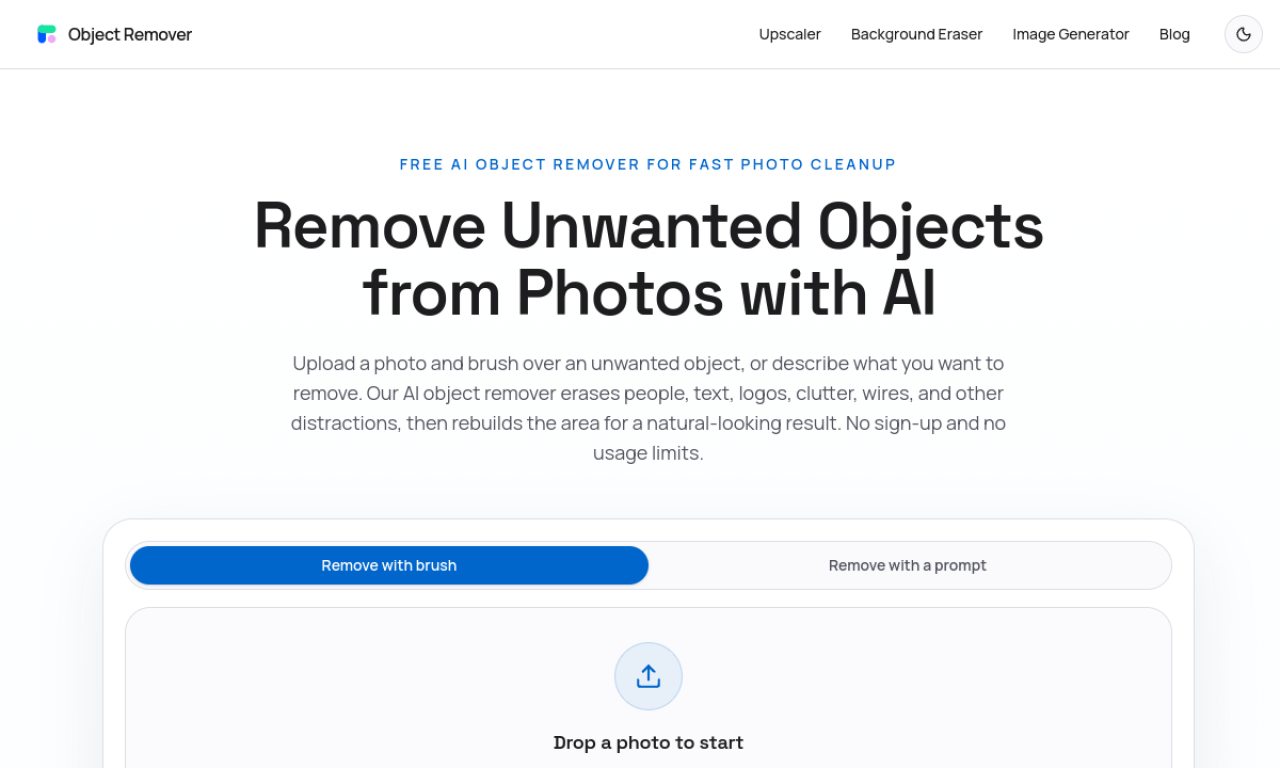
Object Remover lets you paint over people, text, logos or clutter in a photo and fills the gap with AI inpainting. It runs in the browser without sign-up, and uploaded files are deleted automatically within two hours.
- Added on
- Nov 2, 2026
- Website
- objectremover.com
- Pricing model
- Free
Product information
What is Object Remover?
Object Remover is a web-based photo cleanup tool. You upload an image, brush over what you want gone, and an inpainting model rebuilds that area to match the surrounding texture and lighting.
How to use Object Remover?
Upload a JPG, PNG or WebP image, brush over the person, text, logo or clutter to remove, then let the AI rebuild the area and download the result.
Core features of Object Remover
- Brush masking for precise selection
- Inpainting that matches nearby texture and light
- No registration needed
- No credit or subscription limits
- Files auto-deleted within 2 hours
Use cases of Object Remover
- 1Removing tourists from travel photos
- 2Tidying product photos for online listings
- 3Erasing cables and distractions from property shots
- 4Removing text, timestamps and watermarks
- 5Taking photobombers out of portraits
Frequently asked questions about Object Remover
Is Object Remover really free?+
Yes. It is free, needs no registration, and sets no limits on normal editing.
Do I need editing skills to use Object Remover?+
No. You upload a photo, brush over the object and generate the result.
Which file types does Object Remover accept?+
JPG, PNG and WebP images.
Which category is Object Remover in?+
Object Remover is listed under AI Photo Editor.