

Paperpal
AI academic writing assistant for proofreading, paraphrasing, plagiarism checks and citations.
Introduction
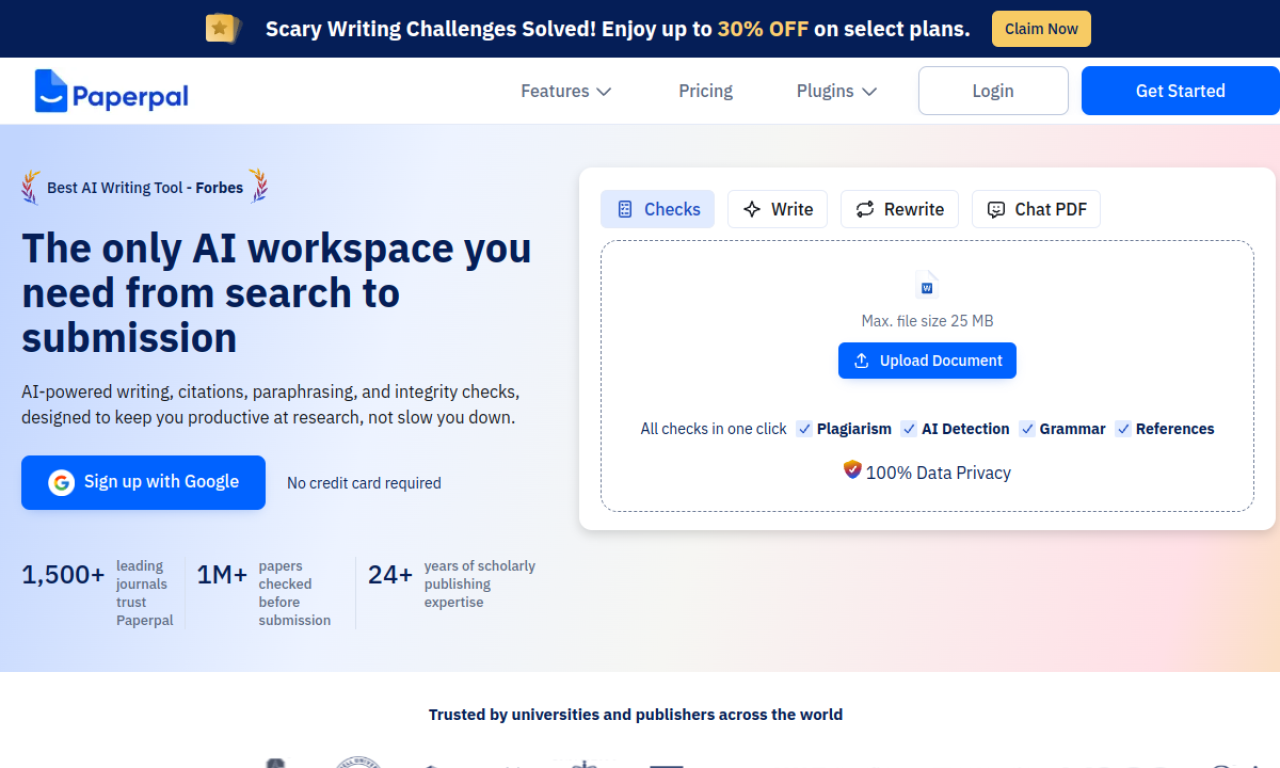
Paperpal supports researchers and students at each stage of writing, from language checks and paraphrasing to plagiarism detection and citation generation. It works as a web app and alongside Google Docs, Overleaf and MS Word. The free version has monthly limits on language corrections and plagiarism checks.
- Added on
- Nov 2, 2026
- Website
- paperpal.com
- Company
- Paperpal
Product information
What is Paperpal?
Paperpal combines language checks, paraphrasing, AI writing suggestions, plagiarism detection, PDF tools and citations in one place, to help users write faster and keep academic integrity.
How to use Paperpal?
Type or paste text in the editor, or use the browser extension for Google Docs and Word for live suggestions. You can also translate across 30+ languages, find references from 250M+ articles, summarize PDFs and cite in over 10,000 styles.
Core features of Paperpal
- Plagiarism check
- Paraphrasing
- Citation generator
- Language and grammar check
- Chat with PDF
- Journal submission check
Use cases of Paperpal
- 1Check language and grammar in depth
- 2Paraphrase for clarity
- 3Generate citations in 10,000+ styles
- 4Check originality
- 5Proofread essays, papers and dissertations
Frequently asked questions about Paperpal
Can I use Paperpal for free?+
Yes. The free version includes 200 language corrections per month, unlimited citation generation, plagiarism checks up to 7,000 words and limited daily AI features.
Will a Paperpal-edited document be flagged as plagiarized?+
Unless the original manuscript was copied, flagging is rare, though individual sentences may resemble published text in tools like Turnitin.
Will Paperpal text be flagged by AI detectors?+
It can be; detectors are early-stage, so treat them as a reference and refine the text in your own style.
Which category is Paperpal in?+
Paperpal is listed under AI Writing Assistant.