

P
Photoroom
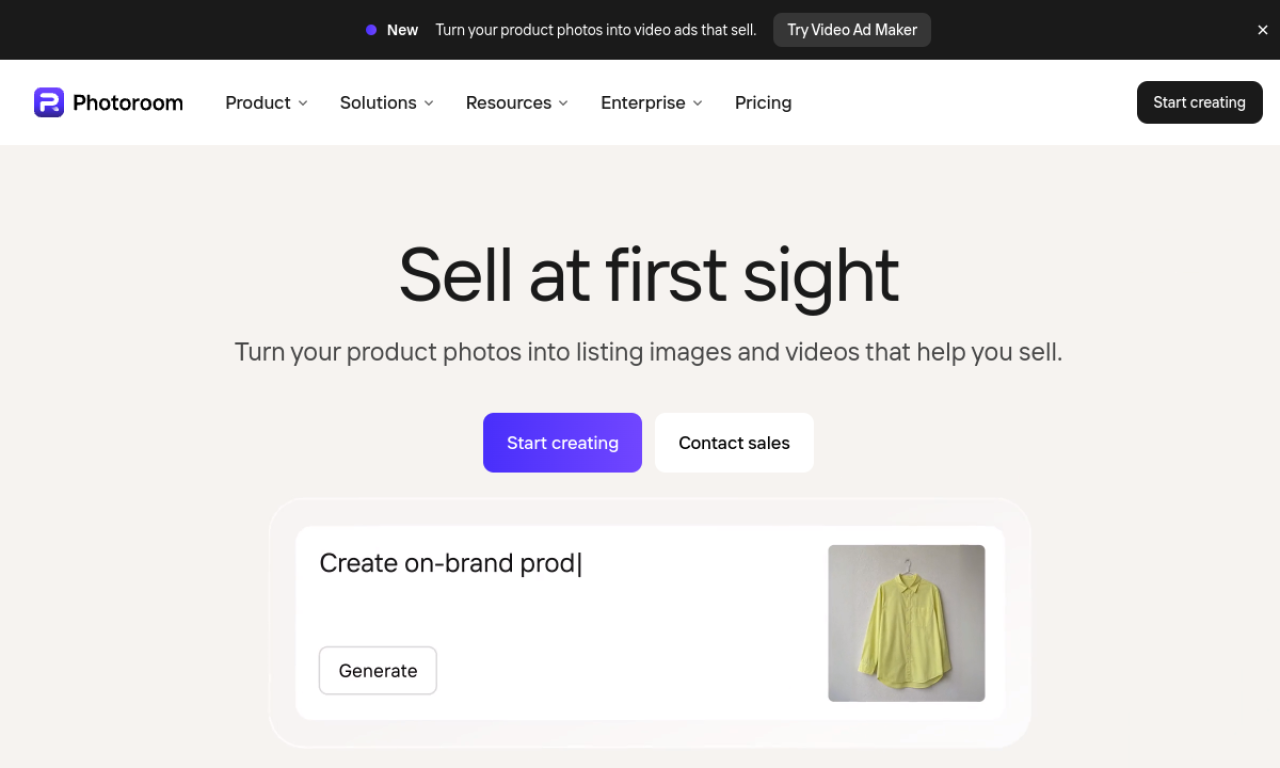
All-in-one photo editing platform for professional designs.
Default cover
Introduction
All-in-one photo editing platform for professional designs.
- Added on
- Nov 1, 2026
- Website
- www.photoroom.com
- Pricing model
- Freemium
- Company
- Photoroom, Inc.
Product information
What is Photoroom?
Photoroom is a creative photo editing app and web tool for product and portrait images.
How to use Photoroom?
Download the mobile app or open the web app, upload your photos, edit them with the available tools, and export the design.
Core features of Photoroom
- Background removal and replacement
- Object removal
- Batch editing
- AI Backgrounds
- Smart Resize
- Templates
Use cases of Photoroom
- 1Product photos for e-commerce
- 2Social media posts
- 3Building a brand kit
- 4Automating post-production
Frequently asked questions about Photoroom
How do I get started with Photoroom?+
Download the app from the Apple App Store or Google Play, or sign in to the Photoroom web app.
What does the Photoroom Free plan include?+
Core tools such as the background remover, text, and templates, plus 250 exports per month and the Retouch tool.
What does the Photoroom Pro plan add?+
Exports without limits or watermarks, AI Backgrounds and other AI tools, and Batch Mode.
Which category is Photoroom in?+
Photoroom is listed under Image & Design, AI Background Remover.