


PixPretty
Free AI photo editor for background removal, batch processing, and portrait retouching
Introduction
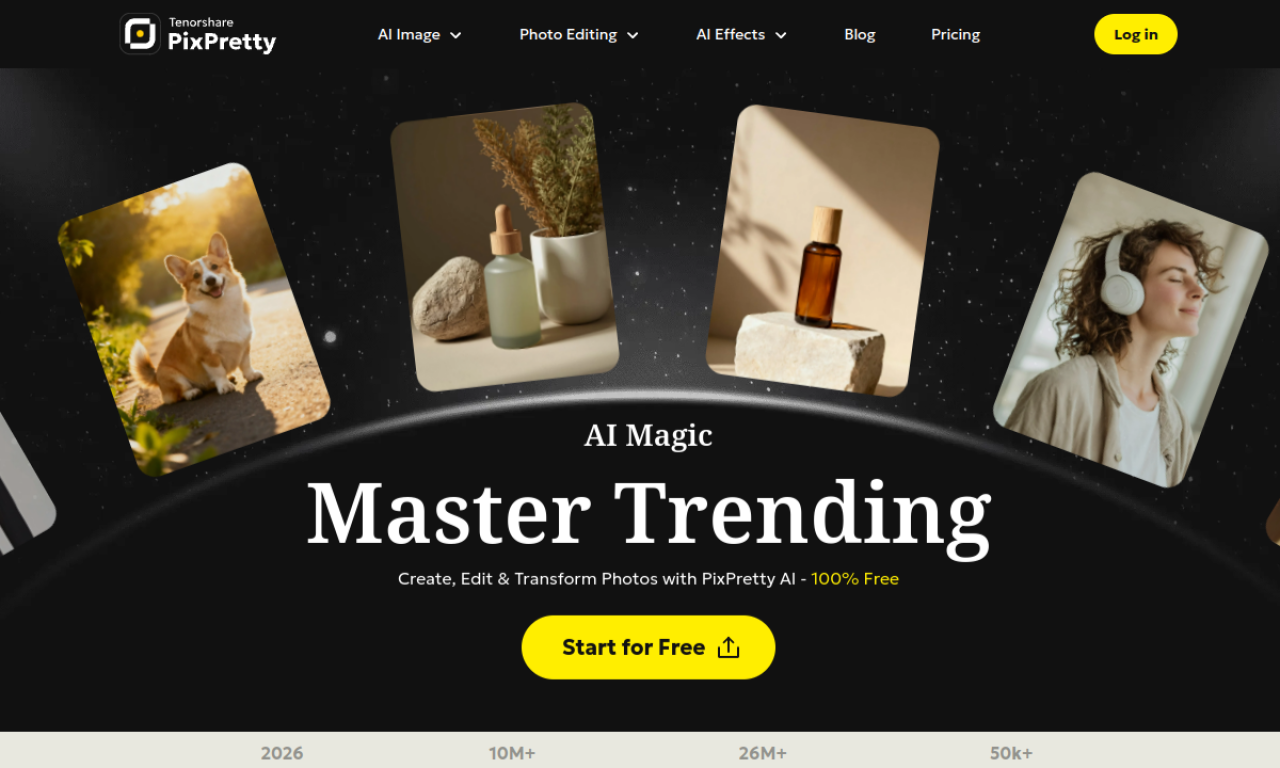
PixPretty is a browser-based AI photo editor from Tenorshare. It removes complex backgrounds, replaces or blurs them, and supports batch background removal, resizing, compression, and format conversion. It also includes AI portrait retouching, and the background removal feature can be used free without registration.
- Added on
- Nov 2, 2026
- Website
- pixpretty.tenorshare.ai
- Pricing model
- Freemium
- Company
- TENORSHARE (HONG KONG) LIMITED
Product information
What is PixPretty?
PixPretty is an online AI photo editing tool from Tenorshare, focused on background removal and batch image editing, with a PC version for portrait retouching.
How to use PixPretty?
Import an image into the platform. The AI tools process it automatically, and you can apply background removal, batch editing, or portrait retouching.
Core features of PixPretty
- AI background removal
- Background changer for color, predefined, or custom backgrounds
- Batch photo editing
- AI portrait retouching
- Image resizer and compressor
- Image format converter
Use cases of PixPretty
- 1Preparing e-commerce product photos
- 2Preparing ID photos
- 3Creating social media content
- 4Enhancing photos for personal projects
Frequently asked questions about PixPretty
Is PixPretty free to use?+
Background removal can be used free without registration, while batch editing requires a login. Exporting high-resolution images with advanced AI features requires payment.
How do credits work in PixPretty?+
Credits are spent to process or download images. Free users get a small daily allocation, and paid subscribers get a monthly allocation that does not roll over.
Which category is PixPretty in?+
PixPretty is listed under AI Background Remover, AI Photo Editor.