

Read AI
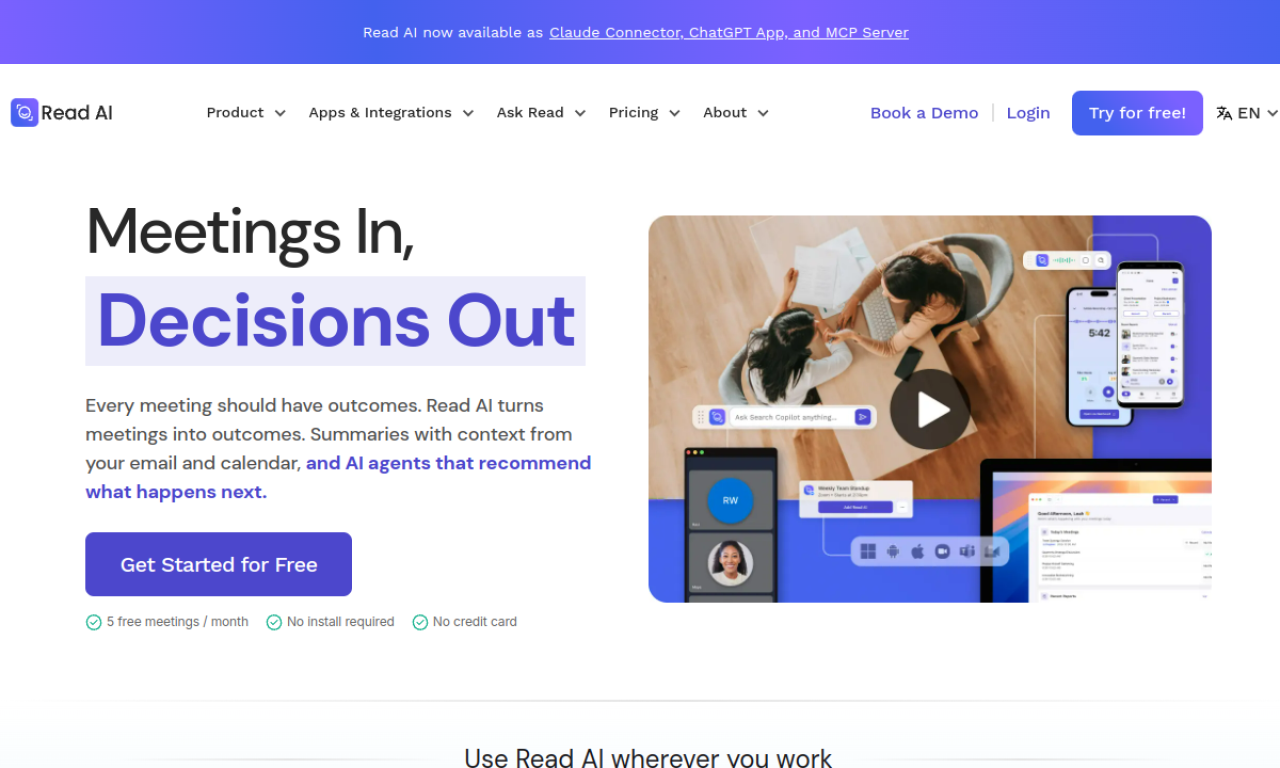
AI meeting assistant for transcription, summaries, and AI-powered search across platforms.
Introduction
AI meeting assistant for transcription, summaries, and AI-powered search across platforms.
- Added on
- Nov 1, 2026
- Website
- www.read.ai
- Pricing model
- Freemium
Product information
What is Read AI?
An AI meeting assistant that transcribes meetings, produces summaries, and lets you search across meetings and other work content.
How to use Read AI?
Connect Read AI to your meeting platform so it can join and record sessions. After each meeting you get a recap, and you can use the search copilot to ask questions across your content.
Core features of Read AI
- Real-time transcription
- Smart meeting summaries
- AI search across meetings, emails, and messages
- Meeting reports and playback
- Messaging copilot and email summaries
Use cases of Read AI
- 1Capture and summarize meetings without manual notes
- 2Find answers across meetings, emails, and chats
- 3Share meeting knowledge with teammates
Frequently asked questions about Read AI
What integrations does Read AI support?+
Read AI works with Google Meet, Microsoft Teams, Zoom, Google, HubSpot, Salesforce, Confluence, Jira, Notion, and Slack.
Does Read AI train on my data?+
Read AI states that it is SOC II certified and does not train on your data by default.
How does Read AI work?+
Read AI joins your meetings, records them, and delivers a recap. Its Search Copilot can also find answers across meetings, emails, and messages.
Which category is Read AI in?+
Read AI is listed under Audio & Music, AI Transcription.