

Recast Studio
Repurposes podcast episodes into short video clips and written content
Introduction
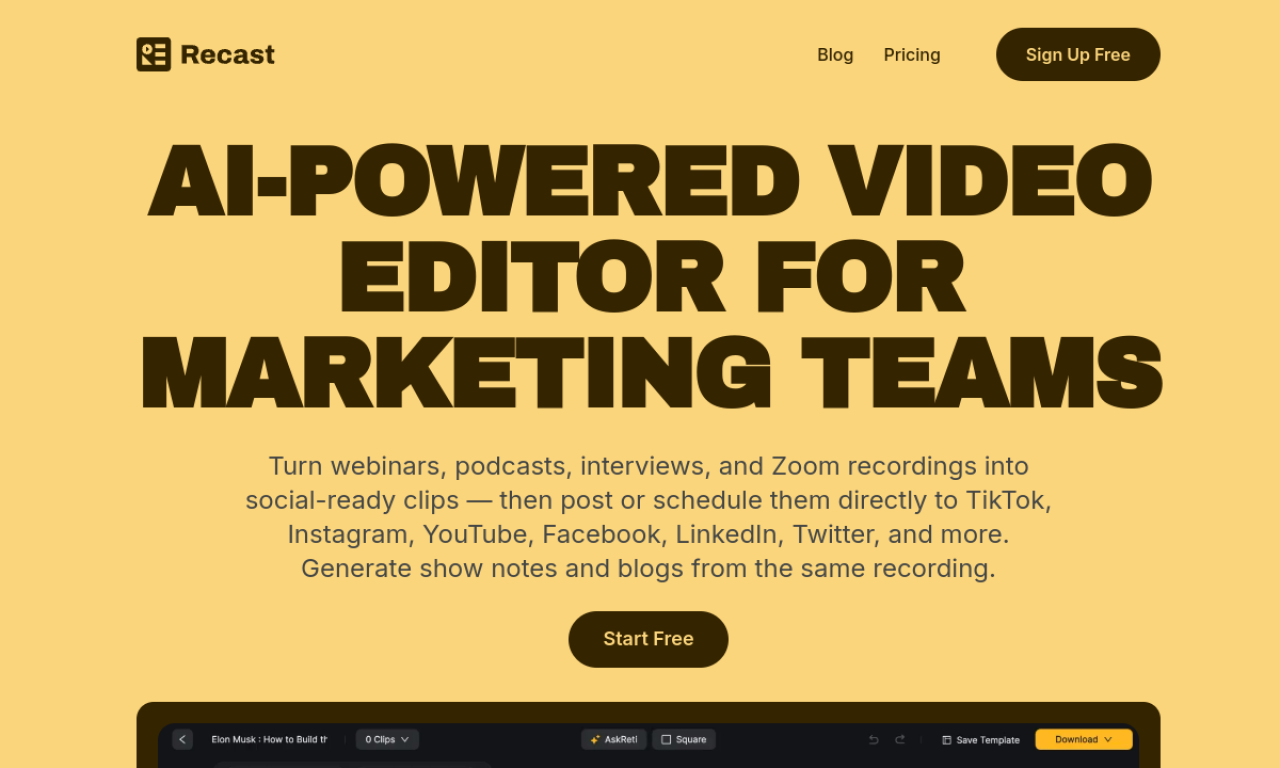
Recast Studio is an AI video editor for marketing teams that turns podcast episodes into short clips, show notes, blog posts, social posts, and email drafts. It creates transcripts and captions automatically, and includes a transcript editor and branded templates. It is designed for teams without video editing experience.
- Added on
- Nov 2, 2026
- Website
- recast.studio
- Pricing model
- Free Trial
- Company
- Recast Studio
Product information
What is Recast Studio?
A generative AI video editor that repurposes podcast episodes into clips and written marketing content for marketing teams.
How to use Recast Studio?
Upload a podcast episode. The AI generates a transcript, show notes, social posts, and short clips. Edit the clips and apply templates to match your brand.
Core features of Recast Studio
- AI video editing
- Automatic clip generation
- AI-generated show notes
- Podcast-to-blog post conversion
- Automatic captions and transcript editor
- Social media post and email drafting
Use cases of Recast Studio
- 1Create short clips for social media from podcast episodes
- 2Draft blog posts from podcast content
- 3Write email newsletters to promote new episodes
Frequently asked questions about Recast Studio
What can Recast Studio do?+
It turns a podcast episode into short video clips and writes show notes, blog posts, social posts, and more.
What content can I create with Recast Studio?+
Video clips, show notes, blog posts, social posts, and email drafts from podcast episodes.
Does Recast Studio help with SEO?+
Yes. Its generated transcripts, show notes, and blog posts can support podcast SEO.
Which category is Recast Studio in?+
Recast Studio is listed under AI Video Editor.
Tags
ai video editorai repurposeai short video generatorai subtitle generatorai transcriptionRecast Studio alternatives
AI video platform for editing live streams and recordings, with publishing and storage in one place.