

RunComfy
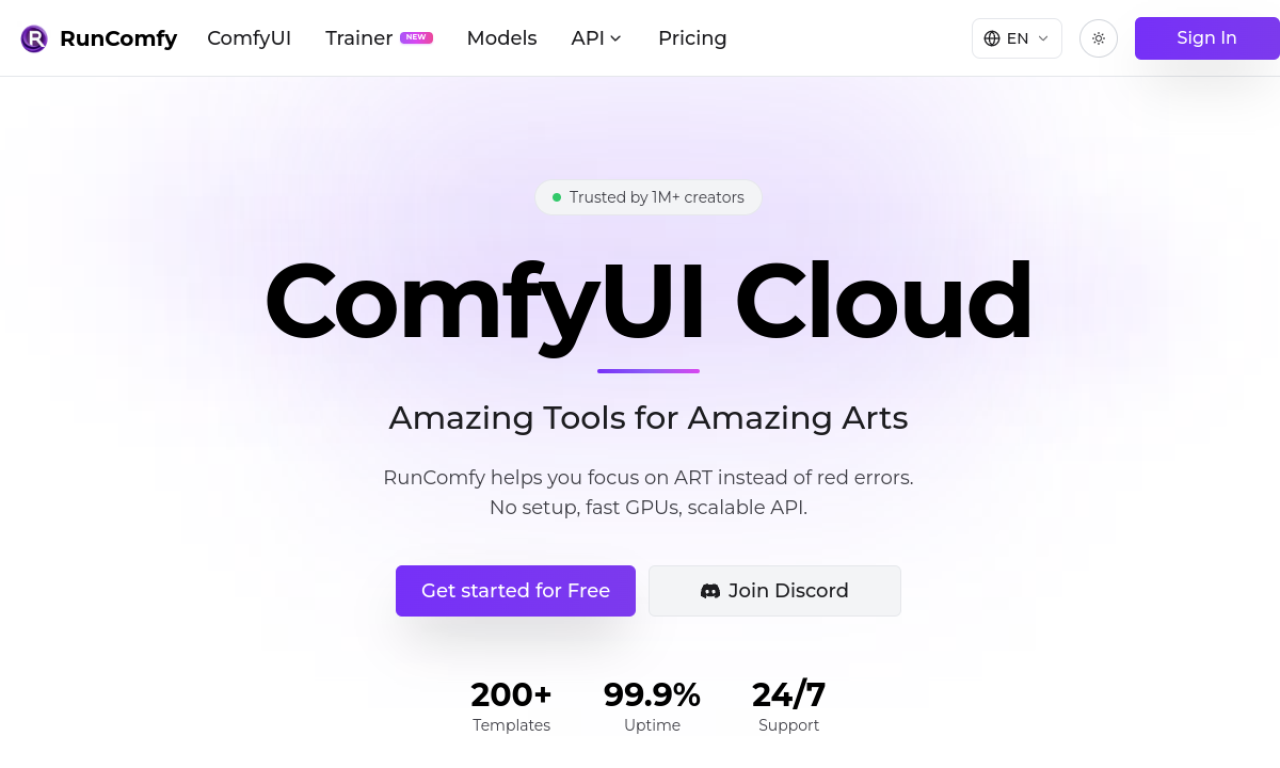
Cloud-hosted ComfyUI environment for running Stable Diffusion workflows without local setup.
Introduction
RunComfy provides a preconfigured ComfyUI environment in the cloud, with GPU options from 16GB to 80GB VRAM. Users can download models from common sources, install nodes through ComfyUI-Manager, and save or share workflows by link. Sessions keep models and the environment between uses.
- Added on
- Nov 2, 2026
- Website
- www.runcomfy.com
- Company
- RunComfy
Product information
What is RunComfy?
RunComfy is a cloud platform that runs the ComfyUI node-based interface for image and video generation.
How to use RunComfy?
Launch the cloud environment, download models from Civitai, Hugging Face, or Google Drive, install nodes via ComfyUI-Manager, and run your workflow.
Core features of RunComfy
- Native ComfyUI experience in the cloud
- Model downloads from several sources
- Node installation through ComfyUI-Manager
- Reproducible workflow environments
- GPU options from 16GB to 80GB VRAM
- Workflow sharing by link
Use cases of RunComfy
- 1Creating Stable Diffusion artwork without a local install
- 2Sharing a ComfyUI setup with teammates or students
- 3Testing nodes without local dependency conflicts
- 4Generating images and videos on fast GPUs
Frequently asked questions about RunComfy
What is ComfyUI?+
ComfyUI is a node-based graphical interface for Stable Diffusion that lets users build image and video workflows.
Are my models kept between sessions?+
According to RunComfy, models and the environment are saved across sessions through its cloud save feature.
Which category is RunComfy in?+
RunComfy is listed under AI Workflow Automation.
Tags
ai art generatorai image generatorai video generatorai workflowtext to imageRunComfy alternatives
AI agent platform for research, documents, coding and scheduled tasks, with approval before external actions.