

SendShort
Turn long videos into short clips with AI subtitles and scheduling
Introduction
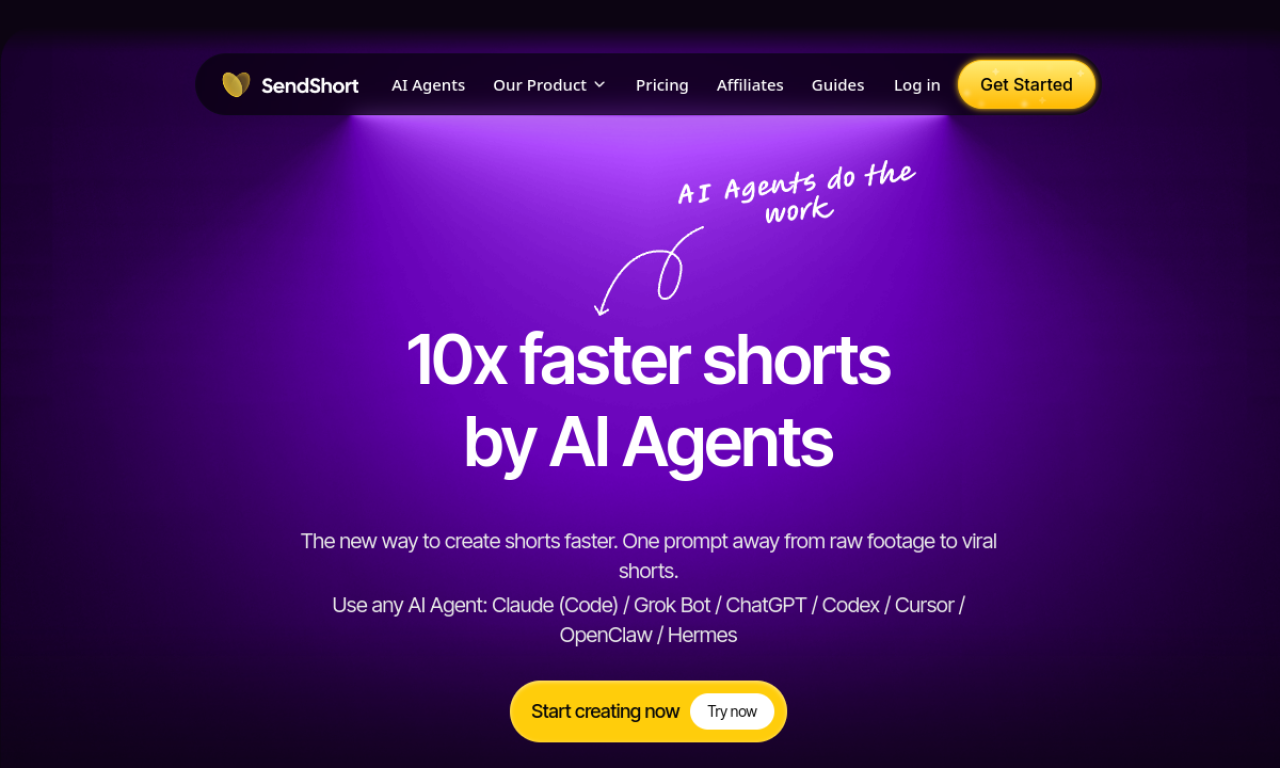
SendShort uses AI to pull key moments out of long videos and turn them into short clips. It adds and translates subtitles, can create faceless videos, and lets users schedule posts to TikTok and YouTube Shorts. Users paste a YouTube link or upload a file, and the tool generates and edits the shorts.
- Added on
- Nov 2, 2026
- Website
- sendshort.ai
- Company
- SendShort
Product information
What is SendShort?
SendShort is an AI tool that converts long videos into short-form clips, with subtitles, translation, and social scheduling.
How to use SendShort?
Paste a YouTube link or upload a video. The AI creates and edits the shorts, after which you can export them or schedule them for publishing.
Core features of SendShort
- AI auto-editing
- Automatic subtitle generation
- Faceless video creation
- Auto B-roll insertion
- Video scheduling
- AI clip making
Use cases of SendShort
- 1Splitting long videos into multiple short clips
- 2Making faceless content without showing a face
- 3Creating AI avatar UGC-style videos
- 4Automating a recurring short-form posting schedule
Frequently asked questions about SendShort
How does SendShort work?+
You import a video, and the AI generates shorts, edits them, and can schedule them on social platforms.
Which languages does SendShort support?+
It supports 48 languages for video creation and subtitle translation.
Can SendShort create faceless videos?+
Yes. It can generate faceless short videos alongside clips from existing footage.
Which category is SendShort in?+
SendShort is listed under AI Video Editor.
Tags
long-to-short video aiai short video generatorai video editorSendShort alternatives
AI video platform for editing live streams and recordings, with publishing and storage in one place.