

SubtitleBee
Automatically add, translate, and burn in subtitles for videos with AI
Introduction
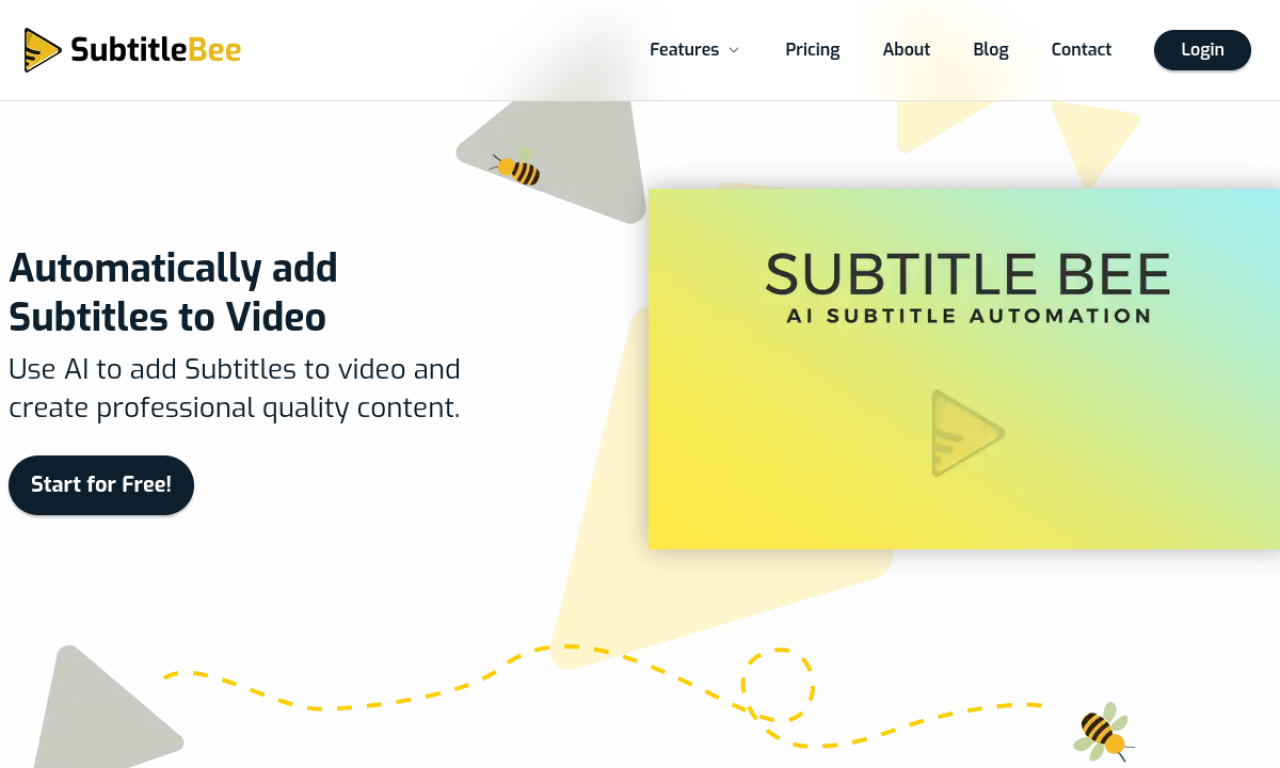
SubtitleBee is an AI platform that generates subtitles for videos automatically, with tools to edit and style them. You can create burned-in captions or export subtitle files in SRT, ASS, VTT, or TXT formats. It can translate subtitles into more than 120 languages, transcribe audio, and add text overlays. A free plan can generate English subtitles.
- Added on
- Nov 2, 2026
- Website
- subtitlebee.com
- Pricing model
- Freemium
Product information
What is SubtitleBee?
SubtitleBee is an AI-powered platform that adds subtitles to videos and also provides translation, transcription, and text overlays.
How to use SubtitleBee?
Upload a video or paste a link, let the AI generate captions, edit and sync them in the subtitle editor, then download the video with burned-in subtitles or separate subtitle files.
Core features of SubtitleBee
- AI subtitle generator
- Subtitle translator
- Audio transcription
- Add text to video
- Video cropping
- Progress bar generator
Use cases of SubtitleBee
- 1Adding subtitles to videos for social media
- 2Translating videos for a global audience
- 3Transcribing podcast audio
- 4Creating accessible content for deaf and hard-of-hearing viewers
Frequently asked questions about SubtitleBee
How do I add captions to a video with SubtitleBee?+
Upload your video, let the AI generate captions, then edit and style them before downloading the captioned video.
Can SubtitleBee generate English subtitles for free?+
Yes, the free plan can generate English subtitles from your video automatically.
How do I sync subtitles with SubtitleBee?+
Use the subtitle editor to adjust timing and preview the video, then export once the dialogue lines up.
Which category is SubtitleBee in?+
SubtitleBee is listed under AI Transcription.