

Tella
Screen recorder that edits video through its transcript, built for demos and tutorials.
Introduction
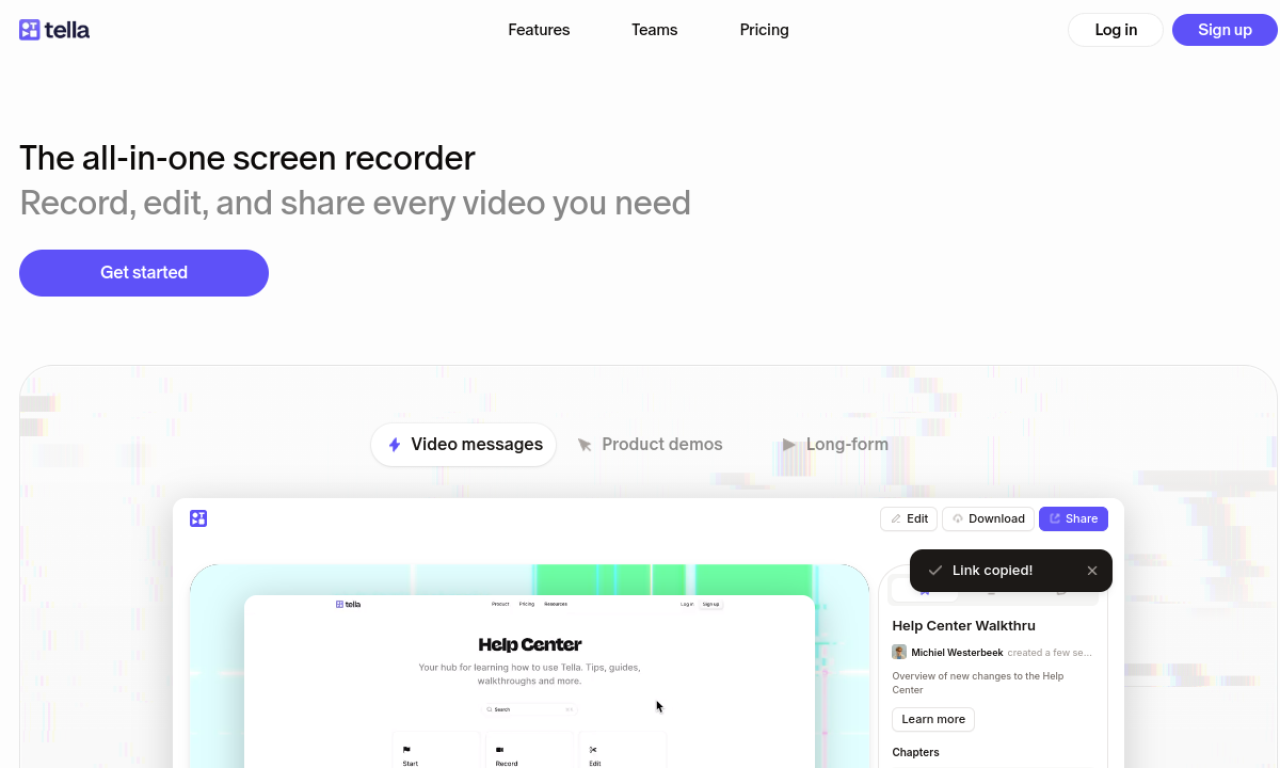
Tella is an online screen recorder for Mac and Windows, aimed at product demos, tutorials and courses. You record in short clips with speaker notes, then remove filler words and silences or edit the transcript as text. Finished videos can be shared by link, exported in 4K or embedded on a site.
- Added on
- Nov 2, 2026
- Website
- www.tella.com
- Pricing model
- Free Trial
- Company
- Tella HQ Inc.
Product information
What is Tella?
A browser-based screen recording and video editing tool for making demos, tutorials and courses.
How to use Tella?
Record the screen in small clips and use speaker notes to stay on track. Trim filler words and silences, or edit by changing the transcript. Share the result by link, download it in 4K or embed it.
Core features of Tella
- Screen recording on Mac, Windows and browser
- Clip-based recording and rearranging
- Transcript-based AI editing
- Transitions and zoom effects
- Customizable backgrounds
- Instant sharing, 4K export and embedding
Use cases of Tella
- 1Product demos
- 2Tutorial videos
- 3Online courses
- 4Team updates
- 5Webinars and 1-on-1 feedback videos
Frequently asked questions about Tella
How long is the Tella free trial?+
Tella offers a 7-day trial. The company says most people decide within a few days, and a longer trial can be requested by contacting them.
Should I choose Tella Pro or Premium?+
Premium suits people who share many videos with a large audience. Pro is usually enough for lighter use, and plans can be changed at any time.
Can I cancel Tella at any time?+
Yes. The subscription ends at the close of the current billing period, so you are not charged for later months.
Which category is Tella in?+
Tella is listed under AI Video Editor.
Tags
screen recorderai video editorproduct demovideo tutorialonline courseTella alternatives
AI video platform for editing live streams and recordings, with publishing and storage in one place.