

Tome App AI
Generate and polish PowerPoint slides from a prompt, a PDF, a Word file or a video.
Introduction
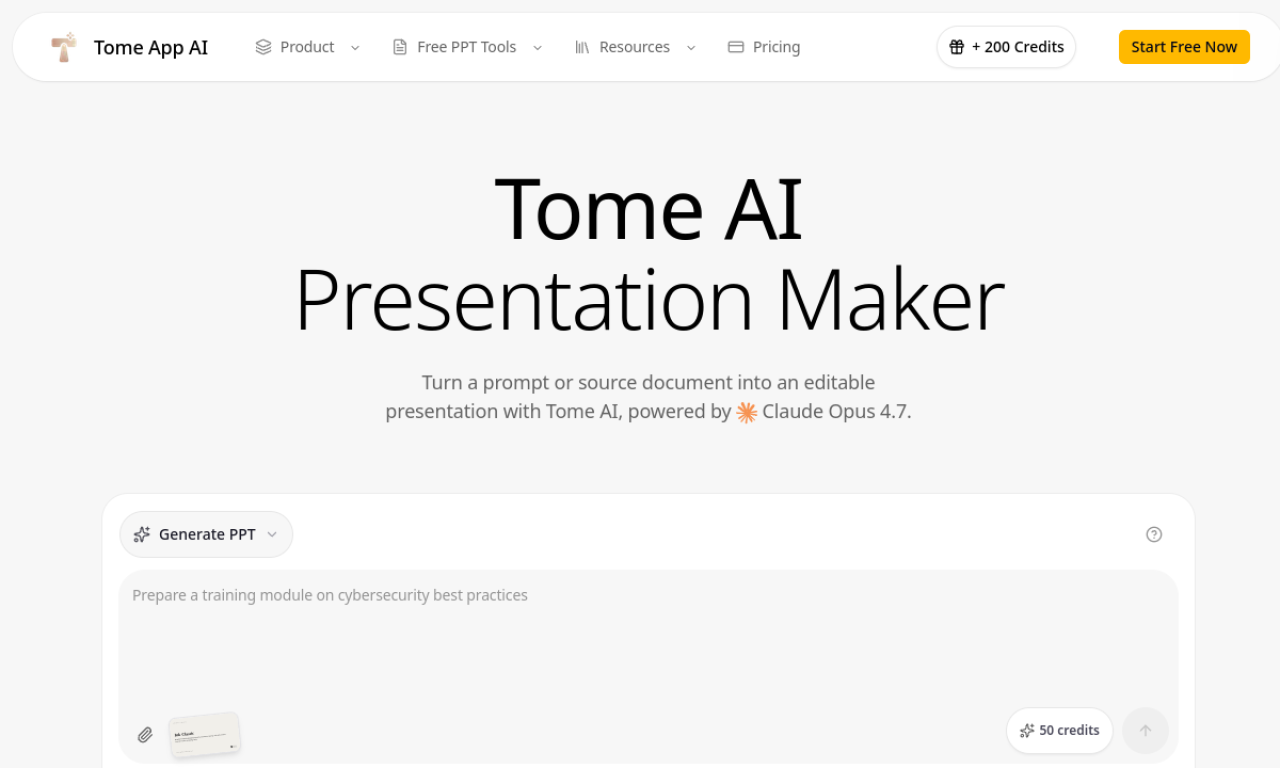
Tome App AI builds PowerPoint decks from text prompts or uploaded files such as PDFs, Word documents and YouTube videos. It handles layout, design and content structure, and can also restyle existing slides. You can add speaker notes and charts, preview and edit in the browser, then export to PPTX, with PDF and image export on higher tiers.
- Added on
- Nov 2, 2026
- Website
- tomeapp.ai
- Pricing model
- Freemium
- Company
- Tome App
Product information
What is Tome App AI?
An AI presentation tool that creates and beautifies PPT slides.
How to use Tome App AI?
Enter a prompt or upload a PDF or Word file, review the generated deck in the browser, edit as needed, then export to PPTX or PDF.
Core features of Tome App AI
- AI PPT generation from prompts
- AI beautification of existing slides
- Conversion from PDF, Word, YouTube and HTML
- Automatic speaker notes
- Smart layouts and chart generation
- Export to PPTX, PDF and images
Use cases of Tome App AI
- 1Building a pitch deck from a short description
- 2Turning a training video into a lesson deck
- 3Converting a long PDF report into an executive summary
Frequently asked questions about Tome App AI
What is Tome App AI?+
It is an AI tool that generates and enhances professional PowerPoint presentations.
Can I edit slides made by Tome App AI?+
Yes, you can preview and make real-time edits in the browser before exporting to PPTX.
Which export formats does Tome App AI support?+
It exports to PPTX, and higher tiers also support PDF and image formats.
Which category is Tome App AI in?+
Tome App AI is listed under AI Presentation Maker.