

Trupeer
Turn a screen recording into a product video and a step-by-step guide.
Introduction
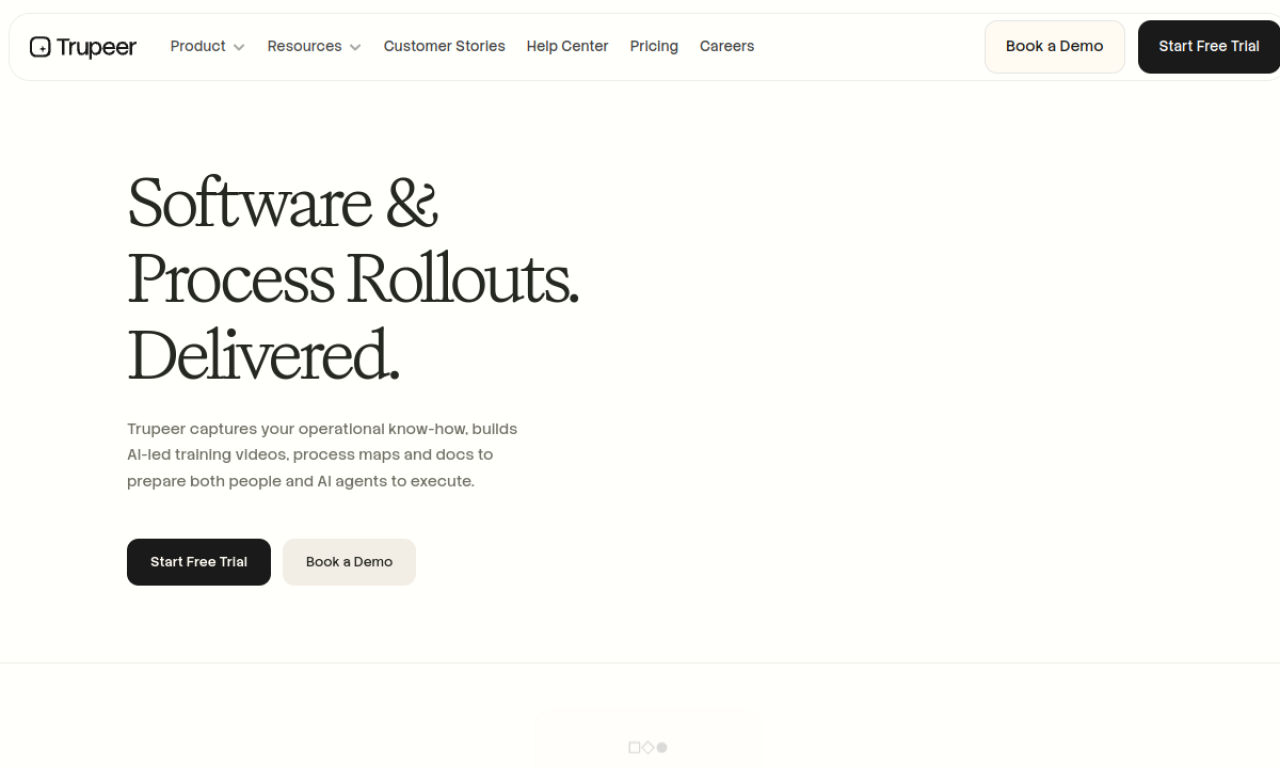
Trupeer records your screen through a Chrome extension, then uses AI to produce a narrated video and a written guide from the recording. You can edit the generated script and choose the voiceover, backgrounds and music. Guides export as PDF, Word or Markdown, which suits product, support and training teams that need documentation without editing skills.
- Added on
- Nov 2, 2026
- Website
- www.trupeer.ai
- Pricing model
- Contact for Pricing
- Company
- Trupeer
Product information
What is Trupeer?
Trupeer is an AI tool that creates product demo videos and user documentation from screen recordings.
How to use Trupeer?
Install the Chrome extension and narrate your steps while recording. Trupeer then generates the video and the document. Edit the script if needed, pick a voiceover, background and music, and export the result.
Core features of Trupeer
- AI screen recorder
- AI voiceover and script generation
- Automated zooms and screenshot capture
- Auto-generated steps and titles
- AI translation
- Customizable brand assets
Use cases of Trupeer
- 1Product demo videos and walkthroughs
- 2Training videos and onboarding material
- 3User guides and instruction manuals
- 4Sales enablement content
Frequently asked questions about Trupeer
What can I make with Trupeer?+
Demo videos, product walkthroughs, training videos, user guides and instruction manuals.
Who is Trupeer for?+
Product marketers, product managers, support teams, technical writers and L&D teams.
Can I edit what Trupeer generates?+
Yes. You can change the video script and documents, and customize voiceovers, backgrounds and music.
Which category is Trupeer in?+
Trupeer is listed under AI Video Generator, AI Avatar Video.
Tags
ai video generatorai documents generatorai script writingai voice generatorai tutorialTrupeer alternatives
Image and video generator with a free tier that has no credits or daily caps, plus commercial use rights.