

TubeBuddy
YouTube channel management toolkit for optimization, management, and growth.
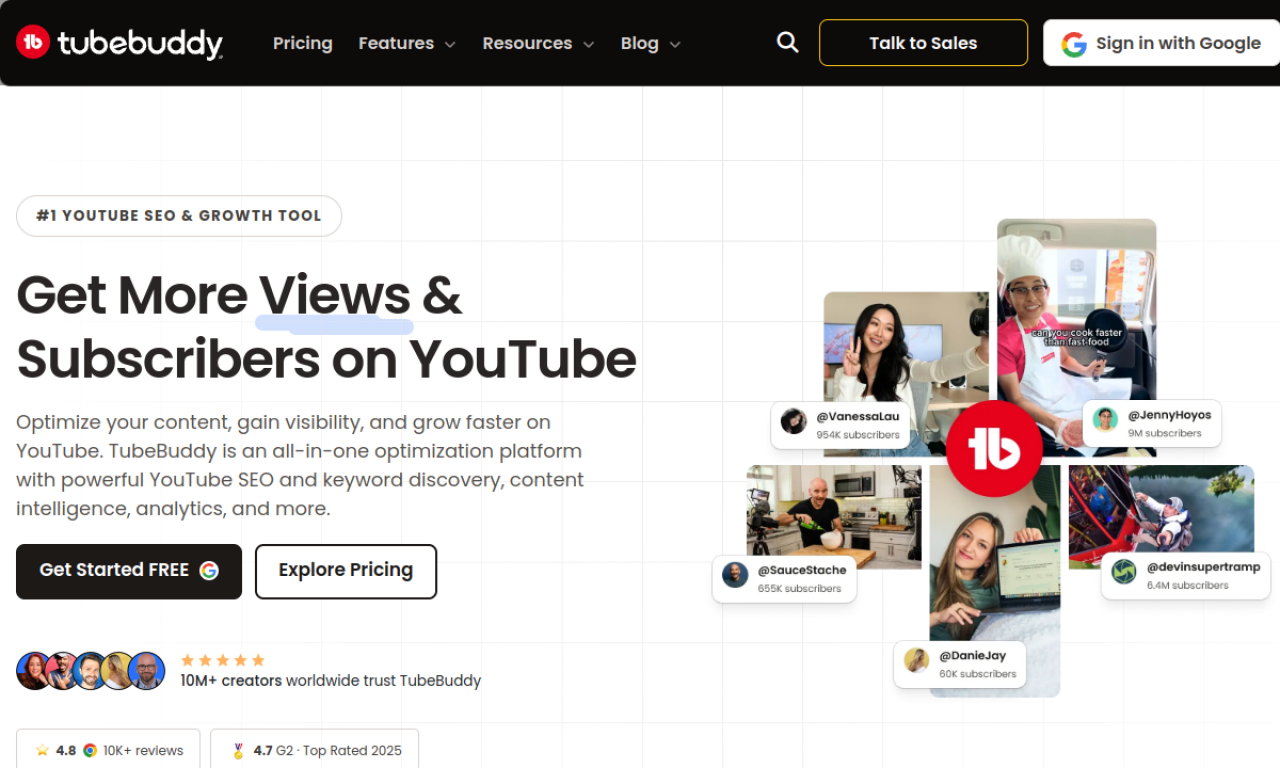
Introduction
YouTube channel management toolkit for optimization, management, and growth.
- Added on
- Nov 1, 2026
- Website
- tubebuddy.com
- Pricing model
- Freemium
- Company
- TubeBuddy
Product information
What is TubeBuddy?
TubeBuddy is a YouTube channel management toolkit that works inside YouTube Studio to help optimize and grow a channel.
How to use TubeBuddy?
Install the TubeBuddy browser extension and authorize it for your channel. It then appears in YouTube Studio, where you can optimize videos, edit content in bulk and review performance data.
Core features of TubeBuddy
- SEO tools for keyword research and ranking
- Bulk editing for updating many videos
- AI features for content creation and optimization
- Thumbnail analyzer
- A/B testing for thumbnails and titles
- Audience tools for spotting niche trends
Use cases of TubeBuddy
- 1Optimizing titles, descriptions and tags for search
- 2Running A/B tests on thumbnails to compare click-through
- 3Updating end screens and cards across a back catalog
- 4Finding trending topics in audience data
Frequently asked questions about TubeBuddy
What does TubeBuddy do for my YouTube channel?+
It provides tools for SEO, bulk processing, workflow and AI-assisted content work, helping you test and optimize videos and track results.
How do I install TubeBuddy?+
Sign up, install the browser extension, and authorize it to access your channel. It will then show up in YouTube Studio.
Who is TubeBuddy suitable for?+
Creators at any stage. Newer channels can use it to grow, and established channels can use bulk tools across their catalog.
Which category is TubeBuddy in?+
TubeBuddy is listed under Marketing & Sales, AI SEO Tools.