

Twistly
A PowerPoint add-in that turns text, documents or prompts into slides in seconds.
Introduction
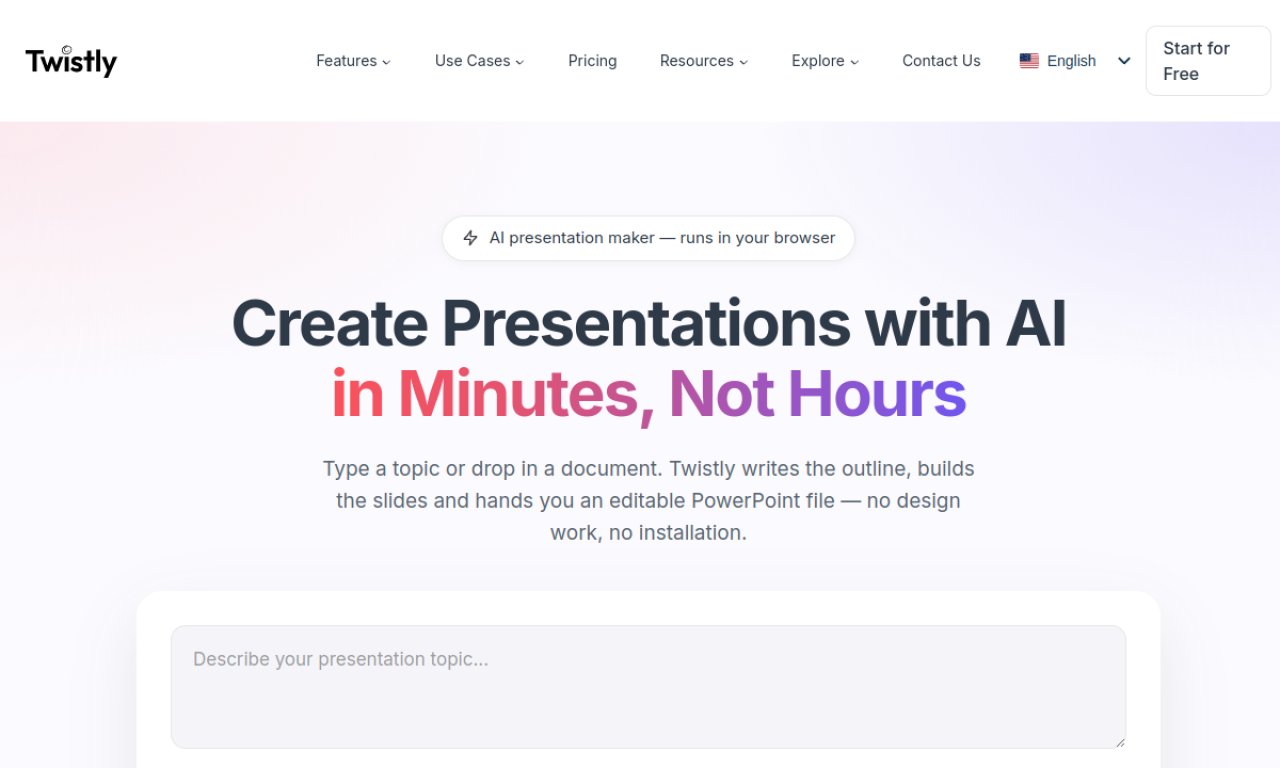
Twistly is an add-in for PowerPoint that builds a presentation from a prompt, pasted text, a PDF, a Word file or a YouTube video. It creates an outline, lets you pick a template, and can add AI images and speaker notes. The result is meant to be edited further inside PowerPoint, and a free trial is available.
- Added on
- Nov 2, 2026
- Website
- twistly.ai
- Pricing model
- Freemium
Product information
What is Twistly?
Twistly is an AI presentation maker that works as an add-in inside Microsoft PowerPoint.
How to use Twistly?
Open the Twistly add-in from the PowerPoint ribbon. Upload a document or type a prompt, review the outline, choose a template, and let it generate the slides. Edit them as you would any other deck.
Core features of Twistly
- Presentation generation from a prompt
- Presentation generation from text
- Presentation generation from PDF, DOCX or TXT files
- Presentation generation from a YouTube video
- AI image generation
- AI speaker notes
Use cases of Twistly
- 1Turning class notes into presentations
- 2Converting essays or research papers into slides
- 3Making quick recap slides from textbook notes
- 4Creating training slides from written material
Frequently asked questions about Twistly
Is Twistly easy for beginners?+
Yes. The site says no design or technical skills are needed, since it runs inside PowerPoint.
What file types can Twistly convert?+
Plain text, PDFs, Word documents and Google Docs.
How does the Twistly free trial work?+
The trial includes full access without a credit card, and you can cancel any time before it ends without being charged.
Which category is Twistly in?+
Twistly is listed under AI Presentation Maker.