

VEED.IO
Online video editor with AI tools for creating professional videos quickly and easily.
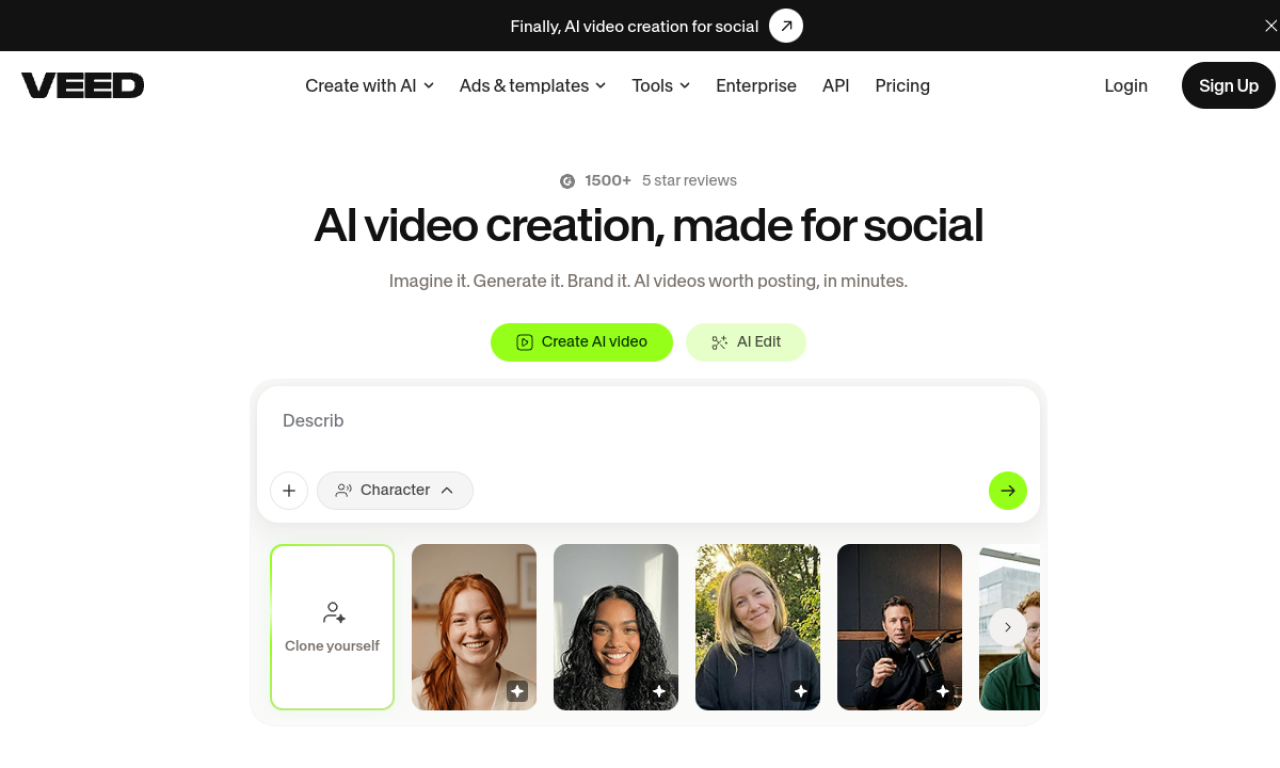
Introduction
Online video editor with AI tools for creating professional videos quickly and easily.
- Added on
- Nov 1, 2026
- Website
- veed.io
- Pricing model
- Freemium
- Company
- VEED.IO
Product information
What is VEED.IO?
VEED.IO is a browser-based video editor that uses AI for subtitles, voice, and video creation.
How to use VEED.IO?
Record in the browser, upload a file, or start from a template. Edit with the drag-and-drop interface and use AI tools to add subtitles or translate audio.
Core features of VEED.IO
- AI-powered video editing
- Automatic subtitle generation
- Screen and webcam recording
- Text-to-speech and voice translation
- Stock music and video library
- Templates
Use cases of VEED.IO
- 1Marketing and social media videos
- 2Training and e-learning content
- 3Adding subtitles and translations
- 4Sales videos and meeting recordings
Frequently asked questions about VEED.IO
Can I remove the VEED.IO watermark?+
Yes, the watermark is removed by subscribing to a paid plan.
Is there a file size limit on VEED.IO?+
The free plan has a 1GB upload limit, and paid plans have no upload size limit.
Can I cancel my VEED.IO subscription anytime?+
Yes, you can turn off auto-renewal from the dashboard, and premium access continues until the billing cycle ends.
Which category is VEED.IO in?+
VEED.IO is listed under Video, AI Video Editor.
Tags
video-editorvideoVEED.IO alternatives
AI video platform for editing live streams and recordings, with publishing and storage in one place.