

Viblo
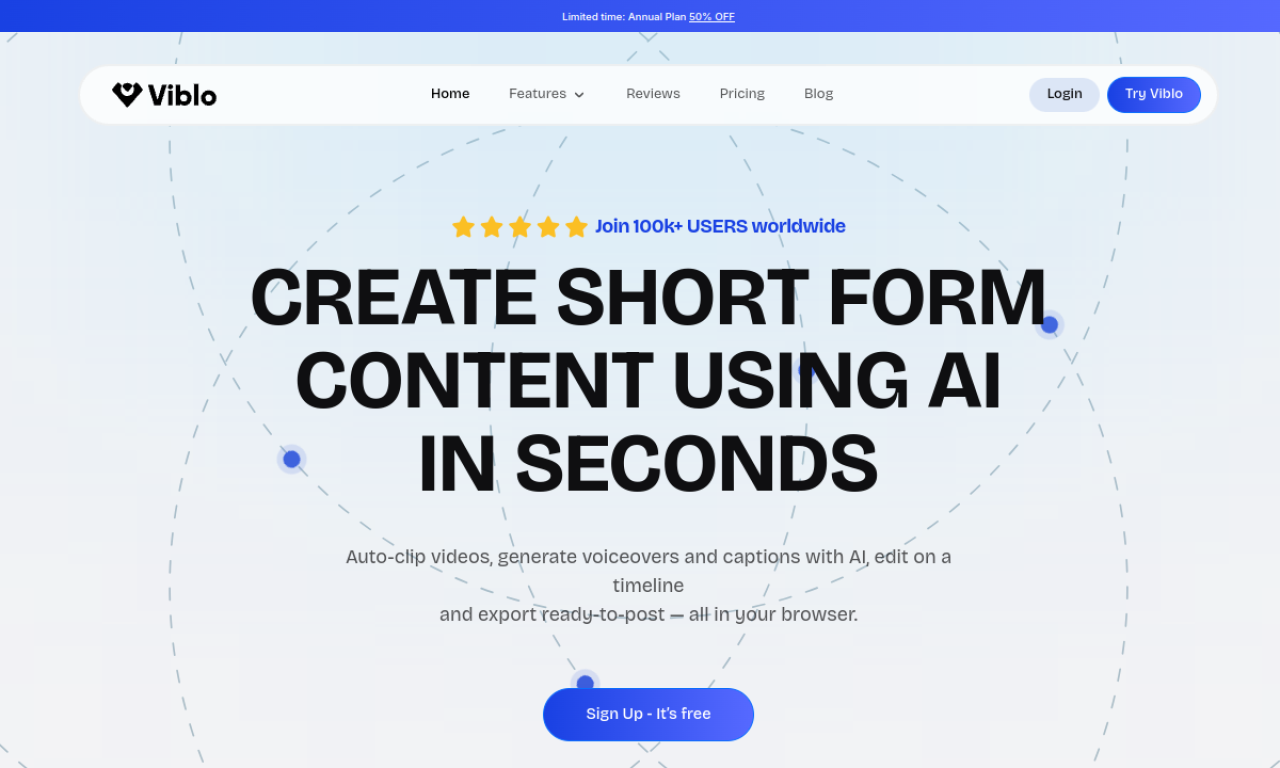
Browser-based AI editor that turns footage or scripts into short-form videos quickly.
Introduction
Viblo is a browser video editor for short-form content. It can find highlights in long footage, generate voiceovers and captions, and let you refine the result on a timeline. You can export ready-to-post videos for YouTube Shorts, TikTok, Instagram Reels and Facebook, and it supports script-based and faceless formats.
- Added on
- Nov 2, 2026
- Website
- viblo.ai
- Pricing model
- Free Trial
- Company
- Viblo AI LLC
Product information
What is Viblo?
A browser-based AI video editor for creating short-form videos from footage, scripts or prompts.
How to use Viblo?
Sign up, upload footage or enter a script or prompt, let the tool generate voiceovers, captions and highlights, adjust the timeline, pick a template or layout, then export.
Core features of Viblo
- Auto-clipping and highlight detection
- AI voiceover generation
- Auto captions and subtitles
- Timeline-based editing
- Split-screen layouts
- Short-form templates
Use cases of Viblo
- 1Clipping highlights from long footage
- 2Narrated YouTube Shorts or TikTok videos from scripts
- 3Faceless educational or explainer videos
- 4Commentary or comparison videos
- 5Repurposing one video into several posts
Frequently asked questions about Viblo
Do I need video editing experience to use Viblo?+
No. The tool is designed for beginners and professionals, and AI automates much of the editing.
Can I make Viblo videos without appearing on camera?+
Yes. Viblo supports script-based, voiceover-driven and AI-generated video formats.
Do I own the videos I make with Viblo?+
The site says every video you create is yours to use and distribute.
Which category is Viblo in?+
Viblo is listed under AI Video Editor.
Tags
ai video editorai shorts generatorai voice overai subtitle generatorai reel generatorViblo alternatives
AI video platform for editing live streams and recordings, with publishing and storage in one place.