

Visual Studio Code
Free, open-source code editor with built-in AI agents
Introduction
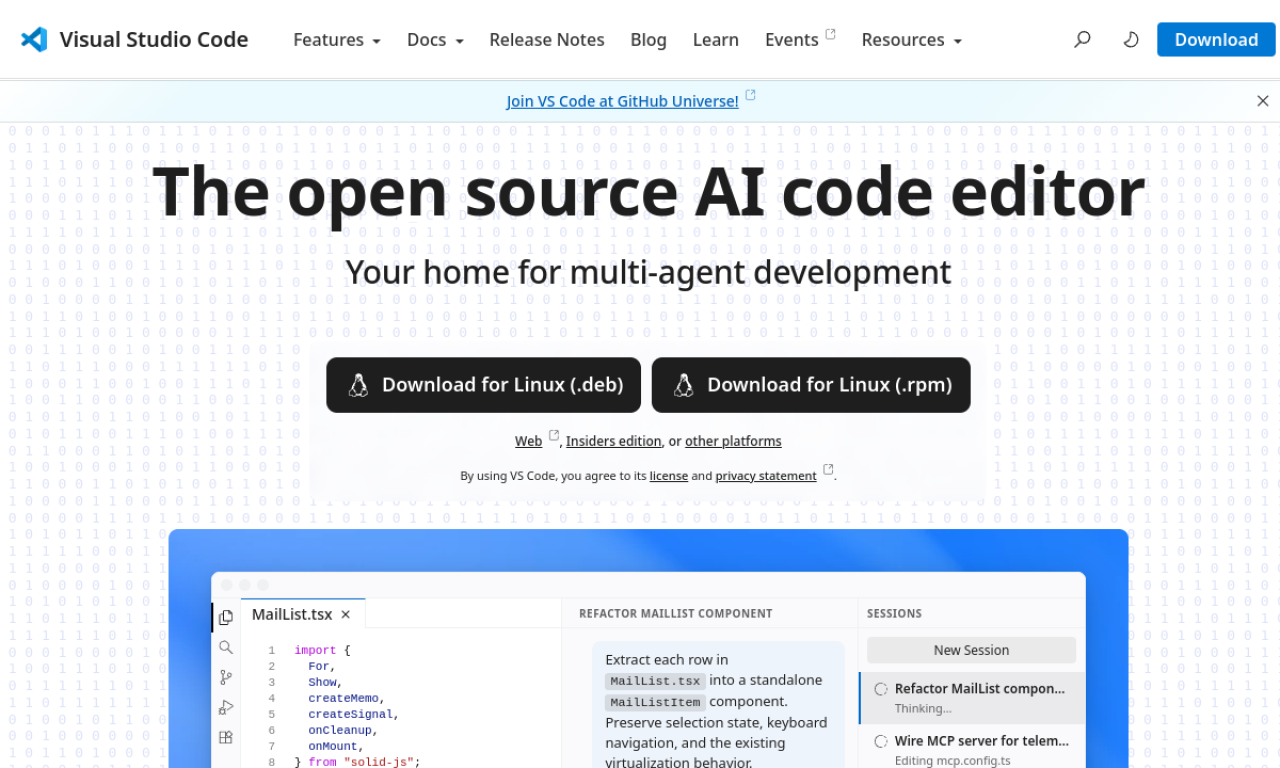
Visual Studio Code is Microsoft's free, open-source editor for building, debugging and managing software. It runs on Linux, macOS, Windows and the web, and adds AI agents that plan, write and debug code. A large extension marketplace and built-in Git support round it out.
- Added on
- Nov 2, 2026
- Website
- code.visualstudio.com
- Pricing model
- Free
- Company
- Microsoft
Product information
What is Visual Studio Code?
Visual Studio Code is a free, open-source code editor from Microsoft. It handles web and cloud development with an integrated terminal, debugger and Git tools. AI agents can plan, implement and debug tasks, including multi-agent workflows.
How to use Visual Studio Code?
Download it for macOS, Windows or Linux, or open the web version. Open a project folder, install extensions for your language, run and debug with the built-in tools, and ask AI agents to implement or troubleshoot tasks.
Core features of Visual Studio Code
- AI agents for planning, coding and debugging
- Multi-agent workflows, local and cloud
- Integrated terminal and debugging
- Built-in Git and GitHub Codespaces
- Large extension marketplace
- Remote development in containers
Use cases of Visual Studio Code
- 1Building and debugging web apps with AI help
- 2Developing in containers or Codespaces
- 3Letting agents fix bugs in the background
- 4Reviewing pull requests with Git tools
- 5Writing code in many programming languages
Frequently asked questions about Visual Studio Code
What is Visual Studio Code?+
Visual Studio Code is a free, open-source code editor from Microsoft with built-in AI agent support.
Is Visual Studio Code free?+
Yes, it is offered as a free, open-source editor.
What is Visual Studio Code used for?+
It is used to write, build, debug, test and manage software projects, including web and cloud applications.
Which category is Visual Studio Code in?+
Visual Studio Code is listed under AI Code Assistant.