

Weet
Record, edit and share interactive video tutorials with AI voice-over and subtitles.
Introduction
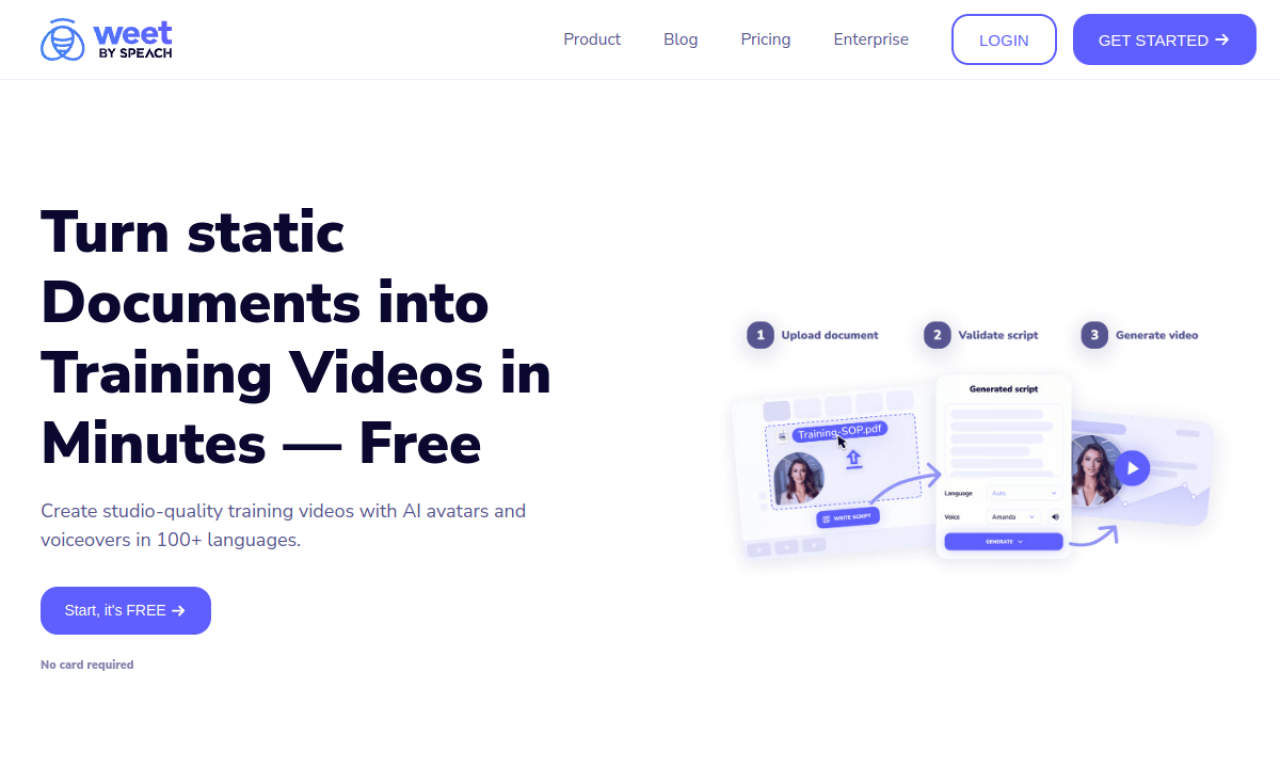
Weet is a platform for making interactive video tutorials and a shared video library. You can record your screen and webcam, upload existing videos, or turn a document into a video with an AI avatar. Editing tools include noise removal, automatic subtitles and translation, and interactive links, quizzes and annotations. Viewing analytics help teams see who watched.
- Added on
- Nov 2, 2026
- Website
- weet.co
- Pricing model
- Freemium
- Company
- Weet
Product information
What is Weet?
A platform for creating, editing and sharing training and tutorial videos.
How to use Weet?
Record your screen or upload a video, or turn a document into a video. Edit it, add interactive elements, then share it and track engagement.
Core features of Weet
- AI video creation from documents
- Screen and webcam recording
- Automatic subtitles and translation
- Interactive annotations
- Background noise removal
- Video analytics
Use cases of Weet
- 1Creating training videos and e-learning material
- 2Writing how-to guides for teams
- 3Sending walkthroughs of software updates
Frequently asked questions about Weet
What features does Weet offer?+
Weet offers screen and webcam recording, AI voice-over, subtitles and translation, noise removal, annotations, analytics and collaboration tools.
Can I create videos from documents using Weet?+
Yes, you choose an avatar, upload the document and check the generated script.
Does Weet offer a free plan?+
Yes, there is a free plan for individuals who record and send quick videos.
Which category is Weet in?+
Weet is listed under AI Video Editor.
Tags
ai video generatorai courseai video editorai voice-overai subtitlesWeet alternatives
AI video platform for editing live streams and recordings, with publishing and storage in one place.