

WowTo
Create how-to and training videos with AI voiceovers, avatars and hosted video knowledge bases
Introduction
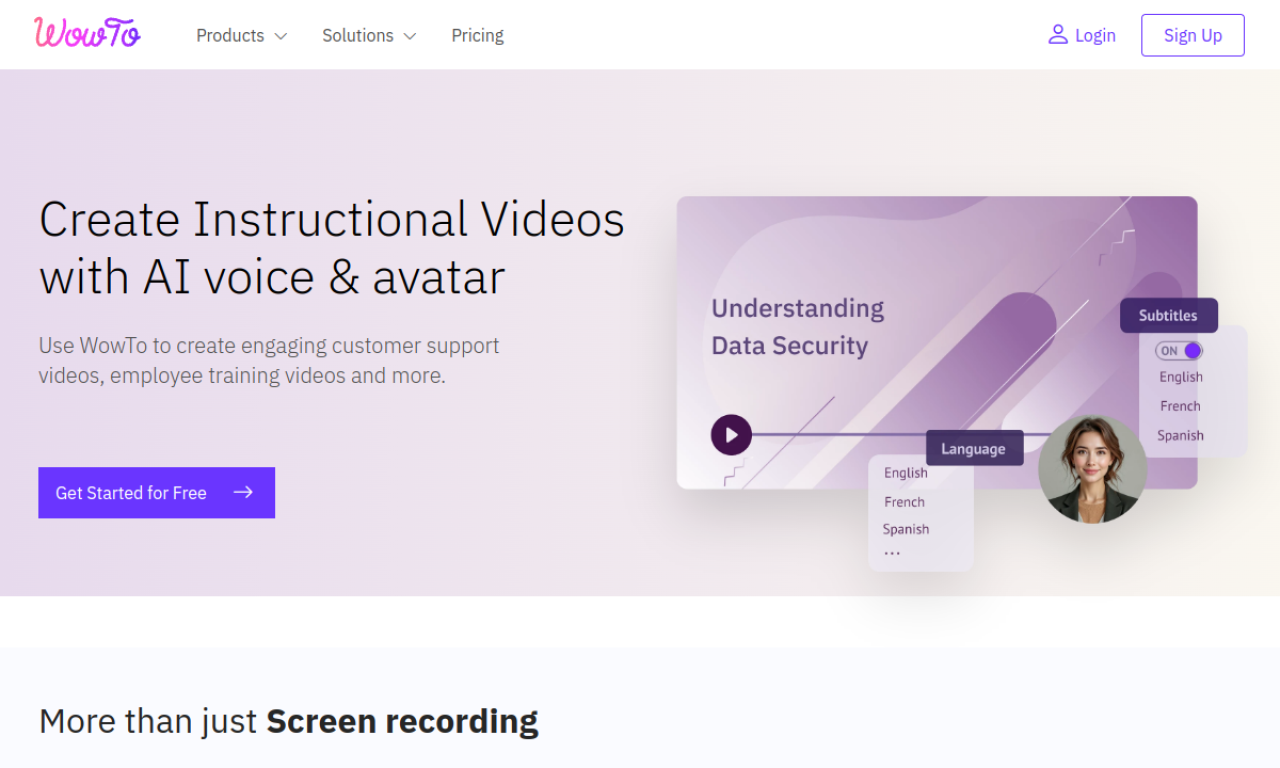
WowTo is a platform for making how-to and training videos and hosting them as a video knowledge base. You can capture workflows with a Chrome extension, import screen recordings, or convert PPT and PDF files into video. It adds AI voiceovers and avatars, along with editing tools for blurring, highlighting and annotation. An in-app video widget can display relevant videos inside a website or app.
- Added on
- Nov 2, 2026
- Website
- wowto.ai
- Pricing model
- Freemium
Product information
What is WowTo?
A platform for creating how-to videos and hosting them in a video knowledge base.
How to use WowTo?
Capture a workflow with the Chrome extension, import a screen recording, or convert a PPT or PDF to video. Then add AI voiceovers or avatars and publish the knowledge base.
Core features of WowTo
- AI-powered video creation
- Video knowledge base hosting
- In-app video widget
- Blur, highlight and annotate tools
- Multilingual AI voiceovers and avatars
- PPT and PDF to video conversion
Use cases of WowTo
- 1Customer support videos
- 2Employee training videos
- 3Educational video production
- 4Building a video knowledge base for a website or app
Frequently asked questions about WowTo
What does WowTo's free plan include?+
The free plan allows 15 videos of up to 2 minutes each, with a WowTo watermark. Its knowledge base also shows a 'Powered by WowTo' badge.
How do I upgrade from the WowTo free plan?+
Log in and click the Upgrade button in the top toolbar of the app.
Can I download my WowTo videos?+
Yes. You can download videos at any time, and free plan downloads carry a WowTo watermark.
Which category is WowTo in?+
WowTo is listed under AI Avatar Video.