

- 0 Saved
- 0 Views
- 0 Videos
- Introduction:
- Free online tool that removes image backgrounds and unwanted objects using AI.
- Added on:
- Nov 2, 2026
- Website:
- bgeraser.com
Featured Tools
Introduction
Description shown in its original language (English).
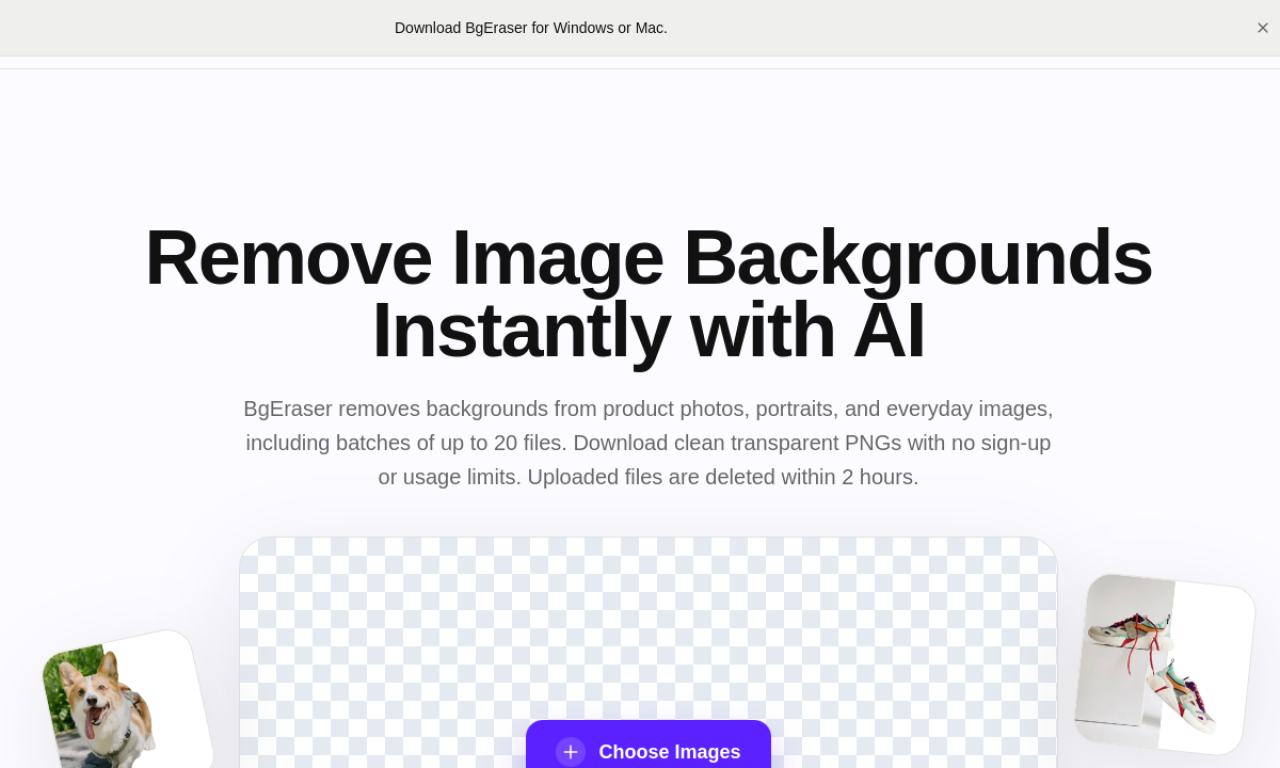
BgEraser strips backgrounds from jpg or png images and erases objects or watermarks with AI inpainting. You can process images in bulk, swap in a new background color, and download results as a zip. It also includes upscaling and a caricature maker, and edited images may be used commercially but not resold as is.
- Added on
- Nov 2, 2026
- Website
- bgeraser.com
- Pricing model
- Free
Product information
What is BgEraser?
A free web service for cutting out backgrounds and cleaning up photos with AI.
Core features of BgEraser
- Background removal
- Object removal
- Bulk processing
- Image upscaling
- Caricature maker
Use cases of BgEraser
- 1Product photos for e-commerce
- 2Transparent logos
- 3Removing unwanted objects from personal photos
- 4Preparing images for design work
How to use BgEraser?
Drag and drop images onto the site. The tool removes the background or unwanted objects automatically, and you can run images one by one or in batches, then download them.
Frequently asked questions about BgEraser
Can BgEraser remove backgrounds from many images at once?+
Yes, it supports bulk removal, with Start and Start All controls.
Can I undo a background removal in BgEraser?+
No, the original background cannot be recovered afterward, so keep a copy of the photo first.
Can I use BgEraser results commercially?+
Yes, processed images are free for commercial use, but reselling or redistributing them as they are is not allowed.
Which category is BgEraser in?+
BgEraser is listed under AI Background Remover.
BgEraser tags
background removerobject removerai eraserimage editingGoodAI Badge Embed
Show your support for BgEraser
Add this badge to your website to show that BgEraser is featured on Good AI Life. Choose a light or dark version, then copy the embed code.
More badge options →