

- 0 enregistrés
- 0 vues
- 0 vidéos
- Présentation:
- Free online tool that removes image backgrounds and unwanted objects using AI.
- Ajouté le:
- 2 nov. 2026
- Site web:
- bgeraser.com
Outils à la une
Présentation
Description affichée dans sa langue d’origine (English).
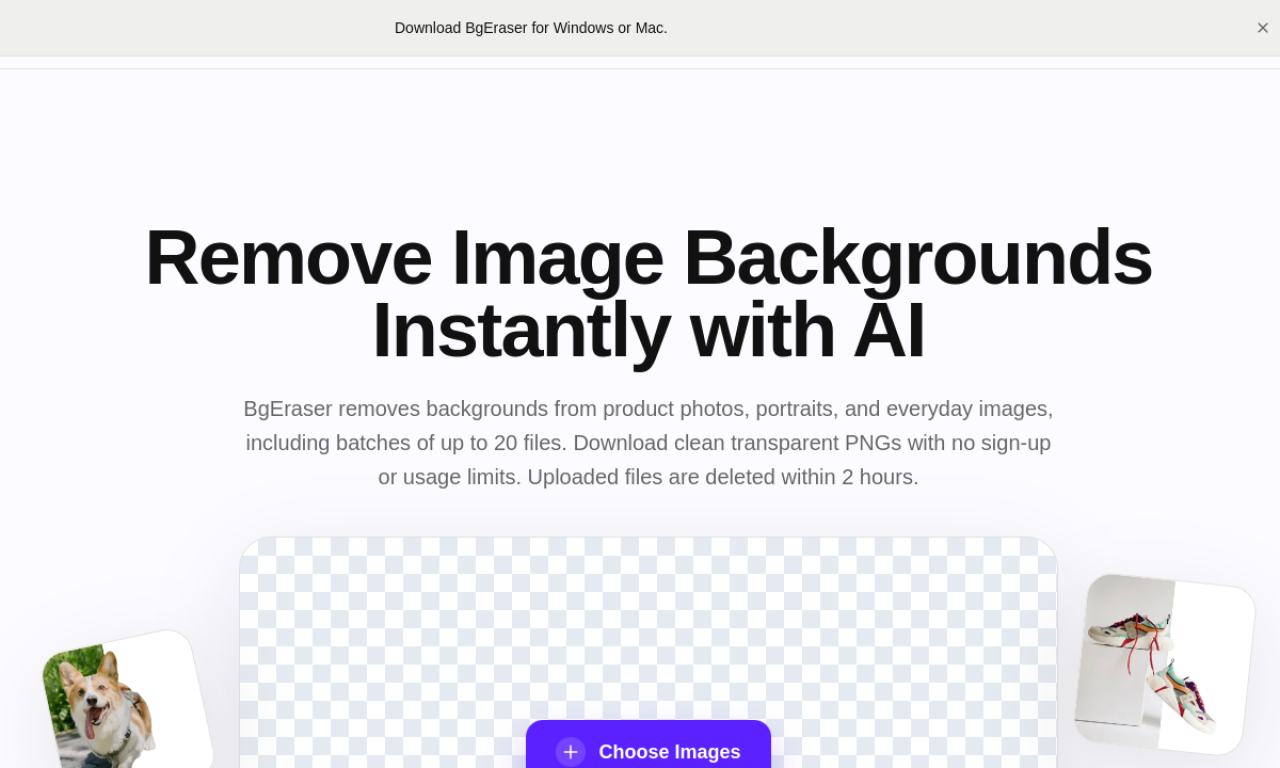
BgEraser strips backgrounds from jpg or png images and erases objects or watermarks with AI inpainting. You can process images in bulk, swap in a new background color, and download results as a zip. It also includes upscaling and a caricature maker, and edited images may be used commercially but not resold as is.
- Ajouté le
- 2 nov. 2026
- Site web
- bgeraser.com
- Modèle tarifaire
- Free
Informations produit
Qu’est-ce que BgEraser ?
A free web service for cutting out backgrounds and cleaning up photos with AI.
Fonctionnalités principales de BgEraser
- Background removal
- Object removal
- Bulk processing
- Image upscaling
- Caricature maker
Cas d’usage de BgEraser
- 1Product photos for e-commerce
- 2Transparent logos
- 3Removing unwanted objects from personal photos
- 4Preparing images for design work
Comment utiliser BgEraser ?
Drag and drop images onto the site. The tool removes the background or unwanted objects automatically, and you can run images one by one or in batches, then download them.
Questions fréquentes sur BgEraser
Can BgEraser remove backgrounds from many images at once?+
Yes, it supports bulk removal, with Start and Start All controls.
Can I undo a background removal in BgEraser?+
No, the original background cannot be recovered afterward, so keep a copy of the photo first.
Can I use BgEraser results commercially?+
Yes, processed images are free for commercial use, but reselling or redistributing them as they are is not allowed.
Dans quelle catégorie se trouve BgEraser ?+
BgEraser est répertorié dans Suppression d’arrière-plan IA.
Tags de BgEraser
background removerobject removerai eraserimage editingIntégration du badge GoodAI
Soutenez BgEraser
Ajoutez ce badge à votre site pour montrer que BgEraser est présenté sur Good AI Life. Choisissez une version claire ou sombre, puis copiez le code d’intégration.
Autres badges →