

- 0 Saved
- 0 Views
- 0 Videos
- Introduction:
- Free, open-source code editor with built-in AI agents
- Added on:
- Nov 2, 2026
- Website:
- code.visualstudio.com
- Company:
- Microsoft
Featured Tools
Introduction
Description shown in its original language (English).
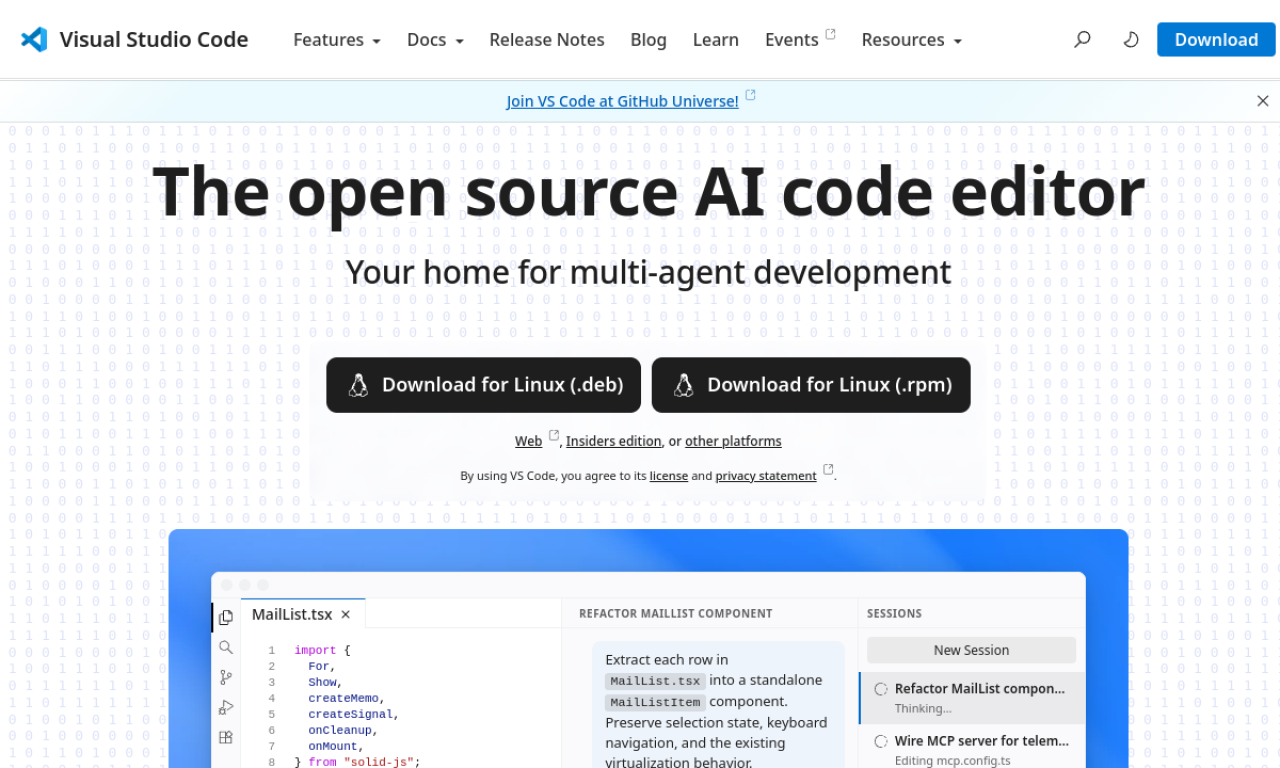
Visual Studio Code is Microsoft's free, open-source editor for building, debugging and managing software. It runs on Linux, macOS, Windows and the web, and adds AI agents that plan, write and debug code. A large extension marketplace and built-in Git support round it out.
- Added on
- Nov 2, 2026
- Website
- code.visualstudio.com
- Pricing model
- Free
- Company
- Microsoft
Product information
What is Visual Studio Code?
Visual Studio Code is a free, open-source code editor from Microsoft. It handles web and cloud development with an integrated terminal, debugger and Git tools. AI agents can plan, implement and debug tasks, including multi-agent workflows.
Core features of Visual Studio Code
- AI agents for planning, coding and debugging
- Multi-agent workflows, local and cloud
- Integrated terminal and debugging
- Built-in Git and GitHub Codespaces
- Large extension marketplace
- Remote development in containers
Use cases of Visual Studio Code
- 1Building and debugging web apps with AI help
- 2Developing in containers or Codespaces
- 3Letting agents fix bugs in the background
- 4Reviewing pull requests with Git tools
- 5Writing code in many programming languages
How to use Visual Studio Code?
Download it for macOS, Windows or Linux, or open the web version. Open a project folder, install extensions for your language, run and debug with the built-in tools, and ask AI agents to implement or troubleshoot tasks.
Frequently asked questions about Visual Studio Code
What is Visual Studio Code?+
Visual Studio Code is a free, open-source code editor from Microsoft with built-in AI agent support.
Is Visual Studio Code free?+
Yes, it is offered as a free, open-source editor.
What is Visual Studio Code used for?+
It is used to write, build, debug, test and manage software projects, including web and cloud applications.
Which category is Visual Studio Code in?+
Visual Studio Code is listed under AI Code Assistant.
Visual Studio Code tags
code editorai code assistantai agentdeveloper toolsGoodAI Badge Embed
Show your support for Visual Studio Code
Add this badge to your website to show that Visual Studio Code is featured on Good AI Life. Choose a light or dark version, then copy the embed code.
More badge options →