

- 0 gespeichert
- 0 Aufrufe
- 0 Videos
- Einführung:
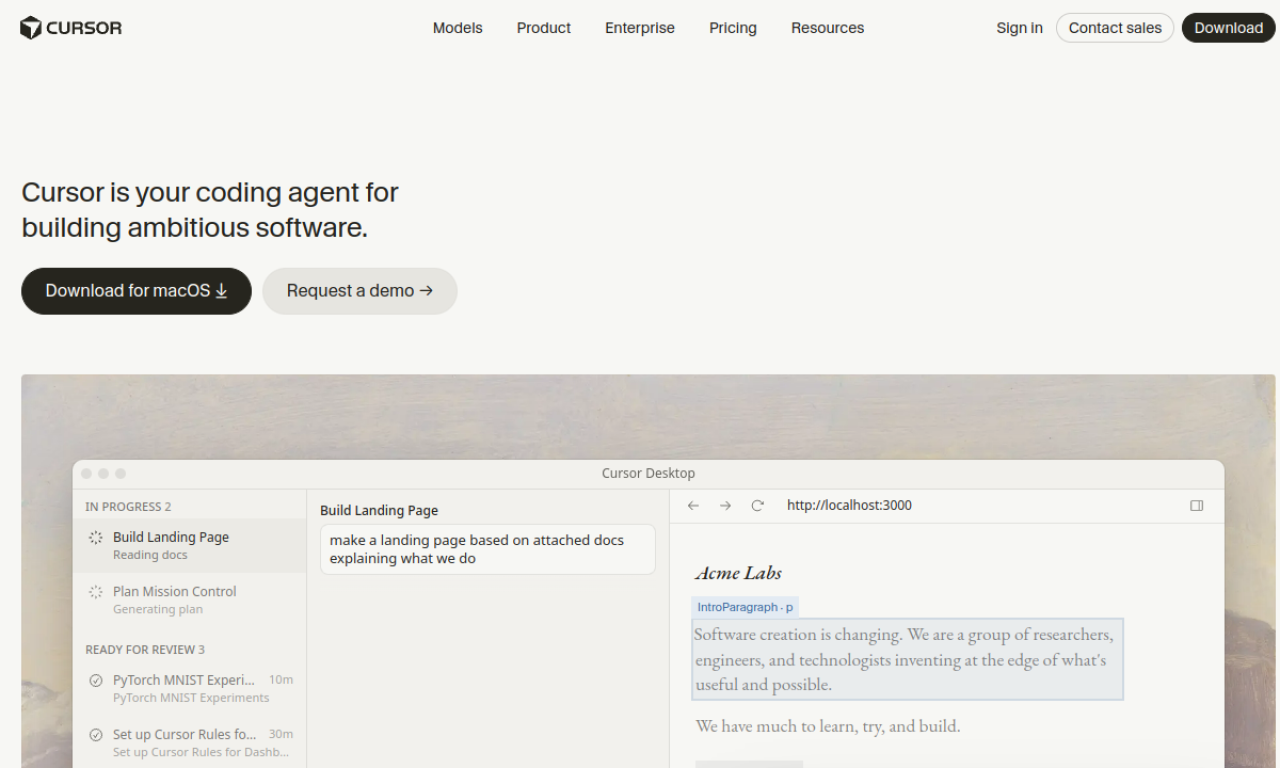
- AI-powered code editor for enhanced developer productivity.
- Hinzugefügt am:
- 1. Nov. 2026
- Website:
- cursor.sh
- Unternehmen:
- Anysphere
Empfohlene Tools
Einführung
Beschreibung in der Originalsprache (English).
AI-powered code editor for enhanced developer productivity.
- Hinzugefügt am
- 1. Nov. 2026
- Website
- cursor.sh
- Preismodell
- Freemium
- Unternehmen
- Anysphere
Produktinformationen
Was ist Cursor - The AI Code Editor?
Cursor is an AI-powered code editor from Anysphere that aims to feel familiar while adding smart completion, codebase questions and natural-language editing.
Kernfunktionen von Cursor - The AI Code Editor
- AI code completion
- Natural-language code editing
- Codebase Q&A
- Selectable models
- Privacy mode
Anwendungsfälle für Cursor - The AI Code Editor
- 1Speeding up everyday development
- 2Understanding and changing an unfamiliar codebase
- 3Automating repetitive coding work
Wie verwendet man Cursor - The AI Code Editor?
Download and install Cursor, import your existing extensions, themes and keybindings, then start coding with tab completion, natural-language edits and questions about your codebase.
Häufige Fragen zu Cursor - The AI Code Editor
How do I get started with Cursor?+
Install the editor, import your extensions, themes and keybindings, and begin using its AI features.
Does Cursor have privacy options?+
Yes. Privacy mode keeps your code from being stored remotely, and Cursor states it is SOC 2 certified.
Which companies use Cursor?+
Cursor lists engineers at companies such as Stripe, Shopify and Samsung among its users.
In welcher Kategorie ist Cursor - The AI Code Editor?+
Cursor - The AI Code Editor ist unter Programmierung, KI-Programmierassistent aufgeführt.
Tags für Cursor - The AI Code Editor
codecodingGoodAI-Badge einbetten
Unterstütze Cursor - The AI Code Editor
Füge dieses Badge zu deiner Website hinzu, um zu zeigen, dass Cursor - The AI Code Editor auf Good AI Life vorgestellt wird. Wähle eine helle oder dunkle Variante und kopiere den Einbettungscode.
Weitere Badge-Optionen →