

- 0 enregistrés
- 0 vues
- 0 vidéos
- Présentation:
- AI transcription, YouTube downloading and light video cutting in one media assistant
- Ajouté le:
- 2 nov. 2026
- Site web:
- www.clipto.com
- Entreprise:
- Clipto, Inc.
Outils à la une
Présentation
Description affichée dans sa langue d’origine (English).
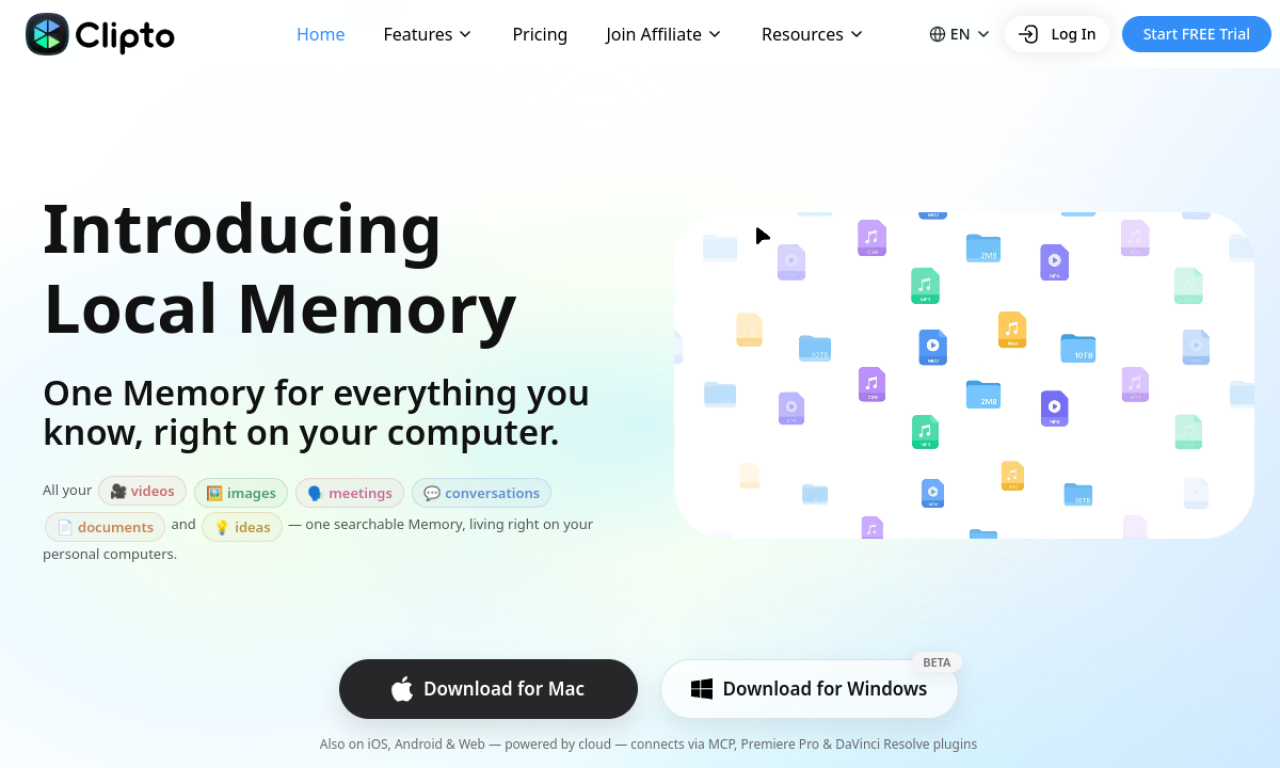
Clipto.AI transcribes audio and video in 99+ languages, with up to 99% accuracy claimed for major languages. You can upload files or paste a link, edit and translate the transcript and export it as SRT, VTT, TXT or DOCX. Files up to six hours long are supported, and AI runs on-device for privacy.
- Ajouté le
- 2 nov. 2026
- Site web
- www.clipto.com
- Modèle tarifaire
- Free Trial
- Entreprise
- Clipto, Inc.
Informations produit
Qu’est-ce que Clipto.AI ?
Clipto.AI is an AI media management assistant offering transcription, light video editing and digital asset management.
Fonctionnalités principales de Clipto.AI
- AI transcription
- 99+ languages
- YouTube downloader
- Smart asset search
- Light video cutting
- On-device AI processing
Cas d’usage de Clipto.AI
- 1Transcribing interviews and usability tests
- 2Creating video subtitles
- 3Transcribing Zoom meetings
- 4Making transcripts of online courses
- 5Turning podcast episodes into articles
Comment utiliser Clipto.AI ?
Upload an audio or video file, or paste a URL from sites such as YouTube or Facebook. The transcript can then be edited, translated and downloaded in several formats.
Questions fréquentes sur Clipto.AI
How many languages does Clipto.AI support?+
More than 99 languages for transcription.
What formats can Clipto.AI export?+
SRT, VTT, TXT, DOCX, plus Final Cut or Premiere project formats.
How long can Clipto.AI recordings be?+
Up to six hours.
Dans quelle catégorie se trouve Clipto.AI ?+
Clipto.AI est répertorié dans Transcription IA.
Tags de Clipto.AI
ai transcriptionai speech-to-textai subtitle generatorIntégration du badge GoodAI
Soutenez Clipto.AI
Ajoutez ce badge à votre site pour montrer que Clipto.AI est présenté sur Good AI Life. Choisissez une version claire ou sombre, puis copiez le code d’intégration.
Autres badges →